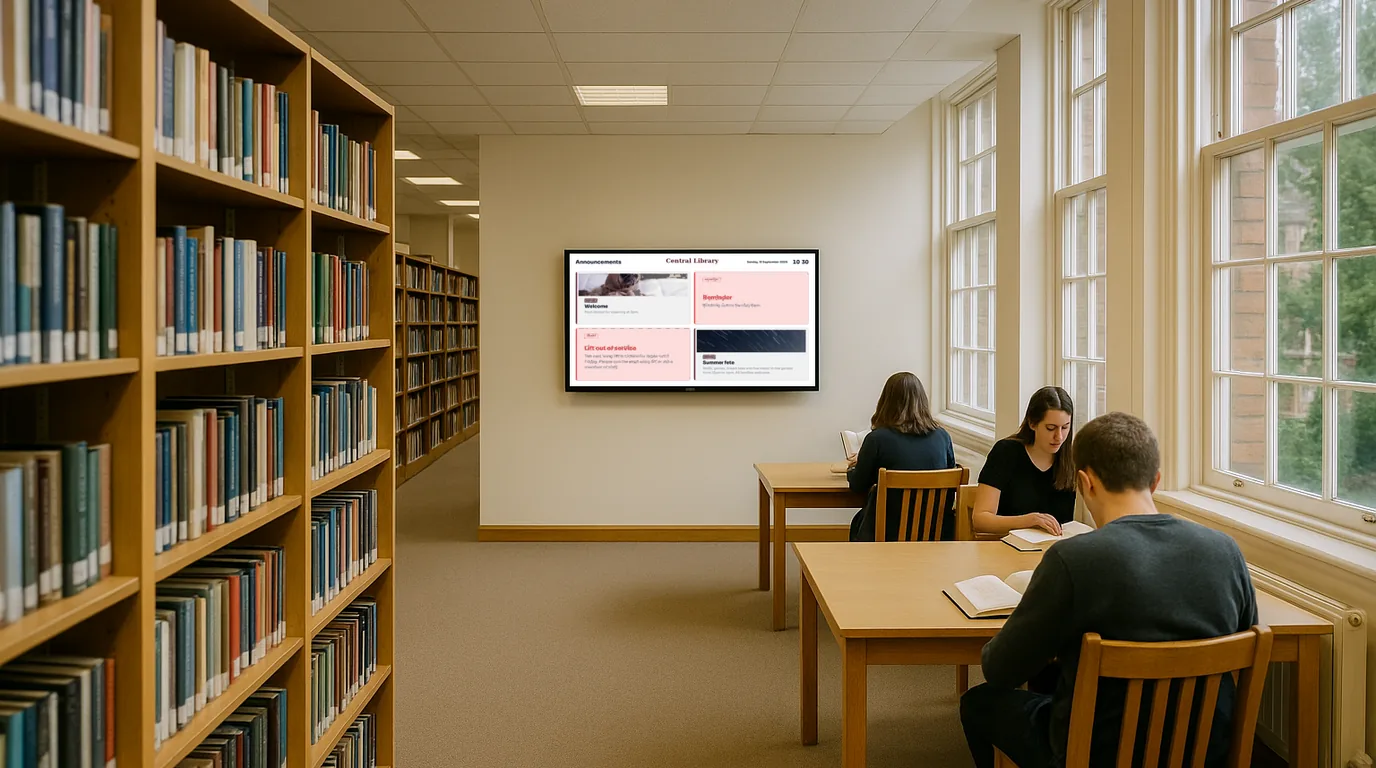
Library digital signage — opening hours, events and notices that keep visitors informed

Display opening hours, today's events, study room availability and community notices on any screen across your library. Update from your phone or dashboard. Live in 15 minutes — no IT required.

No credit card required  ·  Cancel anytime  ·  Free plan available
The problem

Opening hours printed on the door, changed without updating, and events nobody attends

Libraries serve a community that depends on knowing exactly what is available and when. Opening hours that change for bank holidays, school half-terms, or emergency closures need to reach visitors before they make a wasted journey. Events — storytime, homework club, digital skills sessions — need to be visible well before the day they run.

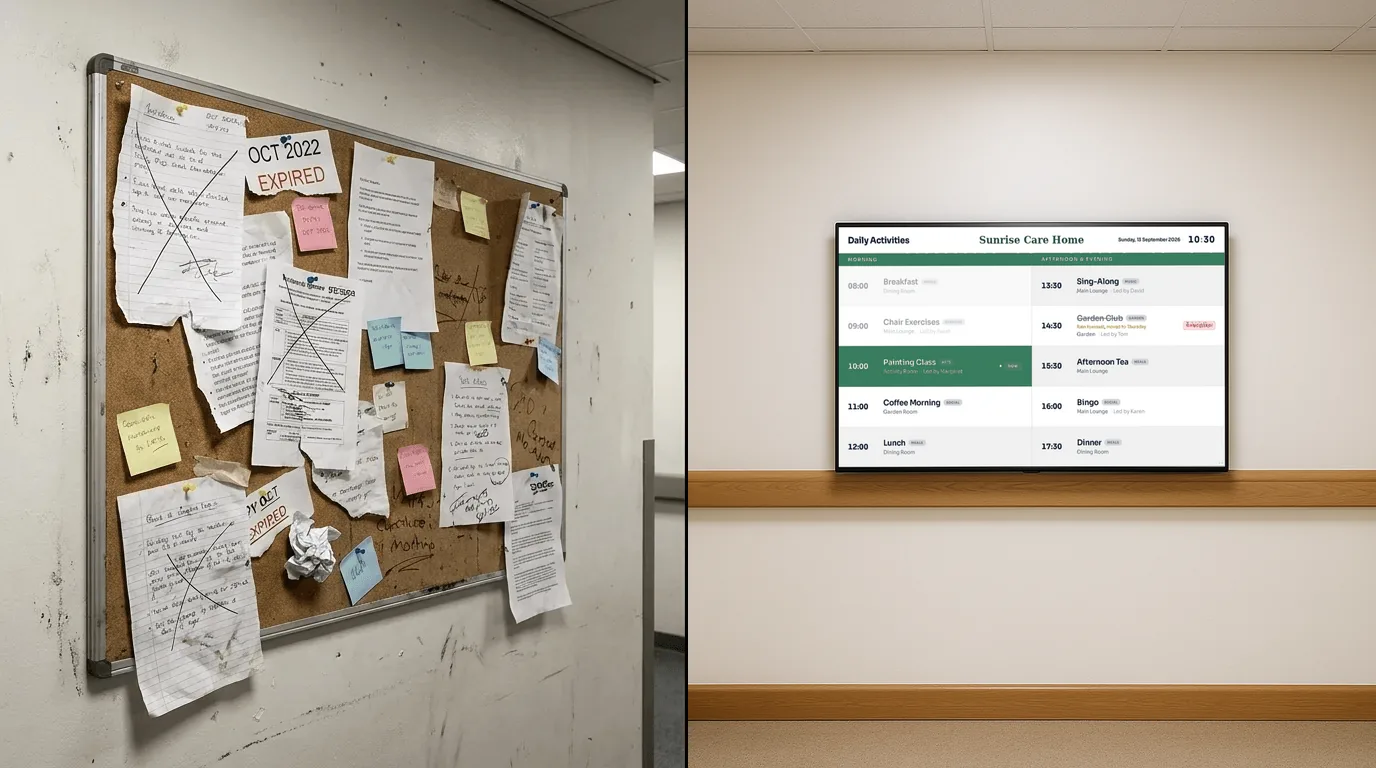
Right now, that information often lives in three places at once: a printout stuck to the door with tape, a notice on the counter that has been there since March, and a website page that the library has no budget to update. The "is the study room free?" question gets asked at the desk every few minutes, pulling librarians away from the members who need them most.

New collections, digital services, and community partnerships that the library has invested in go unannounced. Visitors leave without knowing the library offers laptop loans, free printing, or a local history archive because the information exists only in a leaflet stand that nobody browses. A screen in the entrance — updated centrally, visible to every visitor — changes all of this.

Why it matters

What outdated information costs a library's community

Wasted journeys undermine trust

A visitor who arrives to find the library closed for a bank holiday not shown online or on the door will find another way to meet their need — and may not come back. Opening hour accuracy is a basic expectation.

Events run to empty rooms

Storytime, homework club, author talks, digital skills workshops — events that have been booked, prepared, and staffed run to audiences far smaller than they should because visibility was limited to a flyer on a counter.

Repetitive desk enquiries

"Is the study room free?" "When does this close today?" "Do you do printing?" Every question that a screen could answer in four seconds is time taken away from a patron who needs substantive help.

Services go undiscovered

Libraries offer remarkable services that most community members do not know exist. New acquisitions, local history collections, digital resources, community programmes — invisible without a visible, current communication channel.

The solution

Digital signage for libraries that any librarian can manage

NowBoard is digital signage software designed for notices, schedules, and community information — not complex media production or advertising campaigns. Plug a NowBoard Player into any screen in your library and start displaying useful, accurate, up-to-date information within minutes.

Your branch librarian, front-of-house team or central communications coordinator can update every screen across every branch from a single phone or dashboard. When opening hours change for a bank holiday, update them once and every screen updates. When a new event is added to the programme, it appears on the display immediately. No printing, no taping, no waiting for a website update.

  1. Plug in a NowBoard Player

    Use the NowBoard Player Pro (a dedicated HDMI device, £139) on any TV screen — in the entrance, at the information desk, in a study area. Or use the NowBoard Player App on any Google Play Certified Android or Google TV device already in the building.

  2. Add your content

    Opening hours, today's events, study room availability, community notices, new acquisitions. Use NowBoard's templates or build a clean, professional layout that suits the library's environment.

  3. Screens update instantly

    Change an opening time, add an event, post a closure notice. Every connected screen updates automatically. Update from the desk, from the back office, or remotely from a council communications team.

Use cases

Six ways libraries use NowBoard to serve their communities

Opening hours display

Today's hours — including holiday changes — visible the moment a visitor walks in

A NowBoard entrance display shows today's opening and closing time, any reduced hours for bank holidays or planned closures, and next opening time if today is a closure day. Update it once centrally and every screen across every branch shows the correct information. For library services managing multiple branches with different hours, this is the difference between confident visitors and wasted journeys. When an emergency closure is needed, post a notice to all screens immediately from any device.

A council library service managing five branches uses NowBoard to display opening hours at each entrance. When hours change for the school summer holidays, the central communications team updates all five branches at once from the dashboard. Branch staff no longer need to manage their own signage for routine changes.

Today's events and activities board

Storytime, homework club, craft sessions — visible to every visitor throughout the day

NowBoard displays the day's events programme in the entrance and in relevant areas of the library. Storytime at 10am in the children's section. Homework club at 3:30pm. Digital skills drop-in from 2pm. Authors talks and reading group meetings. When a session is cancelled or rescheduled, update the screen immediately. Visitors browsing the library at 1pm see that there is a children's craft session starting in an hour and can choose to stay. Without a visible display, they would never know it was happening.

A city library displays the week's events programme on a screen near the entrance and a second screen in the children's section. Attendance at children's events has increased since the display was installed — parents browsing the library notice sessions they would otherwise have missed.

Study room and PC availability display

Is the study room free? — answered without queuing at the desk

NowBoard can display study room and PC availability, manually updated by staff as rooms fill up or become free. A screen near the study area showing "Study Room A — Available until 5pm" or "All PCs currently in use — next availability approx 2pm" reduces the flow of visitors to the main desk for routine enquiries. Note: NowBoard currently supports manual updates for availability displays — live integration with booking systems is a roadmap feature. For libraries without formal booking systems, manual updates throughout the day are quick and effective.

New books and acquisitions highlight

Genre spotlights and staff picks — promoting the collection visitors came to discover

NowBoard displays new arrivals, themed collections, and staff recommendations on screens near relevant sections of the library. New crime fiction this month. Young adult titles just arrived. A local history spotlight. Graphic novels — new to the collection. Visitors discover titles they would never have found through a catalogue search, increasing engagement with the physical collection and justifying the library's continued investment in acquisitions. Update the display when new stock arrives or when the theme changes for a season or campaign.

A public library uses NowBoard to display a "Staff Picks" board near the entrance — rotating titles recommended by librarians, updated monthly. Borrowing of featured titles consistently increases during the display period.

Library rules and code of conduct

Quiet zones, phone-free areas, and conduct expectations — visible without confrontation

NowBoard displays library rules and zone information clearly and professionally — without relying on handwritten signs or laminated printouts that age poorly. Quiet zone reminders near study areas. Phone-free zone notices at designated reading tables. Rules for PC use, printing, and food and drink. A professional, well-designed display communicates expectations in a way that is informative rather than confrontational. Update it when policies change without the cost of reprinting.

Community notices board

Local services, volunteering opportunities, and community information in one place

Libraries serve as community hubs, and NowBoard gives that function a visible platform. Display local authority service information, volunteering opportunities, community group notices, NHS health campaigns, and third-sector services on a screen in the entrance or waiting area. For visitors who use the library as a community touchpoint — particularly those who may be isolated or have limited digital access — a visible, rotating community notices display provides genuinely useful information that may not reach them any other way.

Why NowBoard

Why libraries choose NowBoard

Public library services operate with constrained budgets and limited technical resource. Most digital signage systems require specialist installation, ongoing maintenance contracts, and per-screen licences that make site-wide deployment unaffordable. NowBoard is the alternative: deploy on any existing screen, manage centrally without IT involvement, and keep the cost proportionate to the service it provides.

Free plan available

NowBoard has a Free plan at £0/month for a single Location. Ideal for a single-branch library getting started or a small community library with limited budget. See all plans.

Central management for multi-branch services

Each branch is its own Location. A central manager can update all of them from one dashboard — opening hours, authority-wide campaigns, event programmes. Branch staff can update their own local content without affecting others.

Works on screens you already have

Any TV or monitor with an HDMI port becomes a NowBoard display. The NowBoard Player Pro (£139) plugs straight in. Or use the NowBoard Player App on any existing Android TV or Google TV device.

No IT skills needed

Librarians can update their own screens without involving IT. A central communications team can push updates to all branches simultaneously. No training courses, no technical manuals.

Works offline

If the building's internet connection drops, NowBoard screens keep displaying the last update. When the connection returns, they sync automatically. Visitors always see current information.

From £10/Location/month

Pay per Location (branch), not per screen. Unlimited screens in one branch showing the same content count as one Location. No setup fees, no annual contracts. See pricing.

Getting started

Get your first library screen live in under 15 minutes

  1. Sign up for a free trial — or start with the Free plan

    No credit card required. For a single-branch library, the Free plan may be all you need long-term. For multi-branch services, the free trial lets you evaluate before committing.

  2. Connect your player

    Plug a NowBoard Player Pro into the HDMI port on the entrance or information desk screen. Or install the NowBoard Player App on an existing Android TV or Google TV device in the building.

  3. Add your content

    Today's opening hours, events, community notices. Use NowBoard's clean templates designed for public-facing information displays.

  4. Go live — then expand

    Your first screen is live immediately. Roll out to further branches or add screens within the branch as confidence grows. Most library services have their first screen live within a single morning.

FAQ

Common questions about library digital signage

Our budget is very tight — is there a free option?

Yes. NowBoard has a Free plan at £0/month for a single Location. Ideal for a single-branch library getting started with digital signage. The Free plan covers one Location with the core features needed to display opening hours, events, and notices.

We're a council-managed service — can multiple branches be managed centrally?

Yes. Each branch is its own Location. A central manager — for example, a council communications team or library service manager — can update all branches from a single dashboard. Branch librarians can be given access to manage their own local content without affecting other branches. Role-based access means each user sees only what they need to manage.

Do we need new screens?

No. NowBoard works on any TV or monitor with an HDMI port. The NowBoard Player Pro (£139) plugs straight in. If you already have Android TV devices in the building, the NowBoard Player App runs on any Google Play Certified Android or Google TV device — no additional hardware purchase required.

Can we integrate with our booking system for study rooms?

Live integration with booking systems is on our roadmap. Currently, study room and PC availability can be updated manually by staff — a quick action from any device. For libraries without formal booking systems, this manual approach works well throughout the day.

Is there a minimum contract?

No. NowBoard is month-to-month from £10 per Location. The Free plan for a single Location has no time limit. No setup fees, no annual lock-in. Add branches when you are ready to expand.

Give your community the information they need, every time they visit

Your library exists to serve its community. When visitors see current opening hours, find out about events they would have missed, and discover services they did not know existed, the library becomes more valuable to them — and to the case for maintaining it.

Free plan available  ·  UK-based support  ·  From £10/Location/month