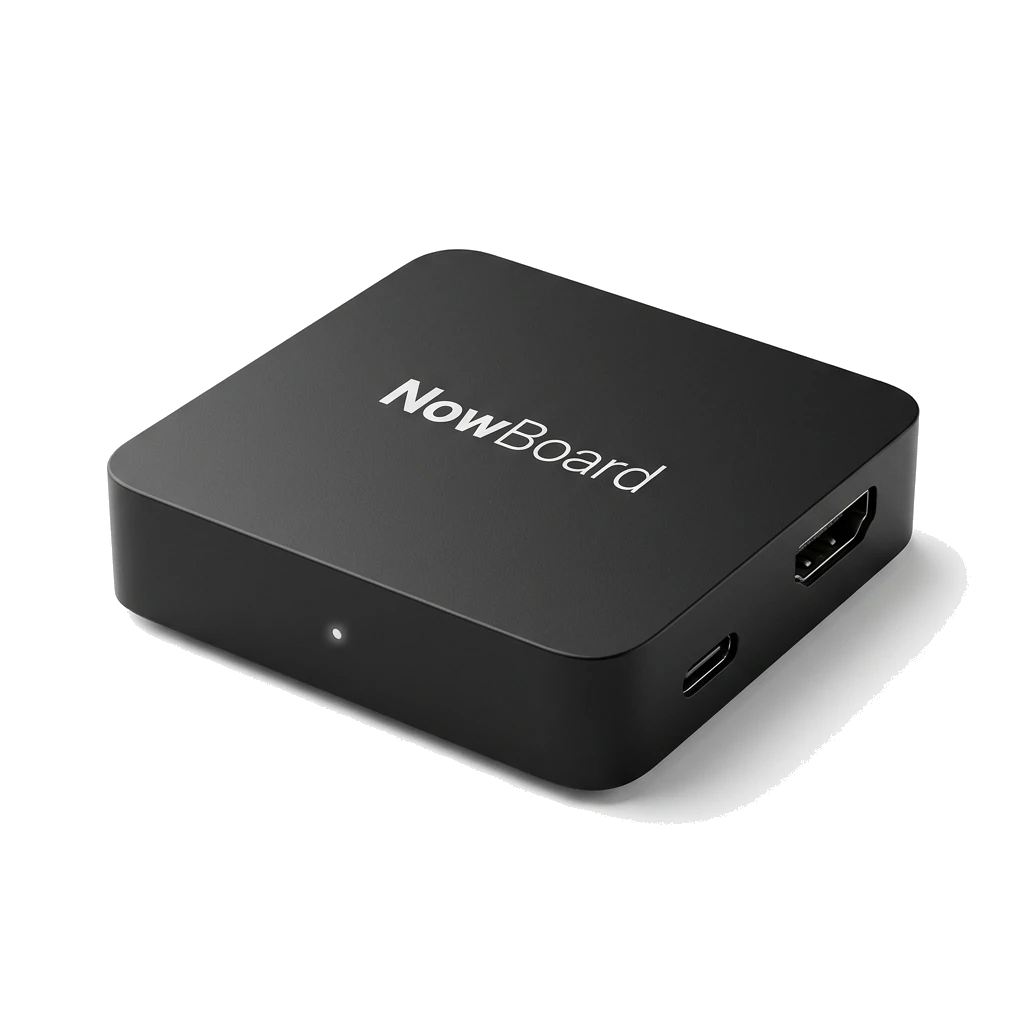
Add a screen with live property listings
-
Step 1 of 4
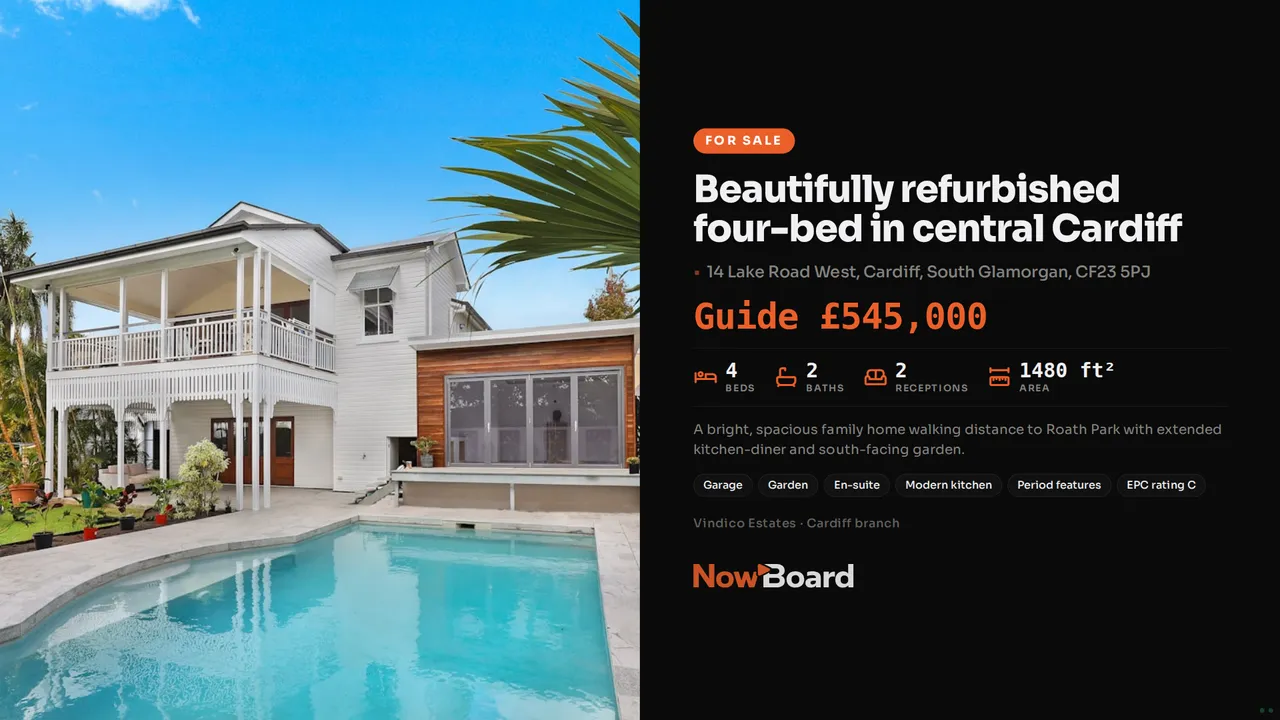
Pick the Property Listing Board
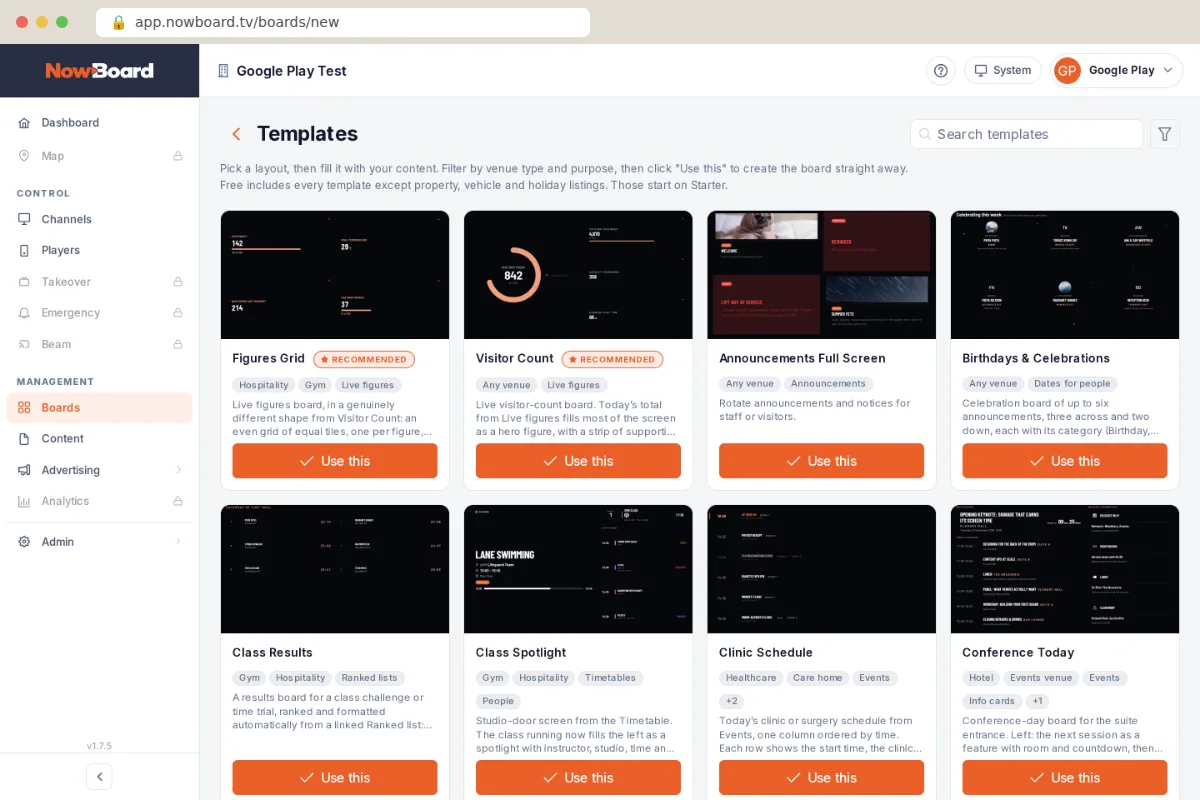
Open Templates and choose the Property Listing Board. It starts with sample homes, so you see the layout before you add anything.
-
Step 2 of 4
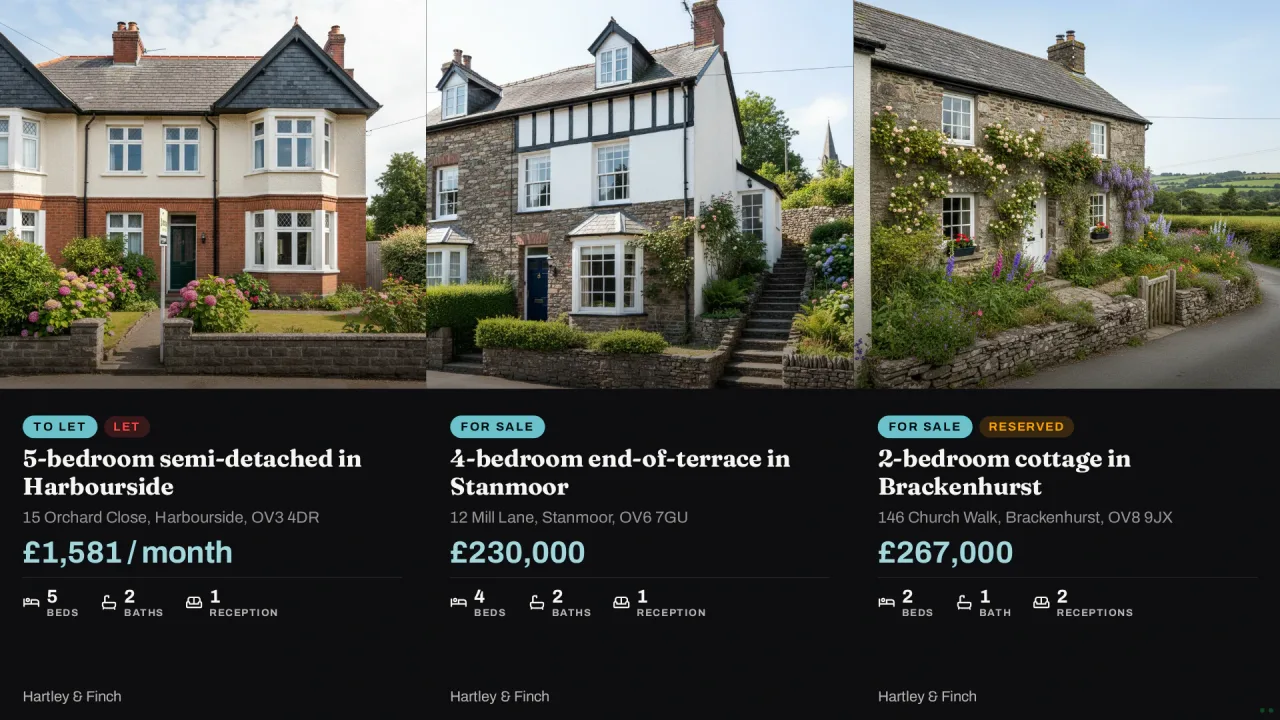
Connect your listings feed
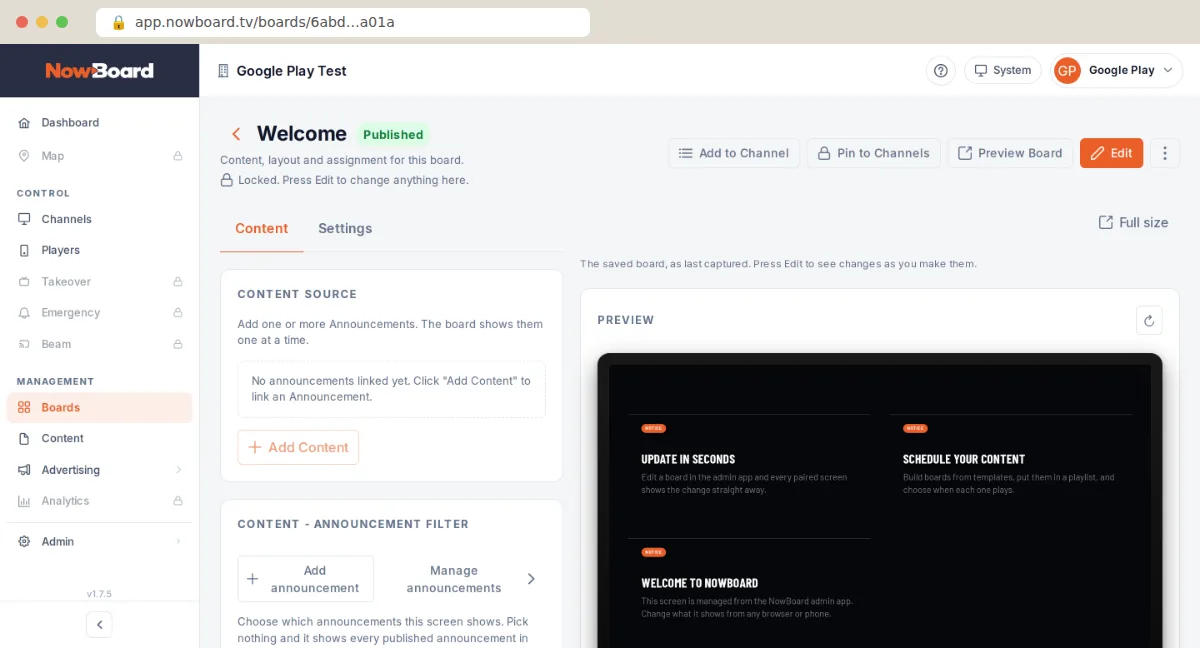
Add the property feed from your portal or CRM. Your listings fill the Board and stay in sync. Property feeds are on Starter and above.
-
Step 3 of 4
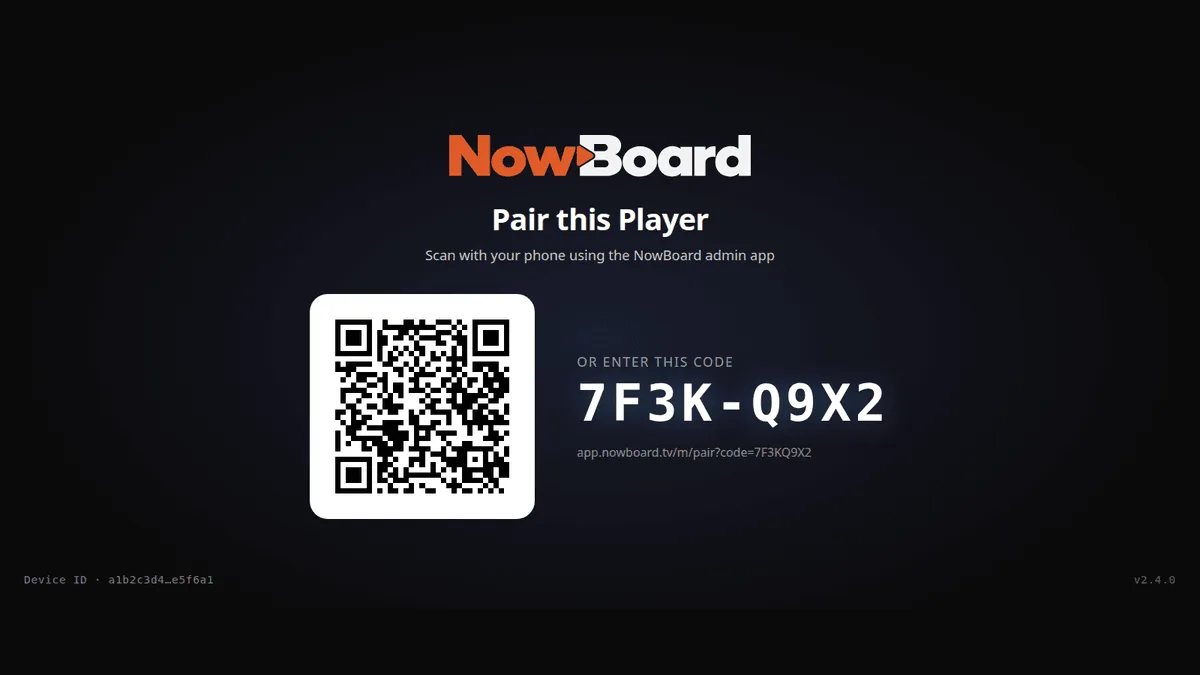
Pair the window TV
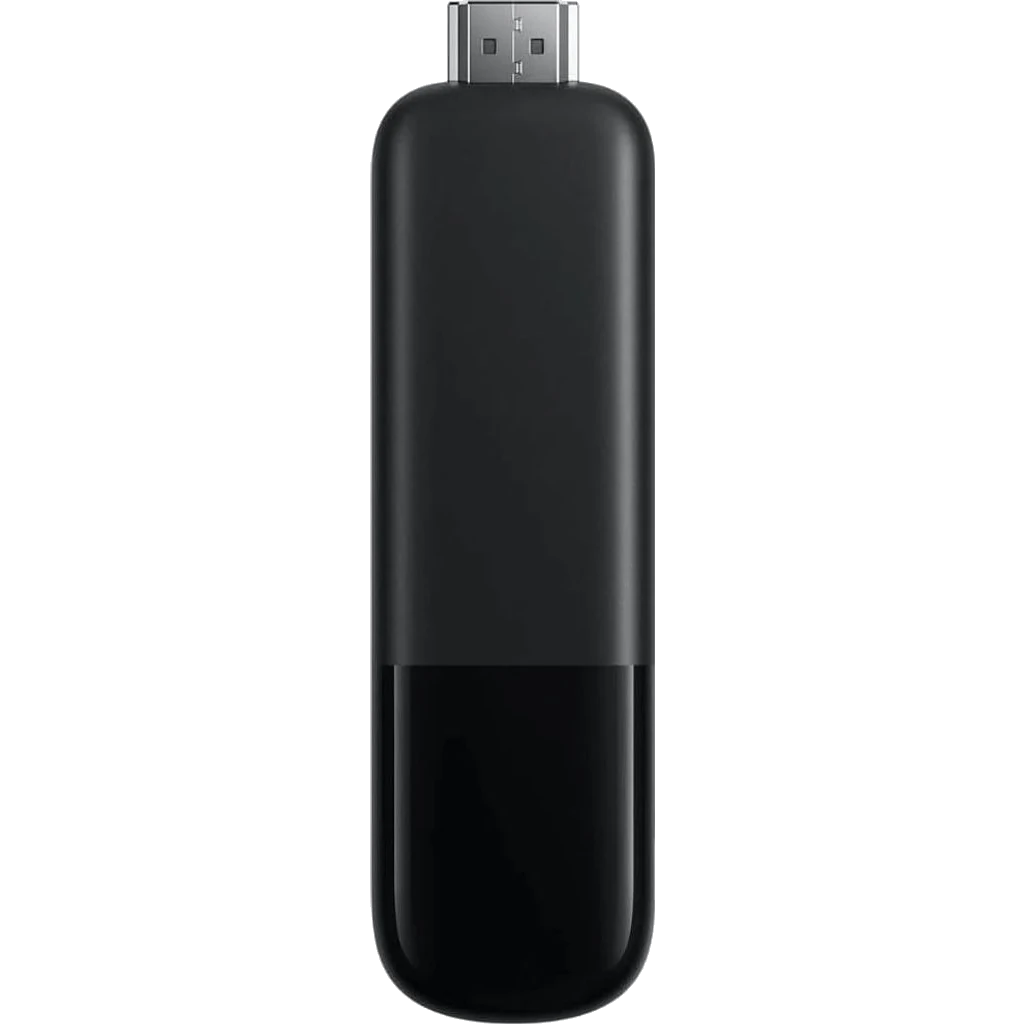
Plug a NowBoard Player into the TV. Scan the QR code with your phone, or type the code on the screen.
-
Step 4 of 4
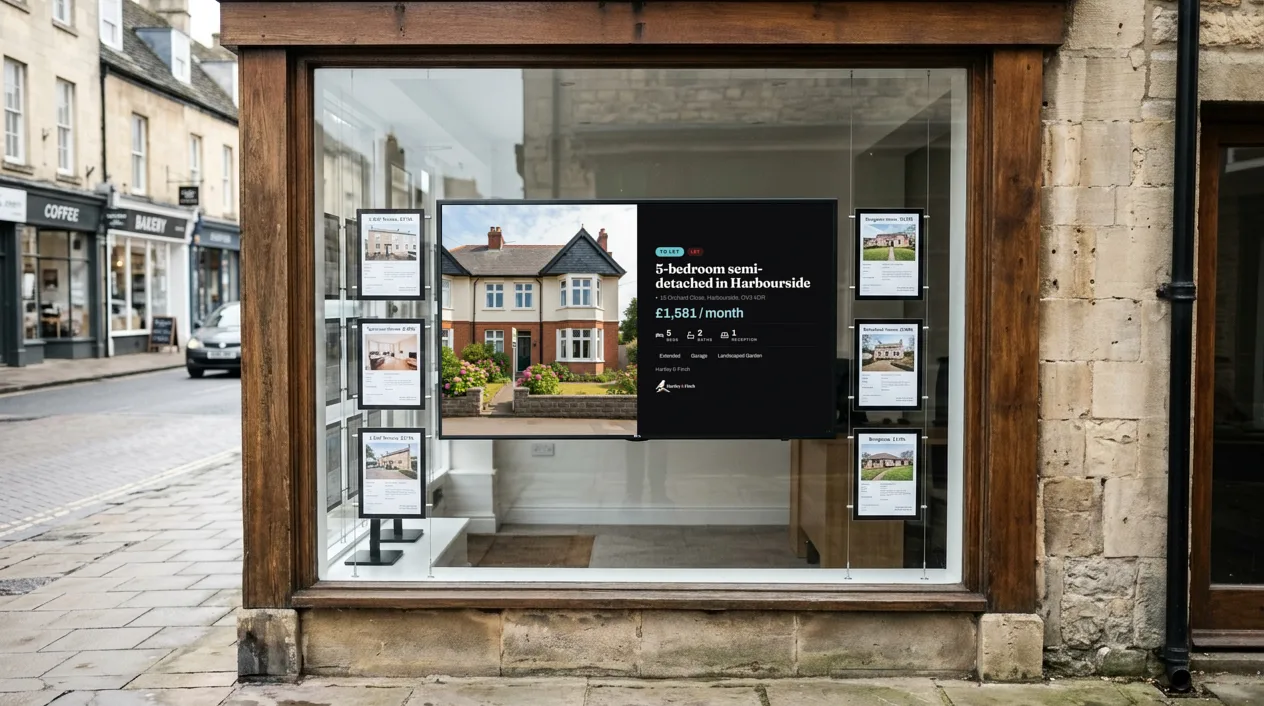
Live in your window
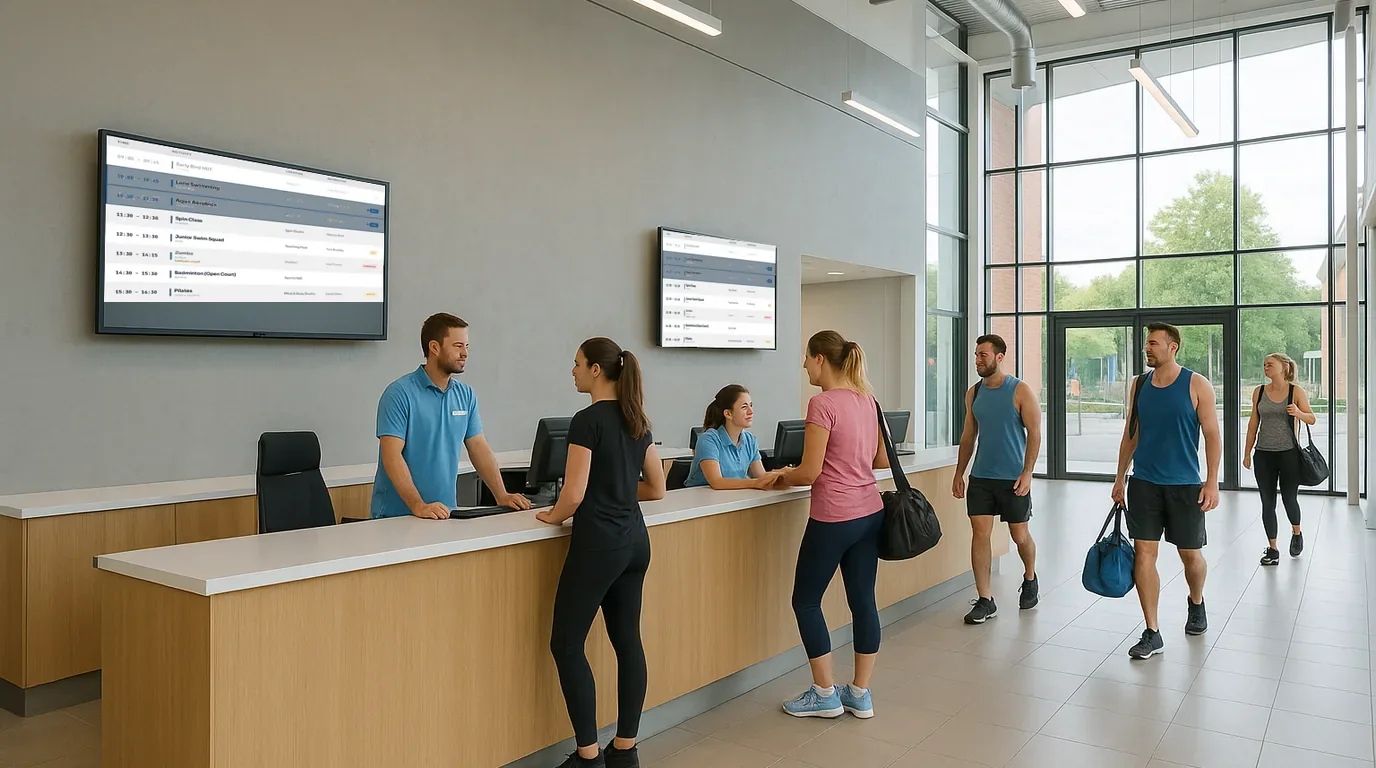
Your listings now play in the window, day and night. Mark a home as sold, and the window shows it within seconds.