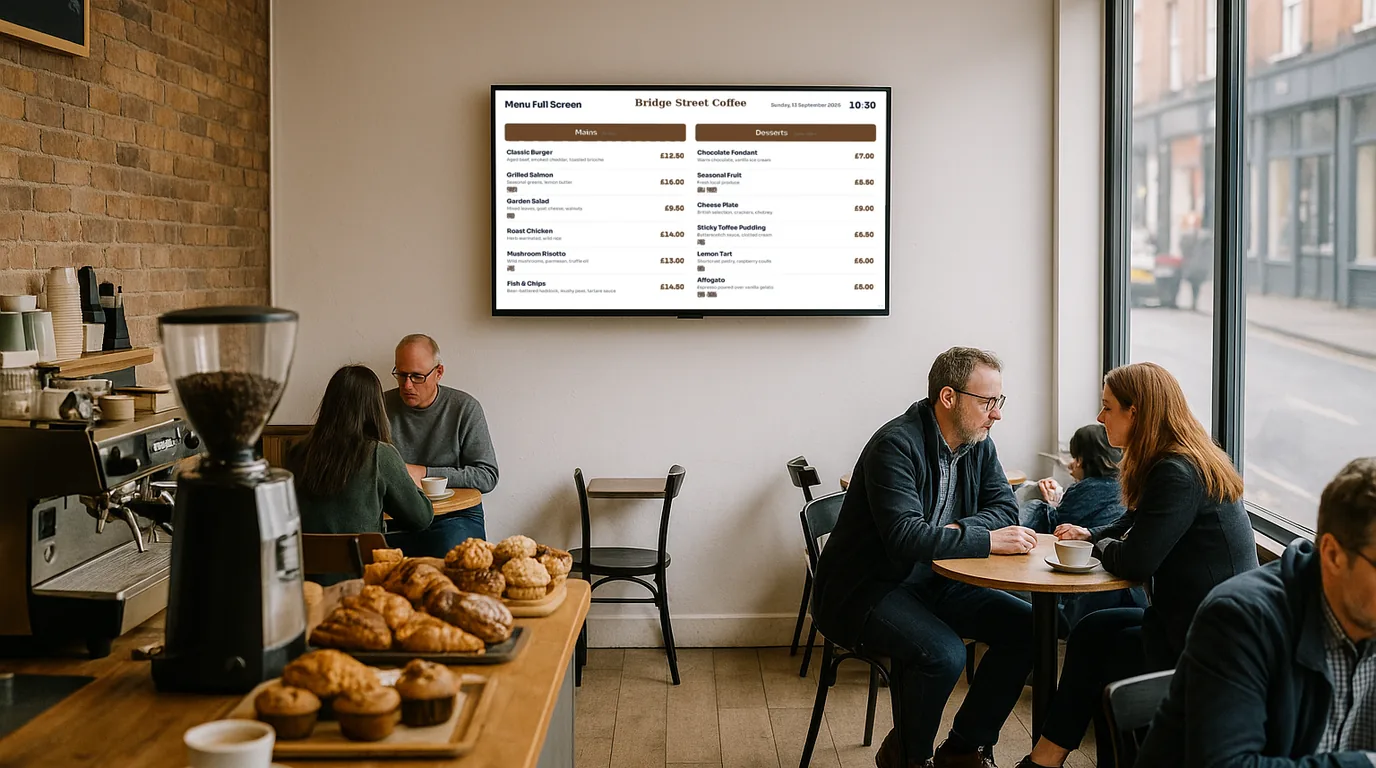
Café screen ideas from opening to close
Ideas for your café screen at each part of the day, from the breakfast menu to last orders, plus a five-minute routine that keeps it right.

Practical guides on digital signage: what to show on your screens, where to put them and how to keep them up to date, sector by sector.
Ideas for your café screen at each part of the day, from the breakfast menu to last orders, plus a five-minute routine that keeps it right.
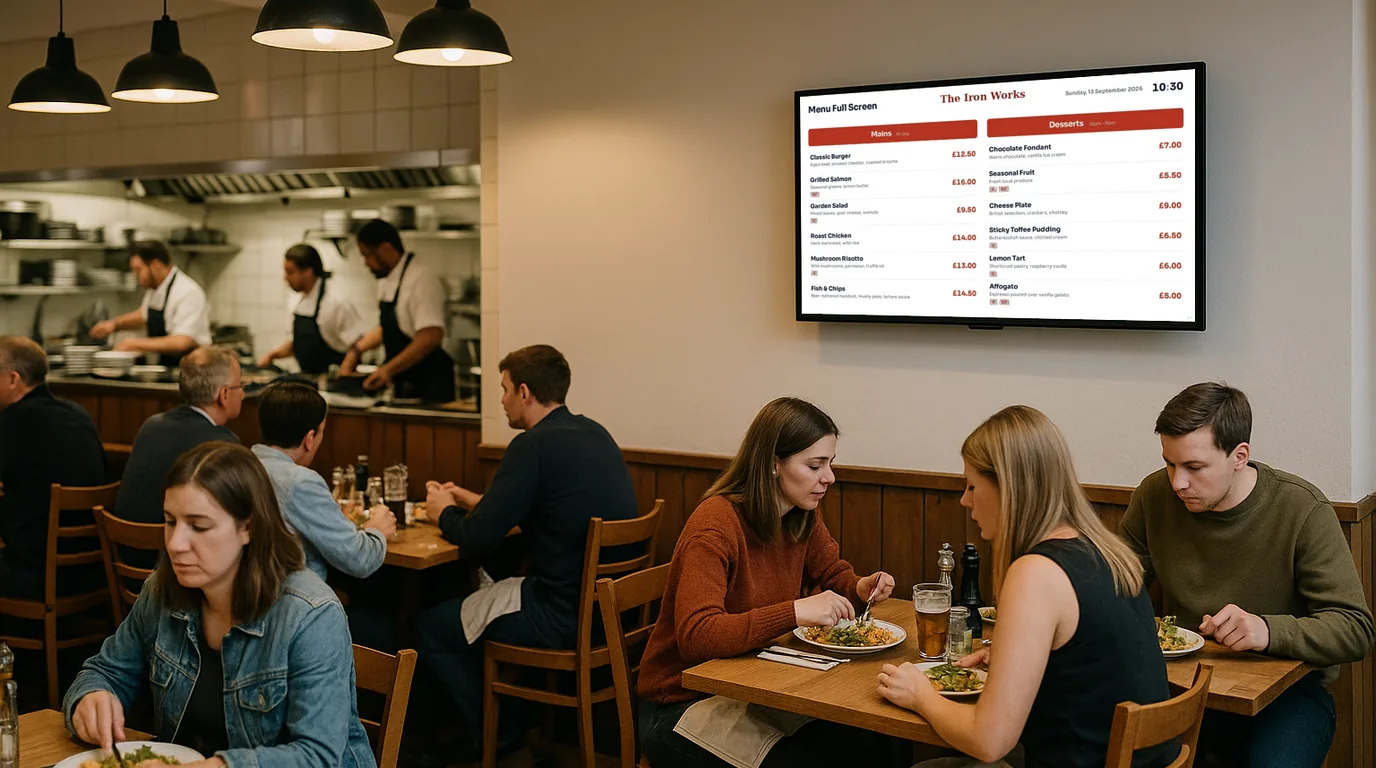
Tiny text, menus as pictures, sold-out dishes that vanish. Eight mistakes restaurants make with menu screens, and a practical fix for each.
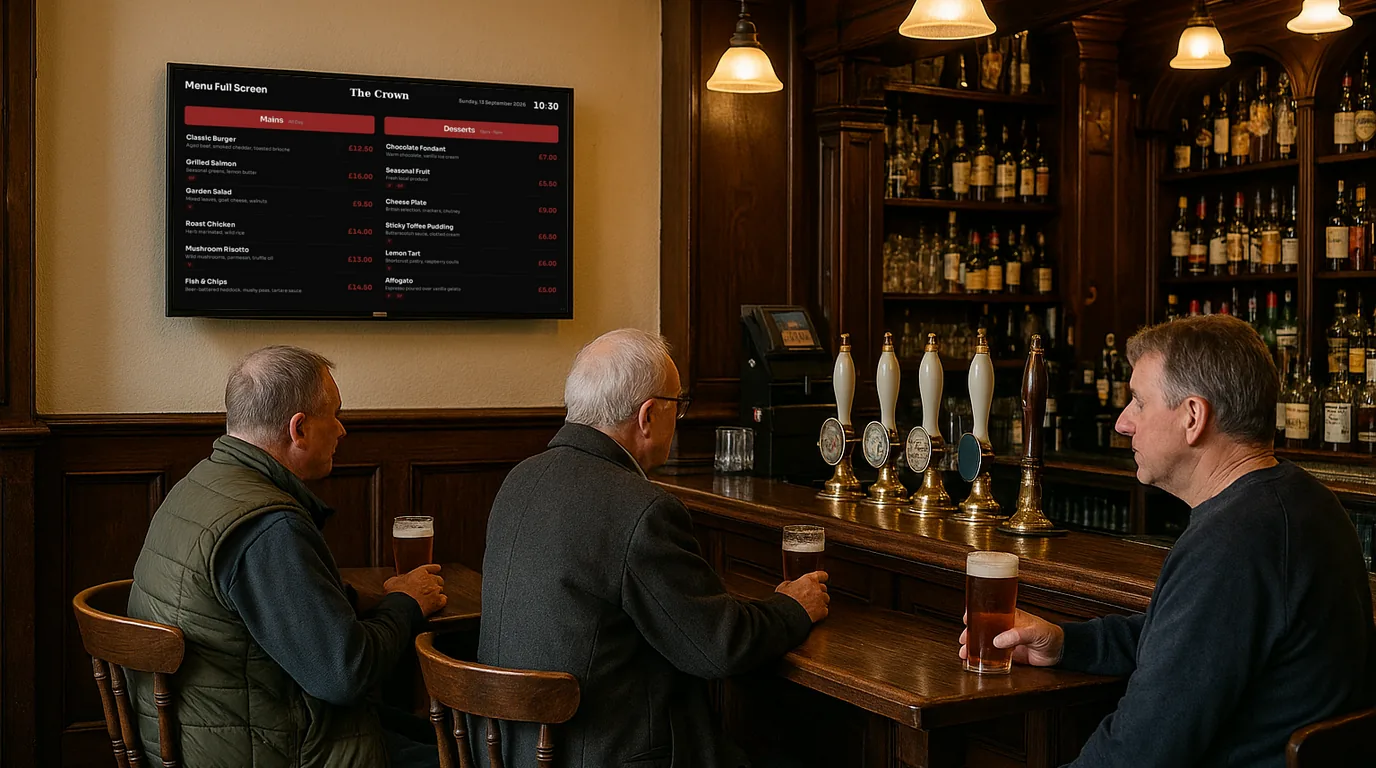
Use your pub TVs for more than sport: specials, fixtures, quiz night and paid local ads, with a simple weekly routine from Monday to Sunday.
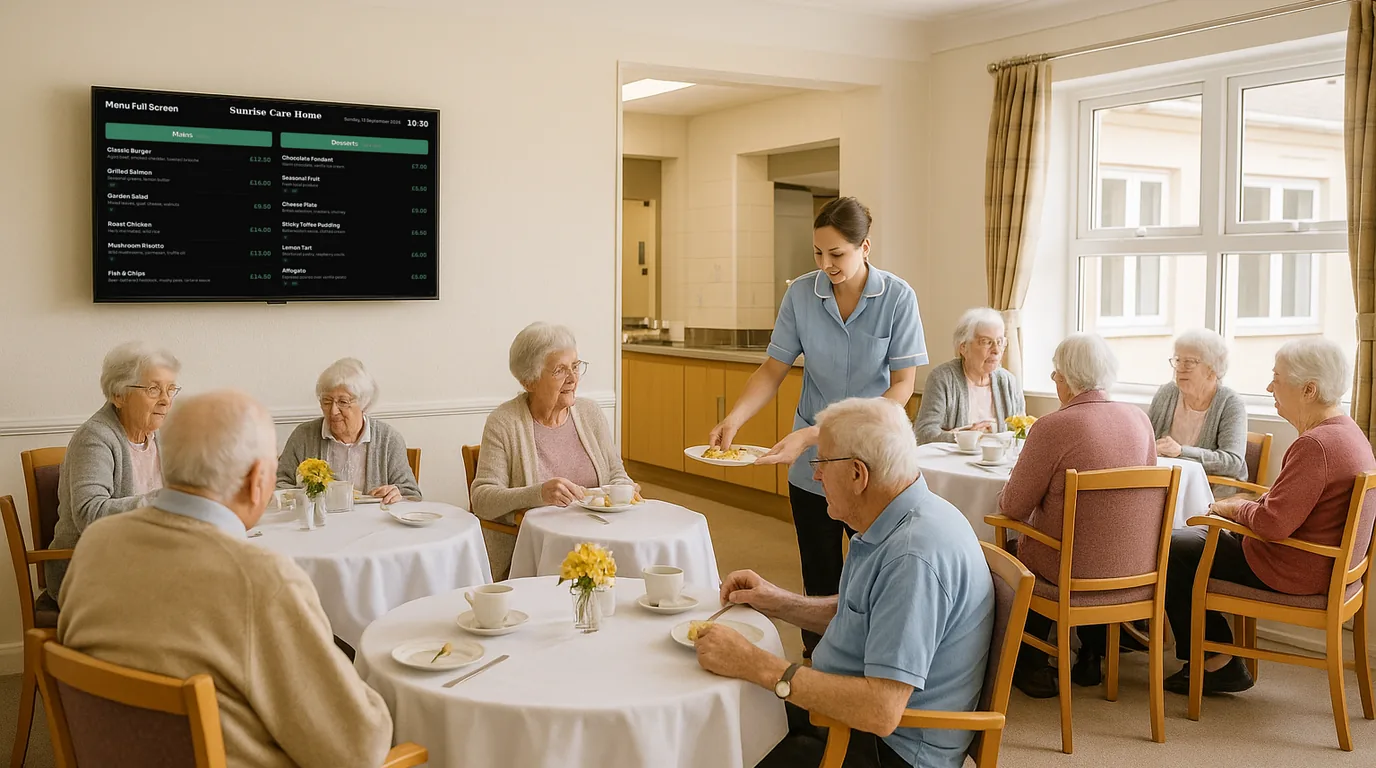
Tick these off before your menu goes live on a TV: prices, dietary badges, readable text, sold-out items, time-of-day menus and launch day.
A step-by-step guide to selling ad slots on your screens to local businesses: who to ask, how to price a slot, the booking flow and the commission.
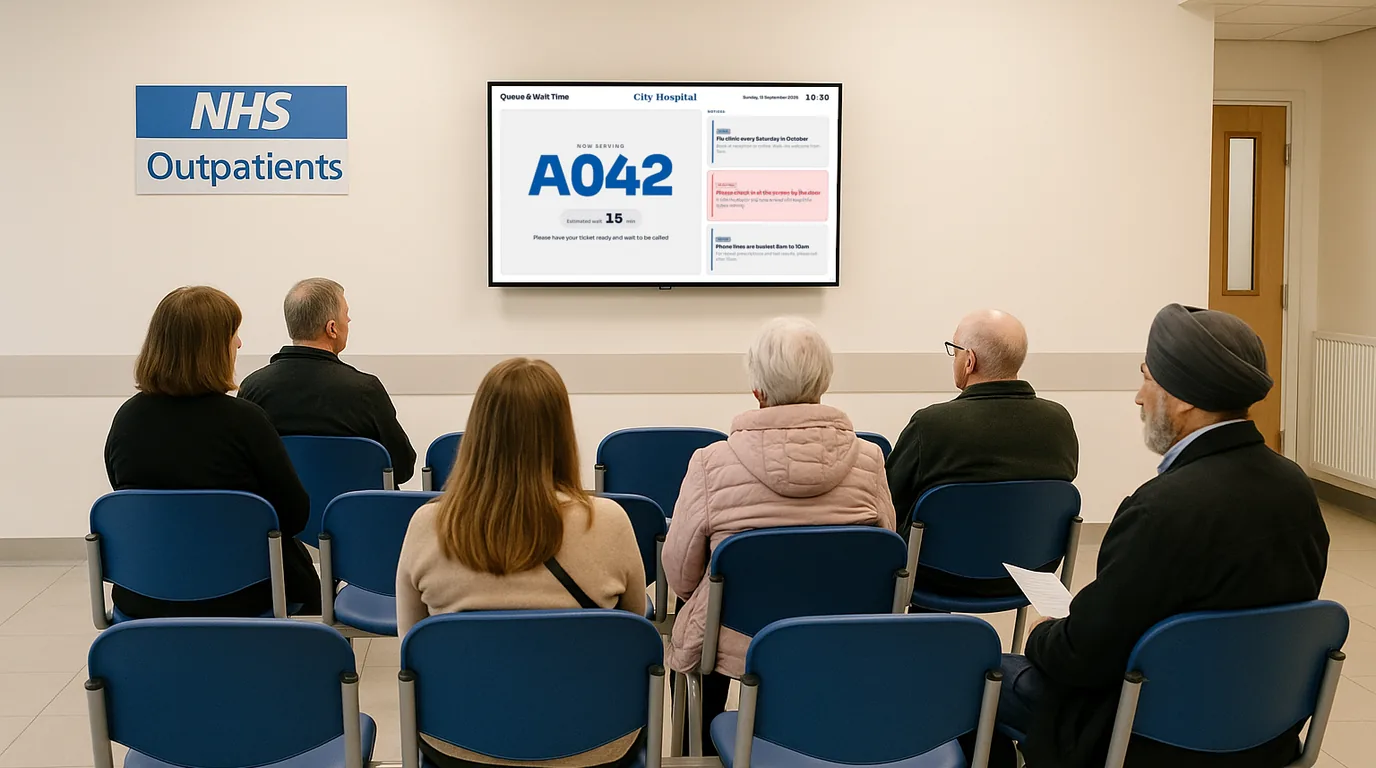
Show who is being seen and how long the wait is, from a screen the whole room can read. Placement, update habits and how to build it.
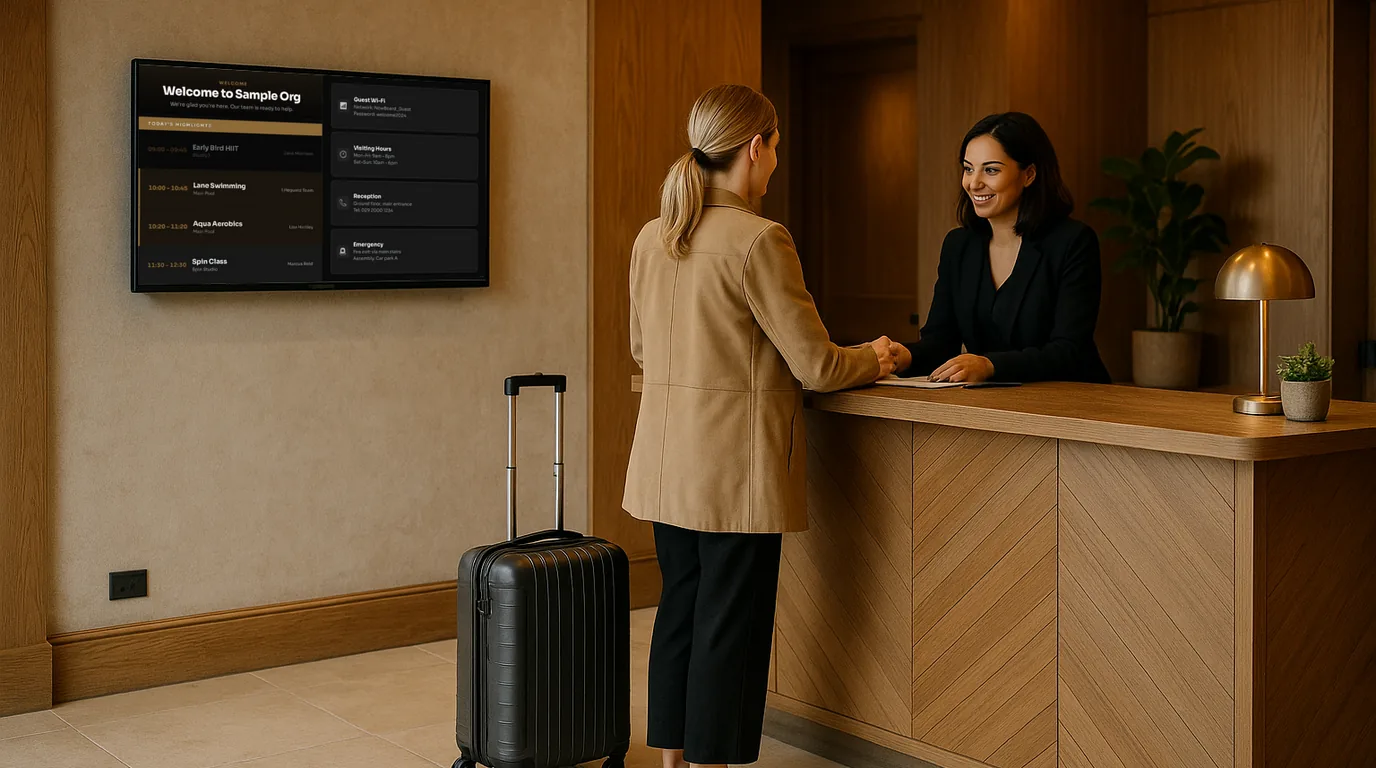
Ideas for hotel screens grouped by place in the building, from the lobby welcome to the lift lobby, the restaurant door and the staff corridor.
A step-by-step setup for the screen families read at the front door: visiting hours, staff on duty, celebrations, menus, polls and the privacy checks to make first.
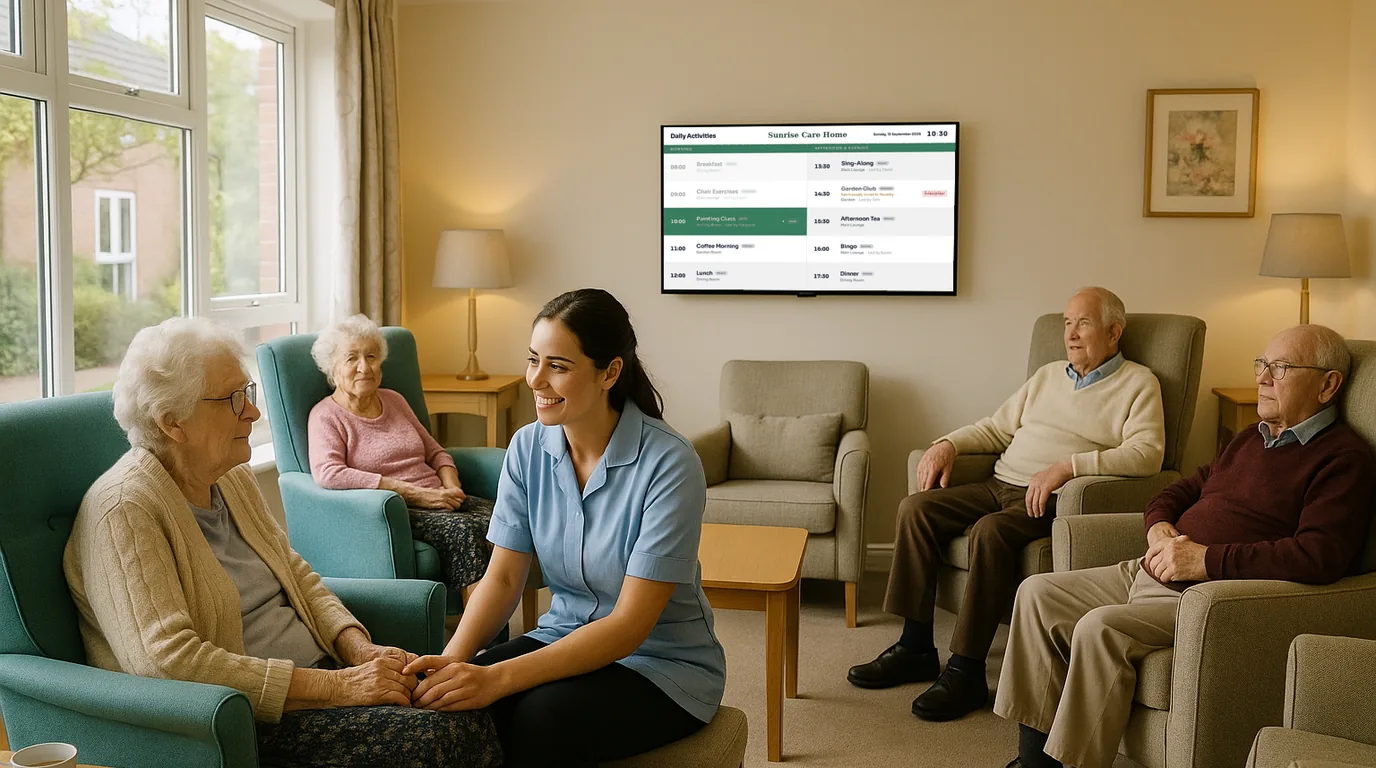
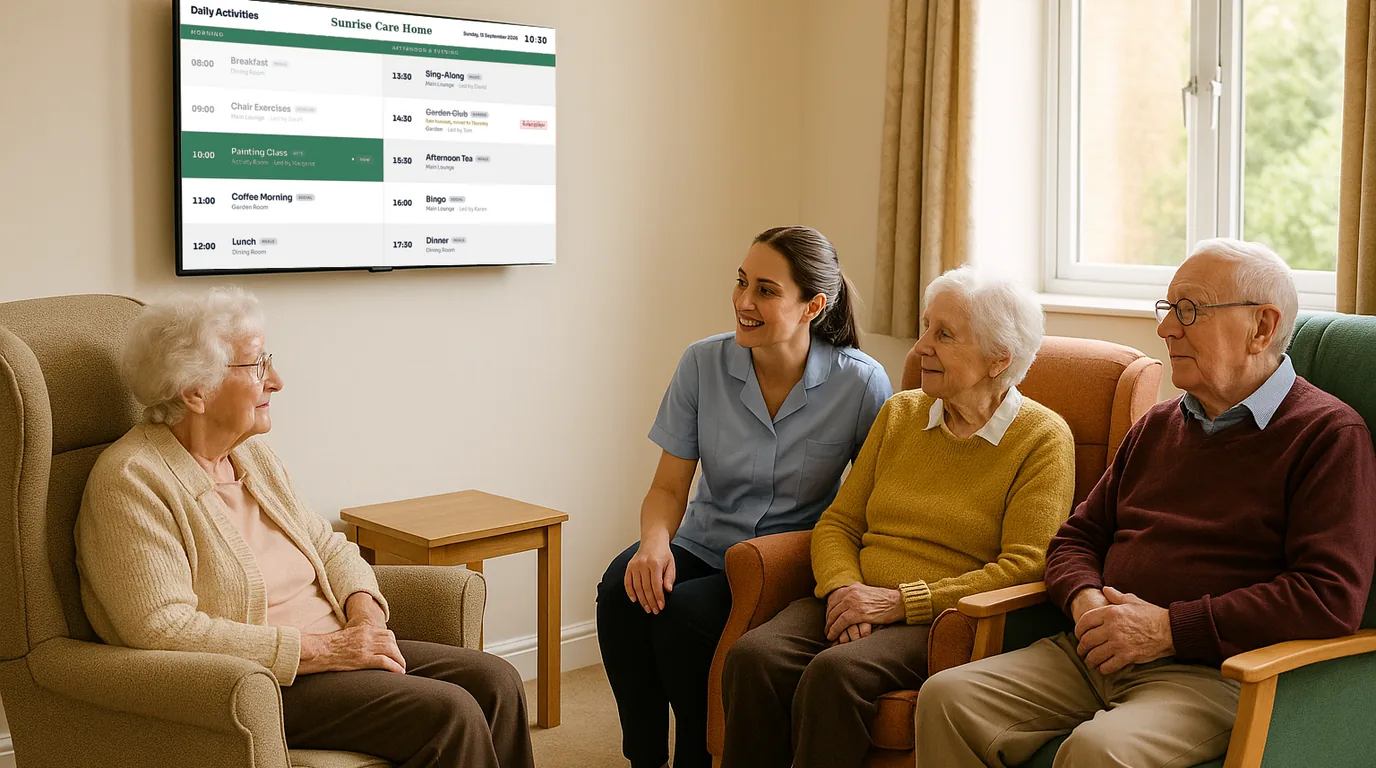
What a day clock should show, in what order and size, how to keep it readable from the far chair, and where to put it in a care home lounge or corridor.
Plan screens for waiting rooms, corridors and ward entrances: what to show, what to keep off, accessibility basics and a table of who owns which screen.
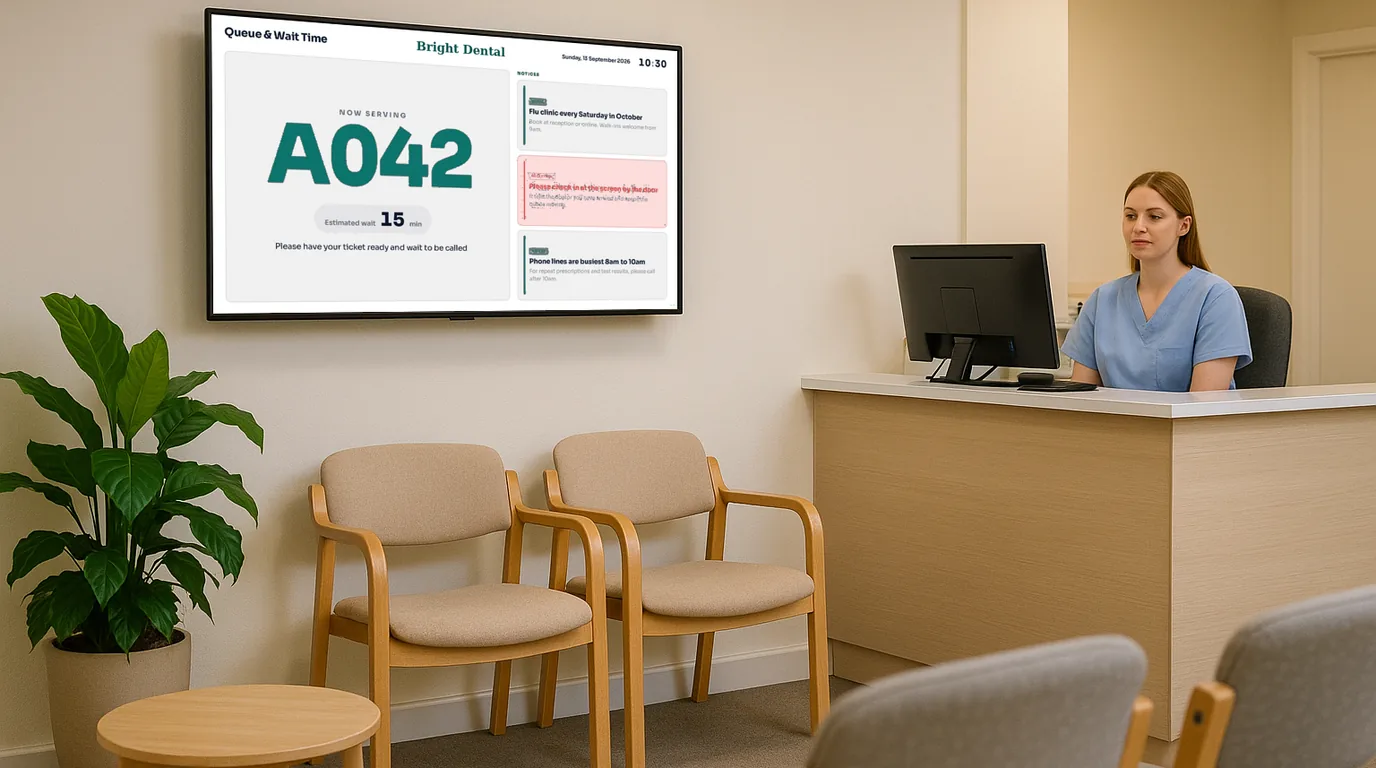
Twelve things to put on a dental waiting room screen, from the running delay and fees to the team, reviews and QR codes, plus what to leave off it.
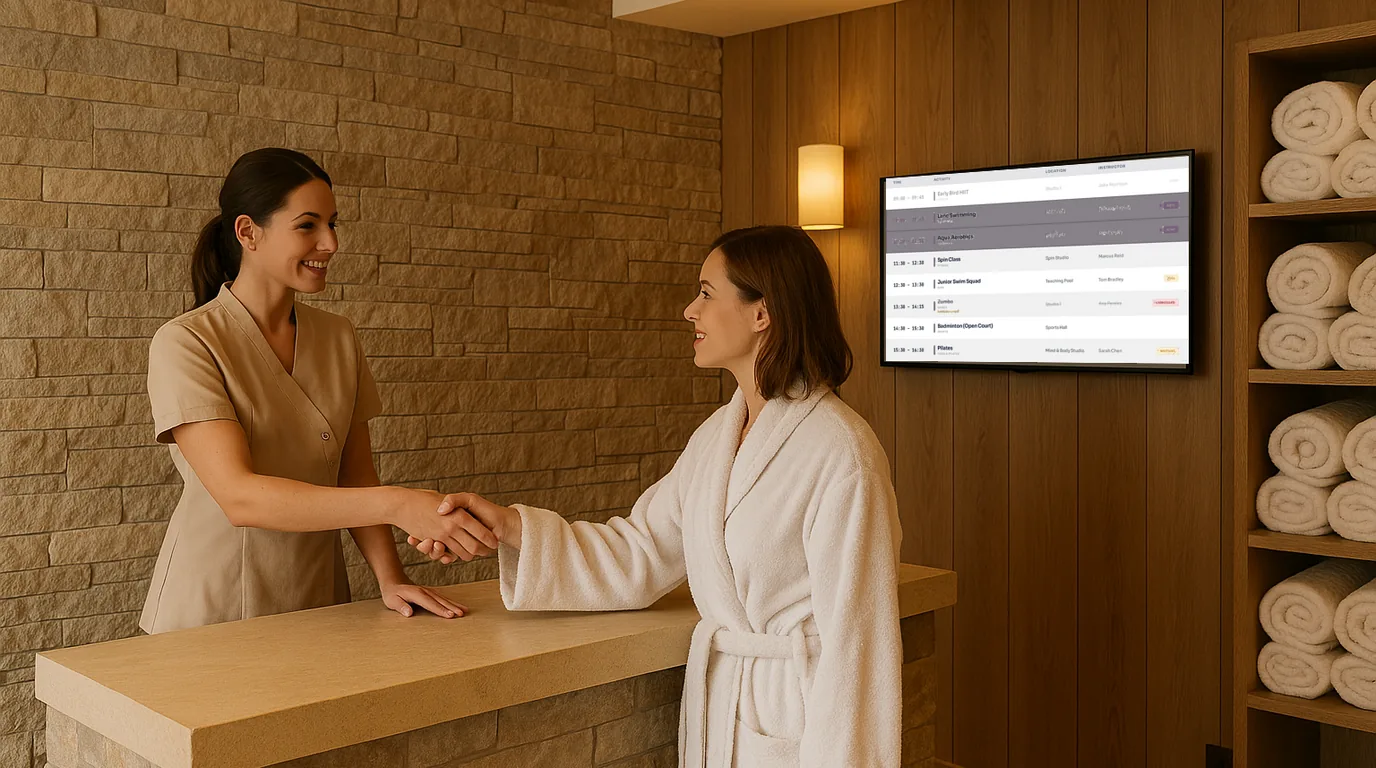
Where screens belong in a spa, how to lay out a treatment menu and class timetable, which visuals stay calm, and a do and avoid list for timing.
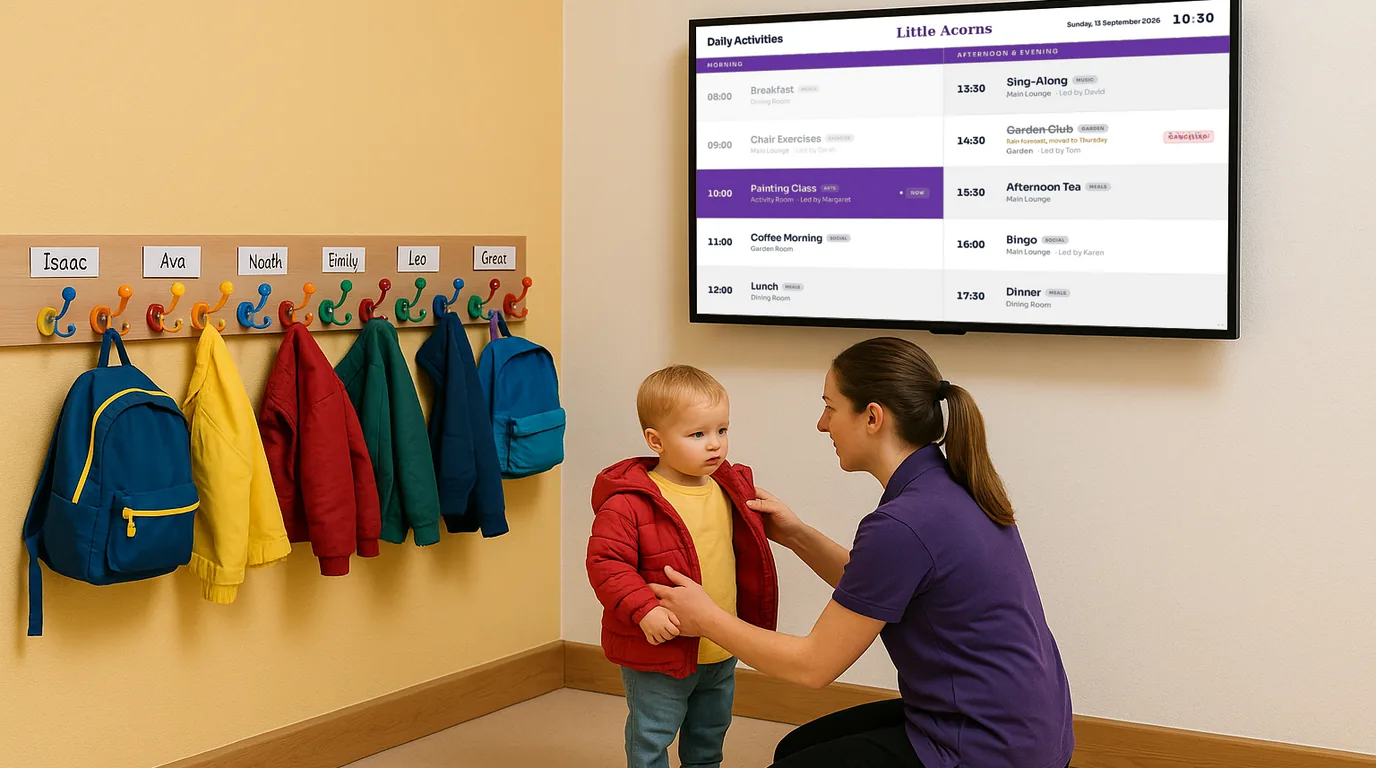
Set up a screen parents read at drop-off and pick-up: placement, menus, notices and closures, a weekly routine and firm rules for children's photos.
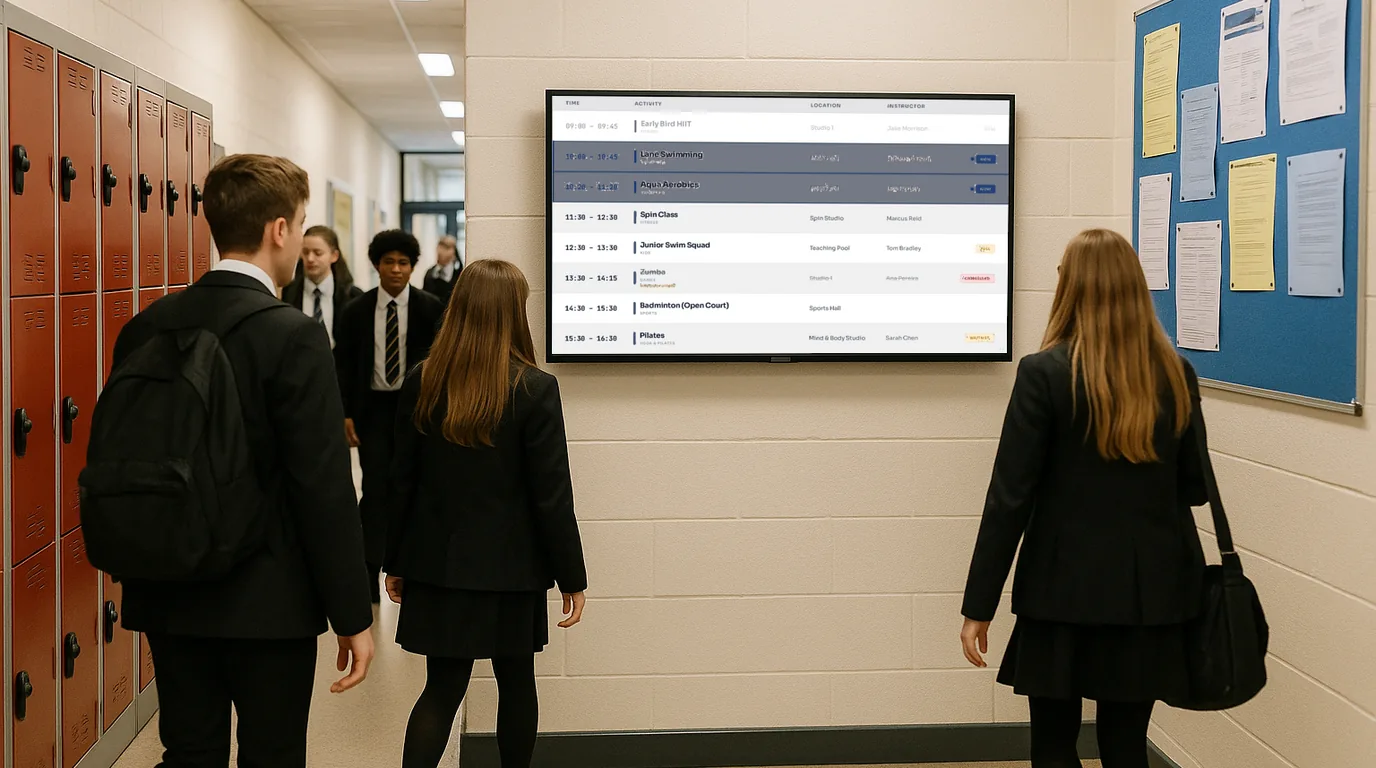
A seven-step plan for emergency screen messages: pre-written alerts, levels, which screens each goes to, who can trigger them, drills and ending an alert.
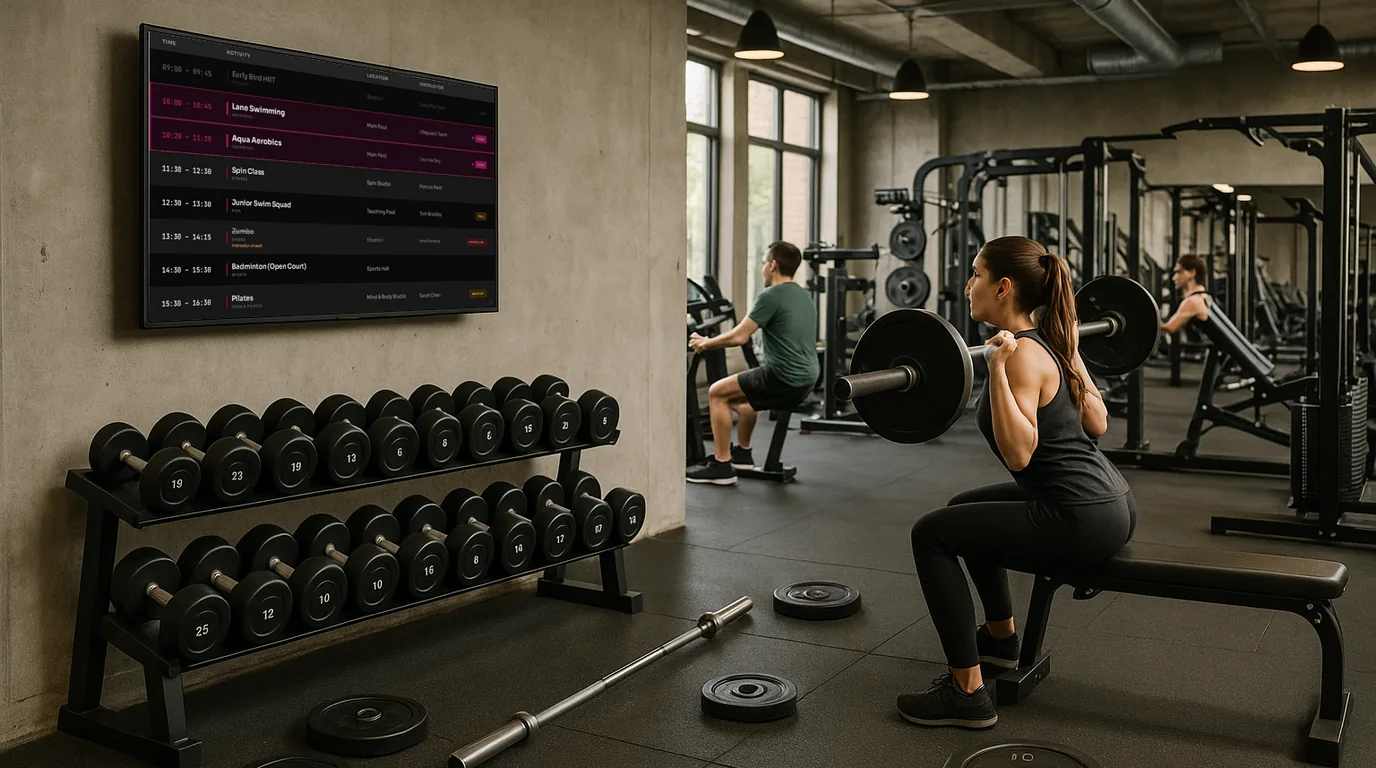
Where to mount gym screens, how to build a class timetable that moves on through the day, and how the front desk cancels or fills a class from a phone.
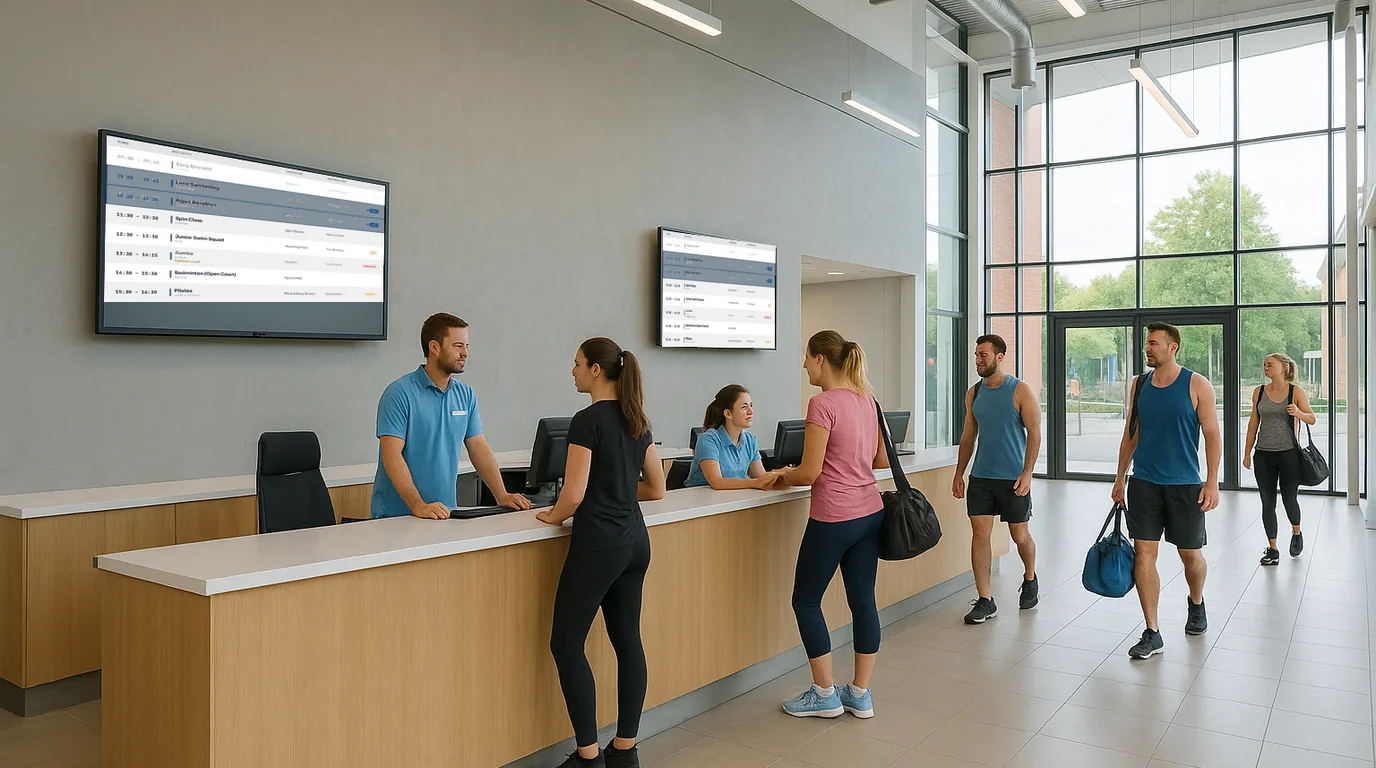
A screen-by-screen plan for a leisure centre, from the turnstile to the pool entrance, with pool sessions, facility status and opening hours kept right through the day.
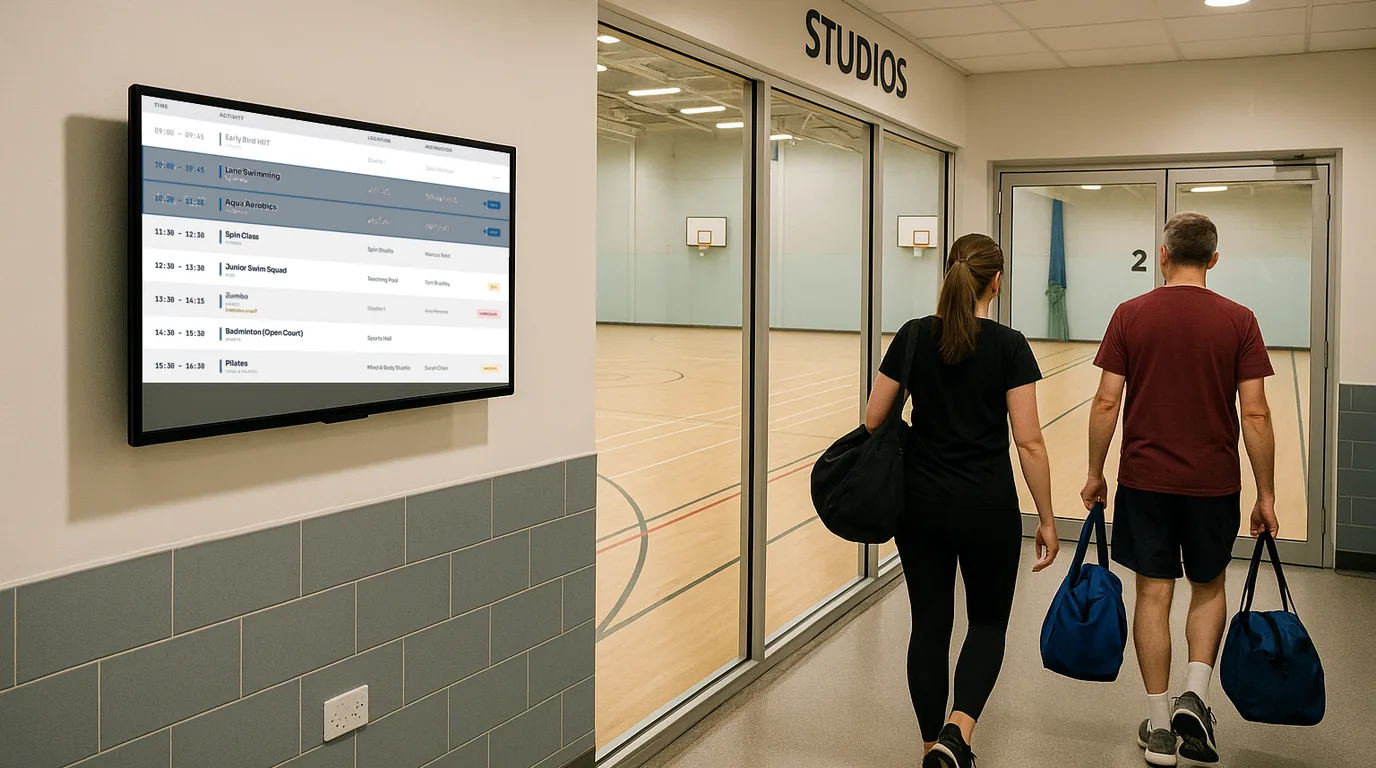
Step by step from a printed PDF to a live timetable on a TV: import a CSV, check rooms and instructors, publish, and mark classes cancelled or full as the day goes on.
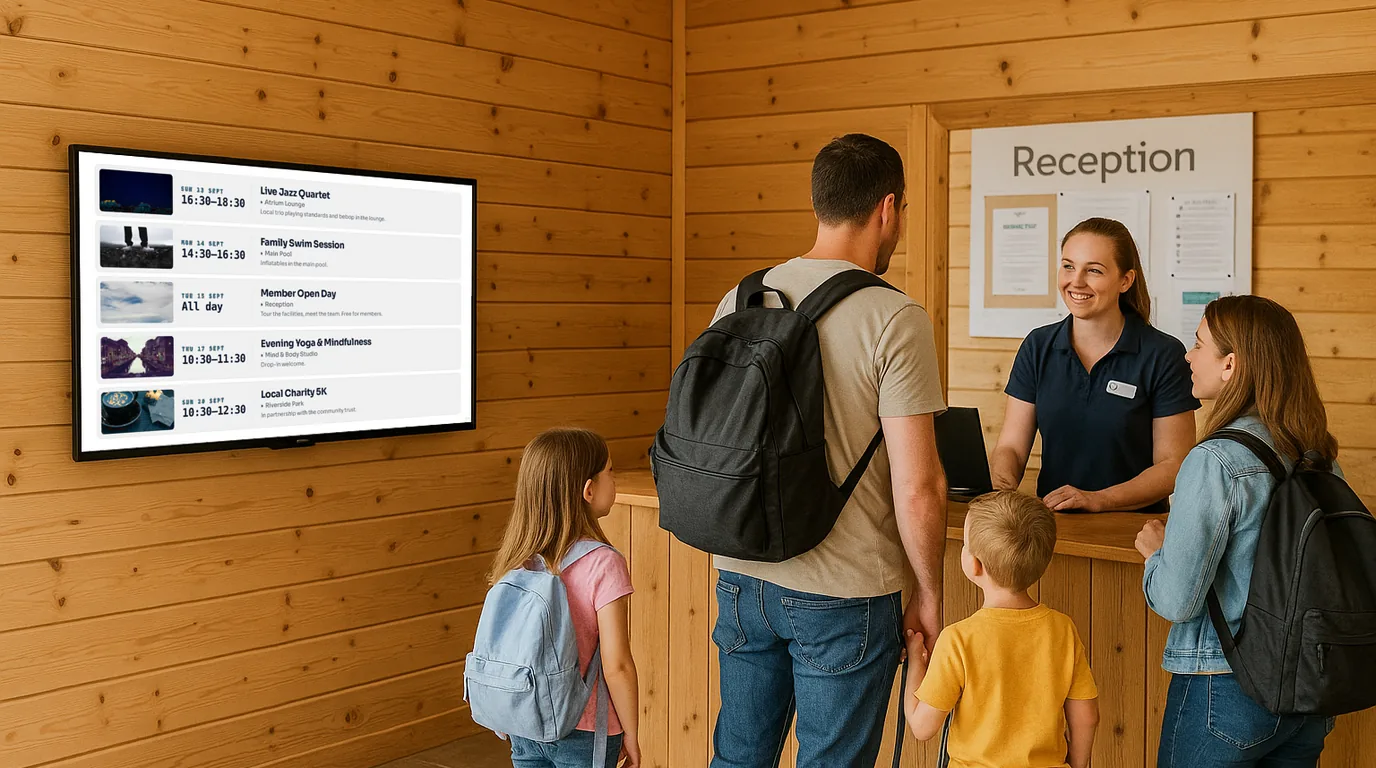
What to show at reception, the clubhouse and the pool on a holiday park, with a weekly routine built around changeover day.
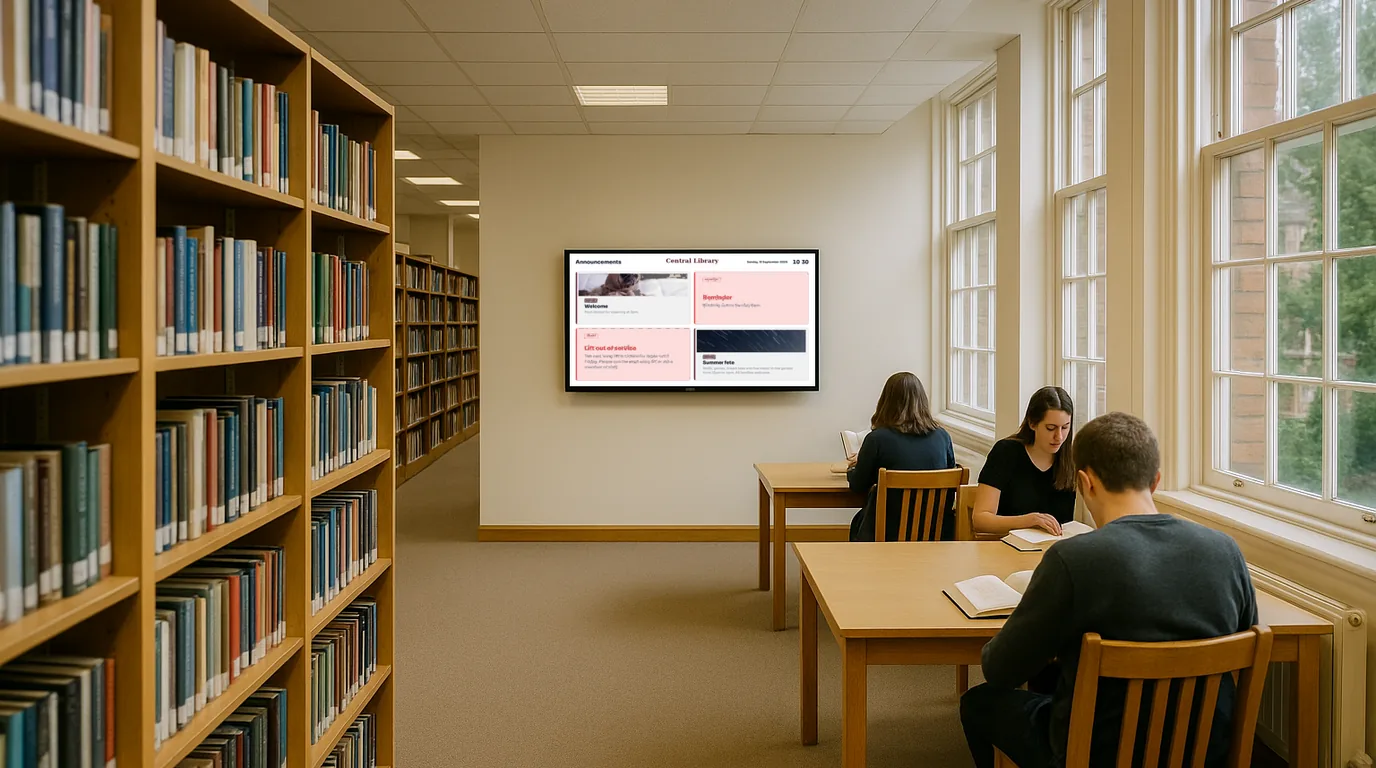
Opening hours and closures, events, room bookings, community notices and new arrivals: what to put on a library screen and how to keep it current across branches.
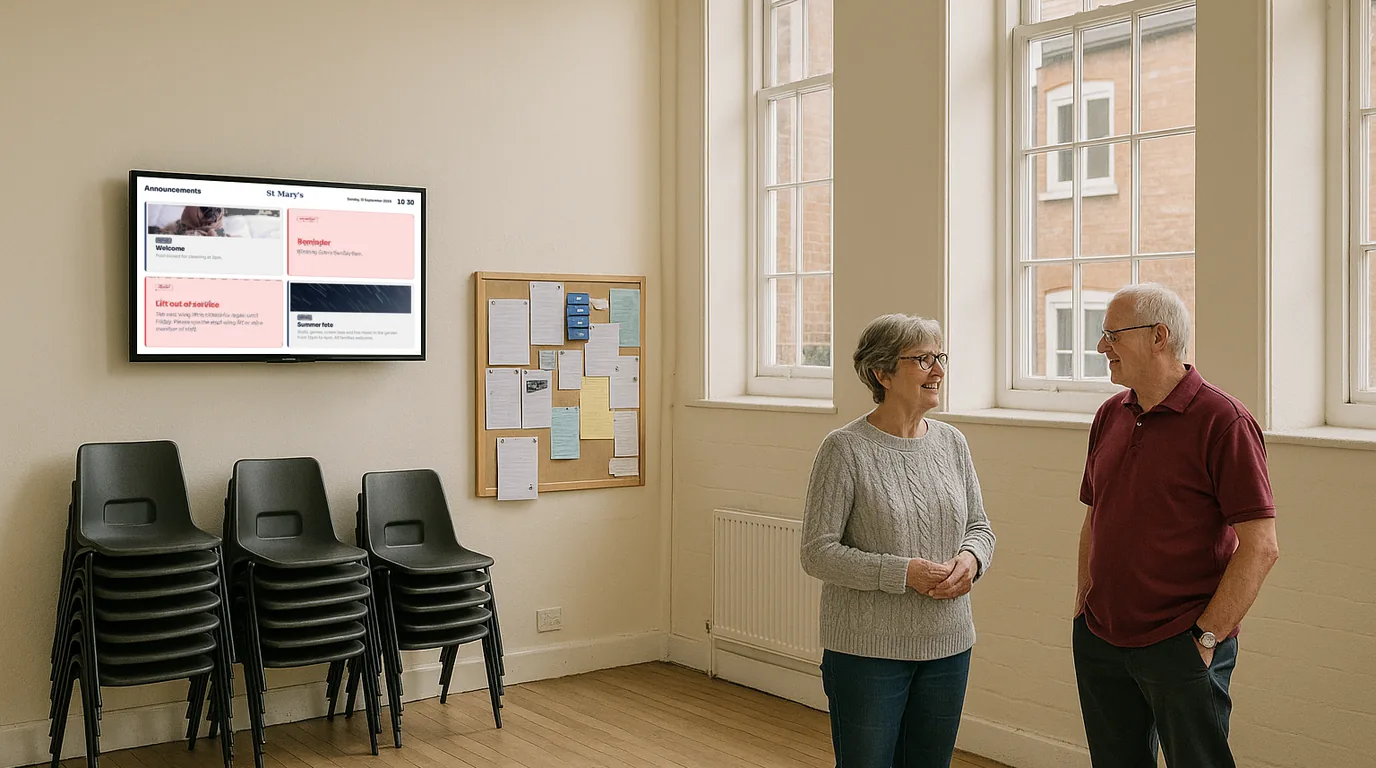
Twelve ideas for a church or community hall screen, from service times and the rota to hall bookings and appeal progress, with tips for volunteers and tone.
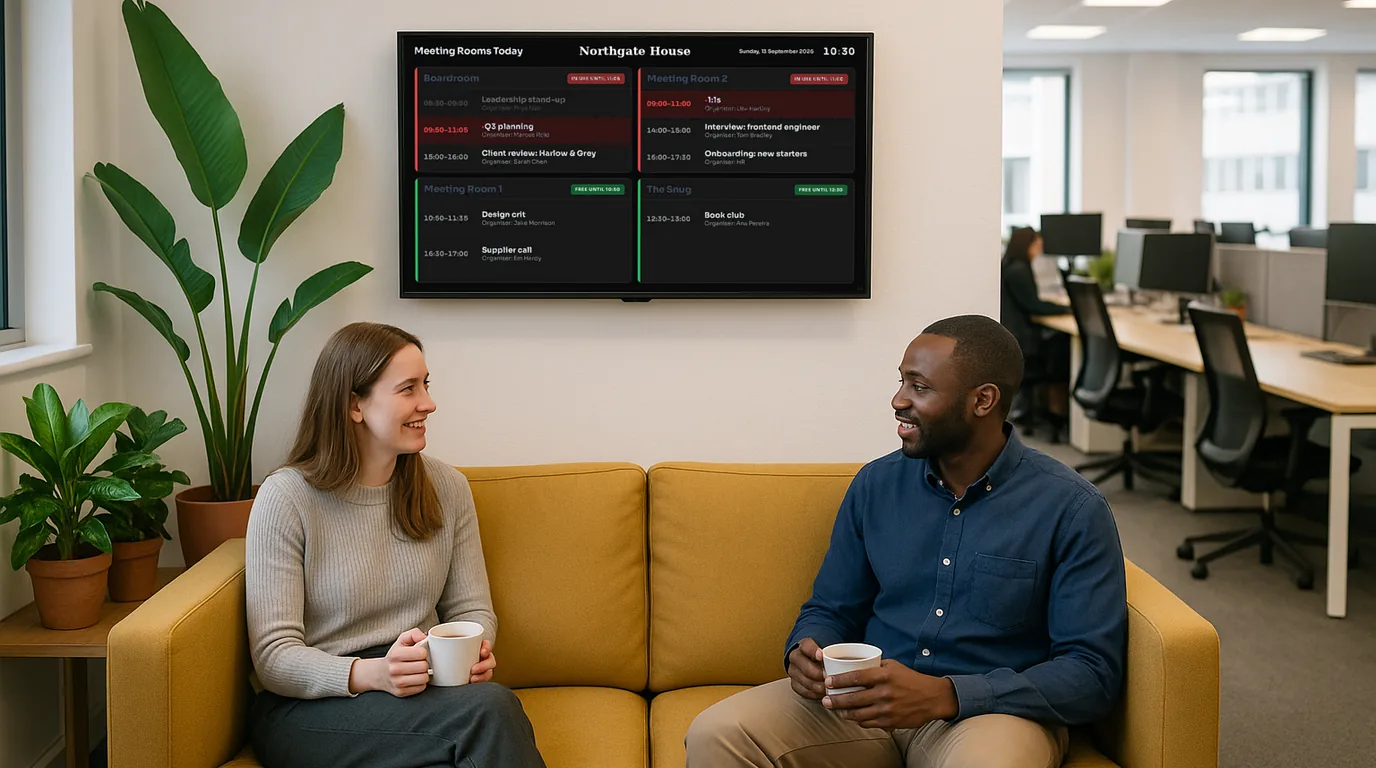
Three ways to put live numbers on an office TV (a Google Sheet, a league table or an embedded web dashboard) and how to make the screen readable from across the room.
A screen-by-screen plan for schools: what parents see at reception, what pupils read in corridors, what stays in the staff room, and the safeguarding rules to agree first.
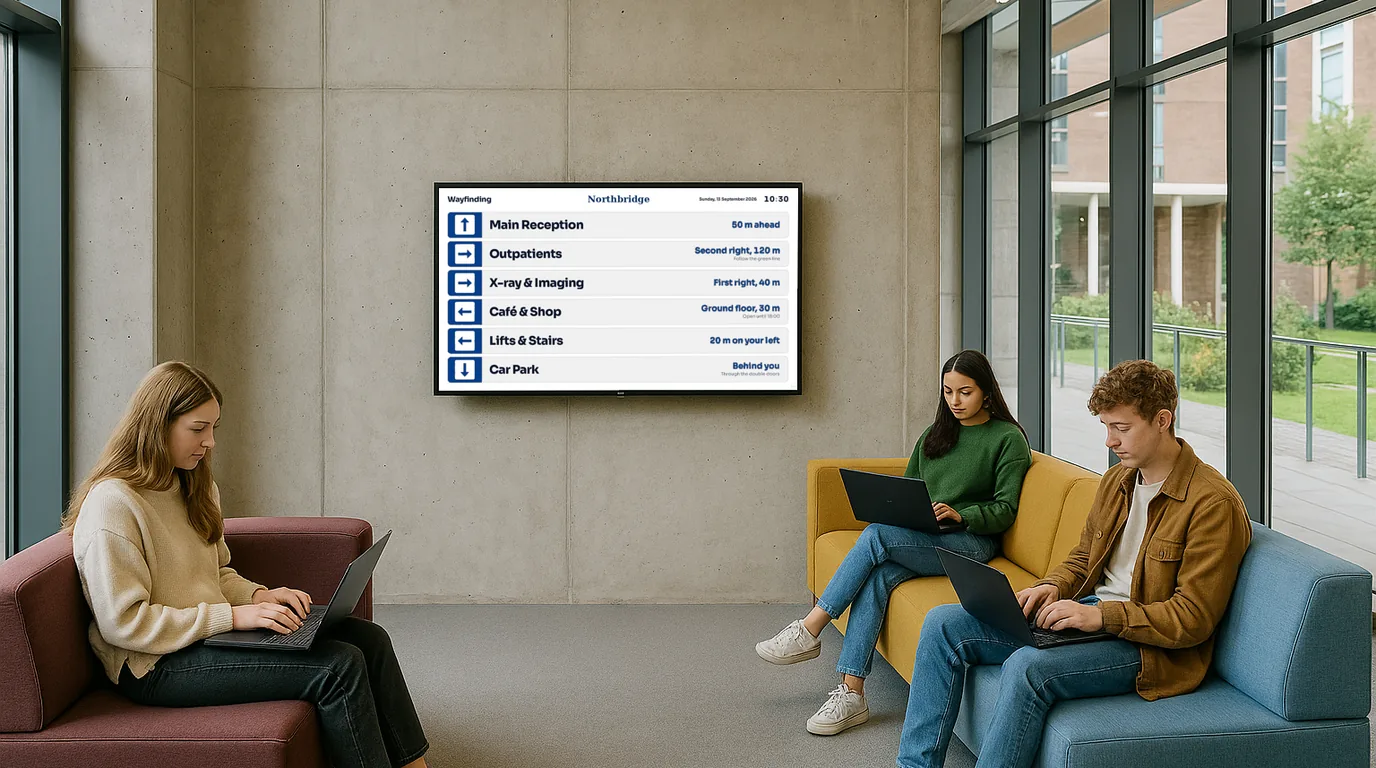
Map the estate, build the structure, decide who edits what, agree the look and connect room calendars. A stage-by-stage checklist for screens across a campus.
Welcomes, farewells, a days-since-last-accident counter, notices that expire and today's meeting rooms. Twelve ideas for office screens, and where each one works best.
A screen in the break room reaches staff who never read email. Where to put it, what to show each shift and each week, who posts what, and how to keep it current.
Put wayfinding screens at decision points, write the arrows from where each screen stands, and plan for the day a lift breaks or a clinic moves floors.
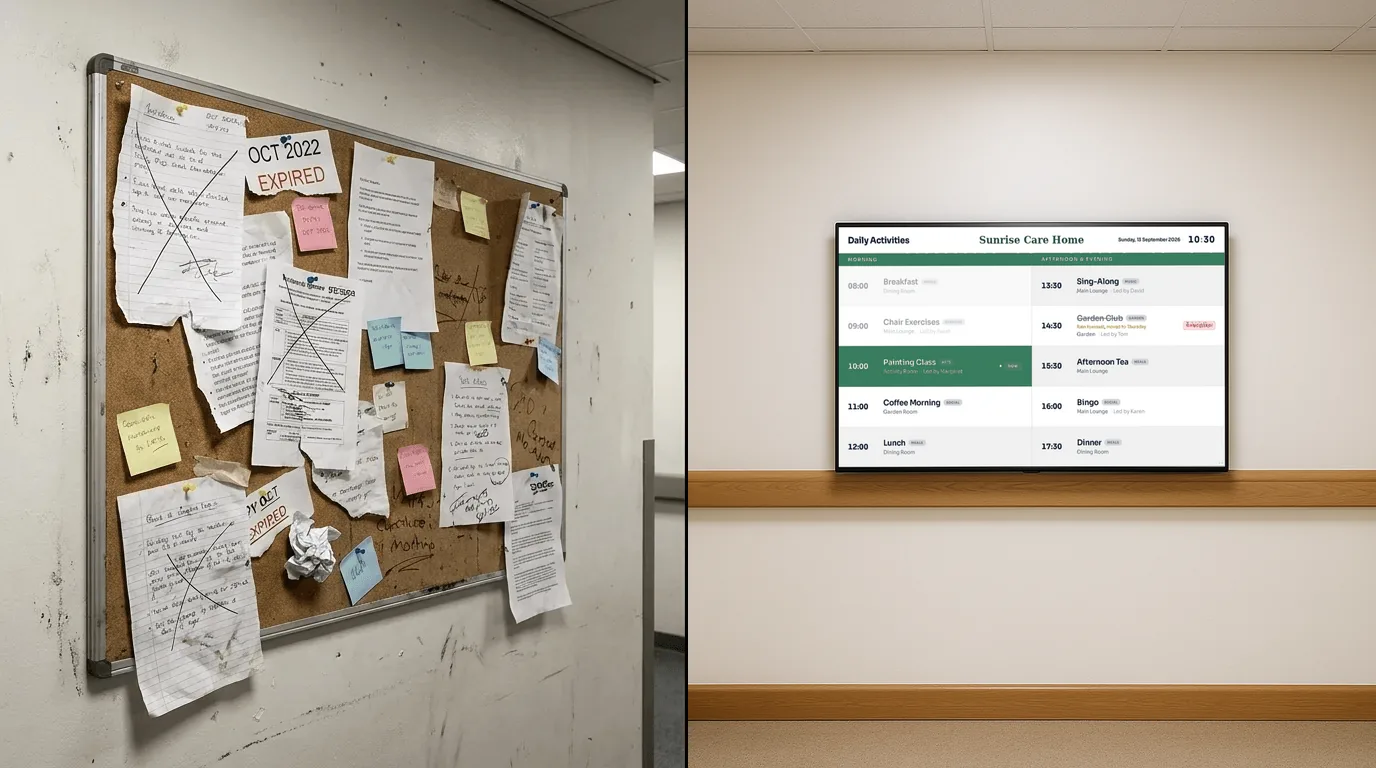
Photograph the board, bin most of it, give every notice an end date and an owner, then run the screen beside the cork board for a week before it comes down.
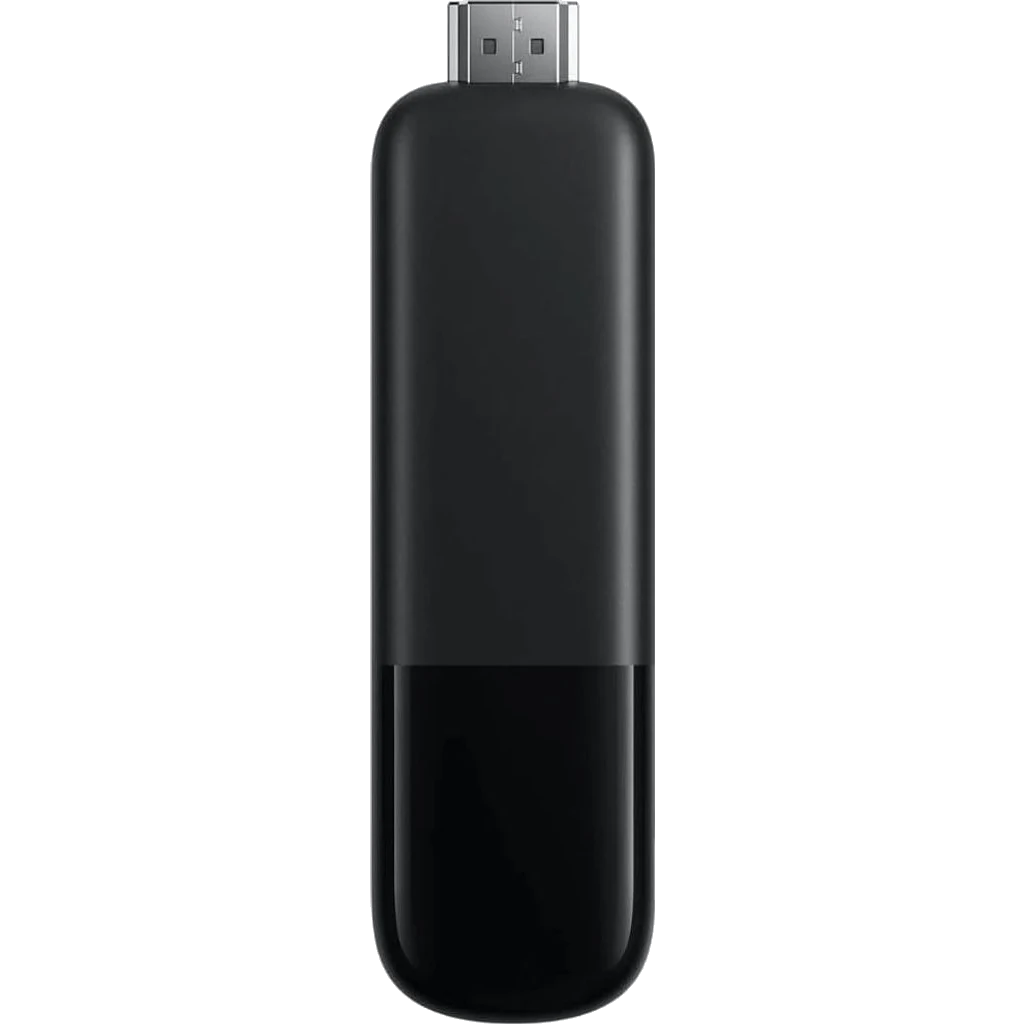
Size, brightness, orientation, mounting, power and network, then a comparison of the ways to connect a TV to NowBoard. Read this before you buy a screen.
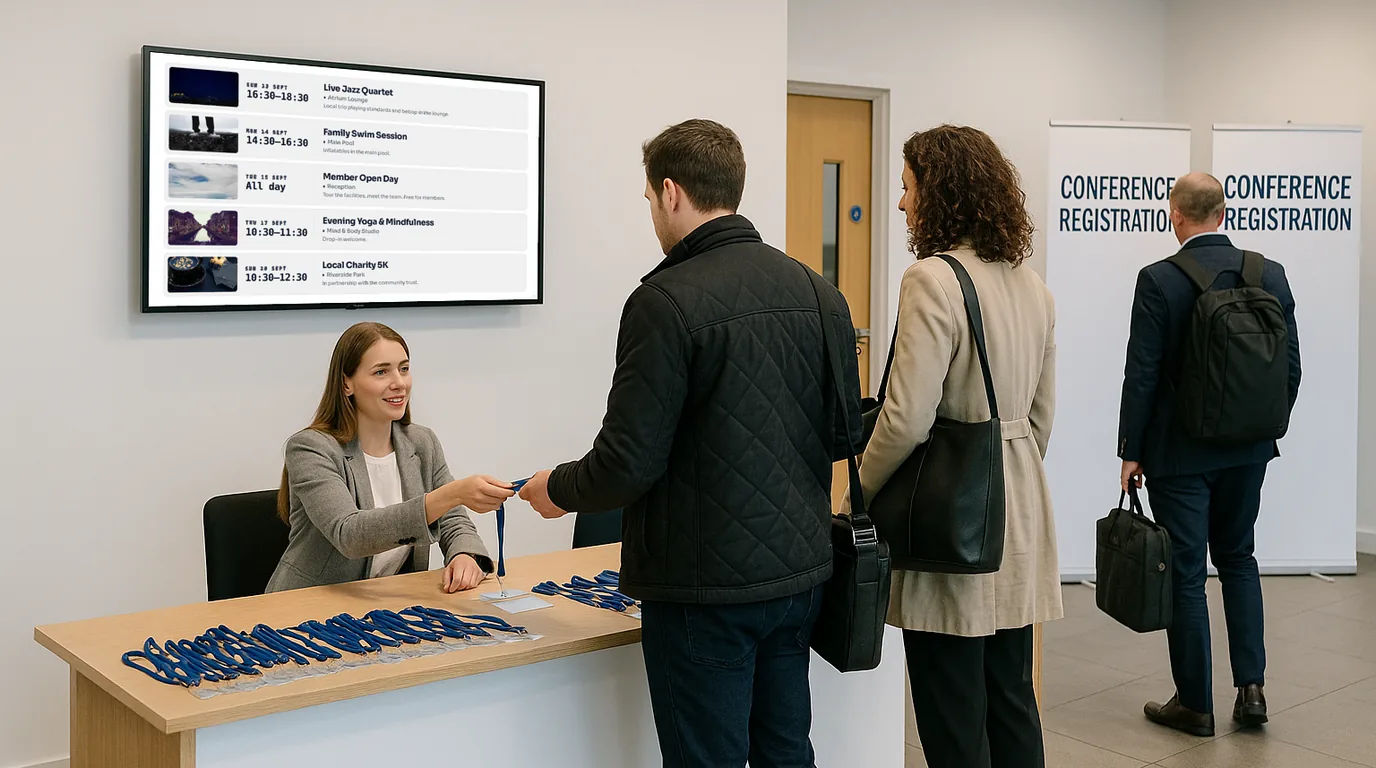
Where to put conference screens, how to load a multi-day programme once, handle room changes on the day and give sponsors screen time.
Grouped checklists for every stage of an event's screens, from power and Wi-Fi on the venue visit to who can change content on the day.
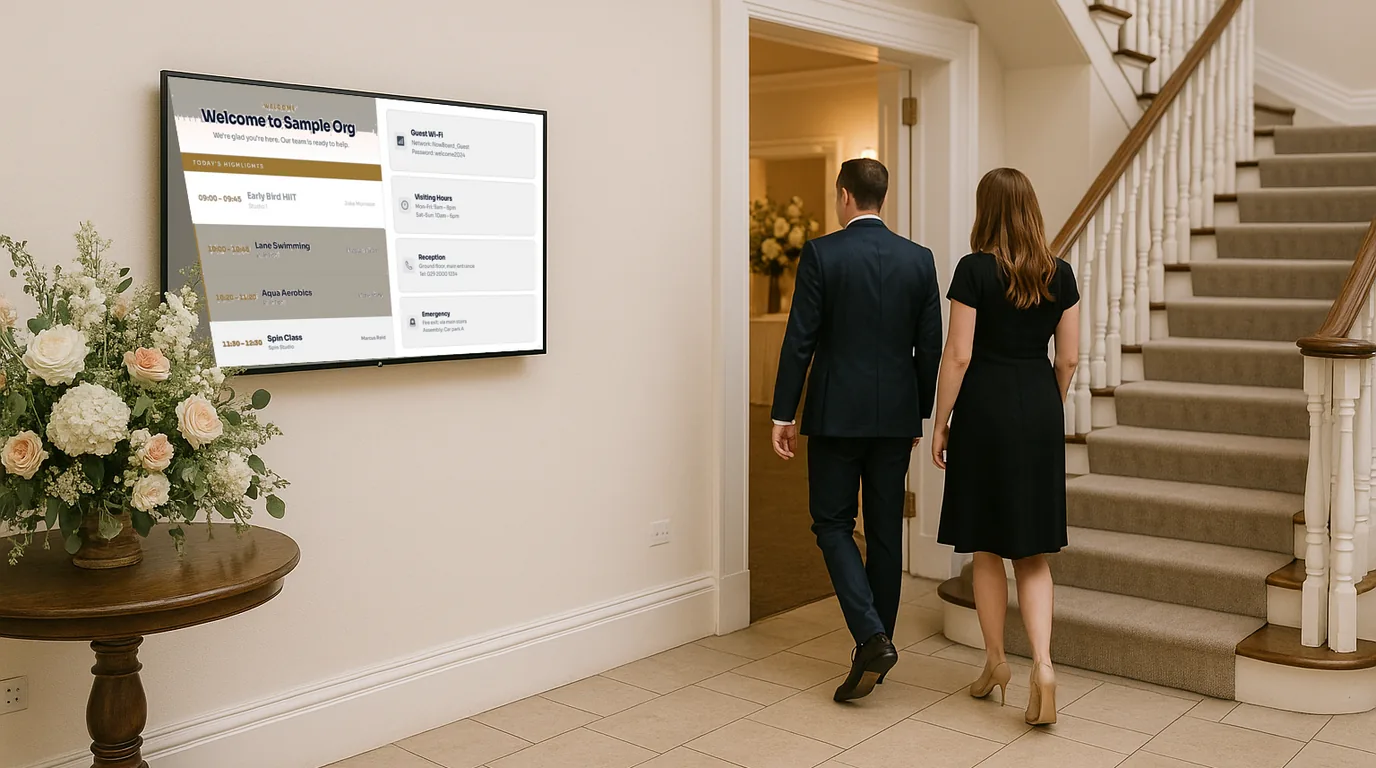
A how-to for wedding venues: build welcome, order of the day, table plan and guest photo Boards once, then switch them to the next couple in minutes.
Twelve ideas for a reception screen, grouped by job: greeting visitors, answering the usual questions and showing what is on today.
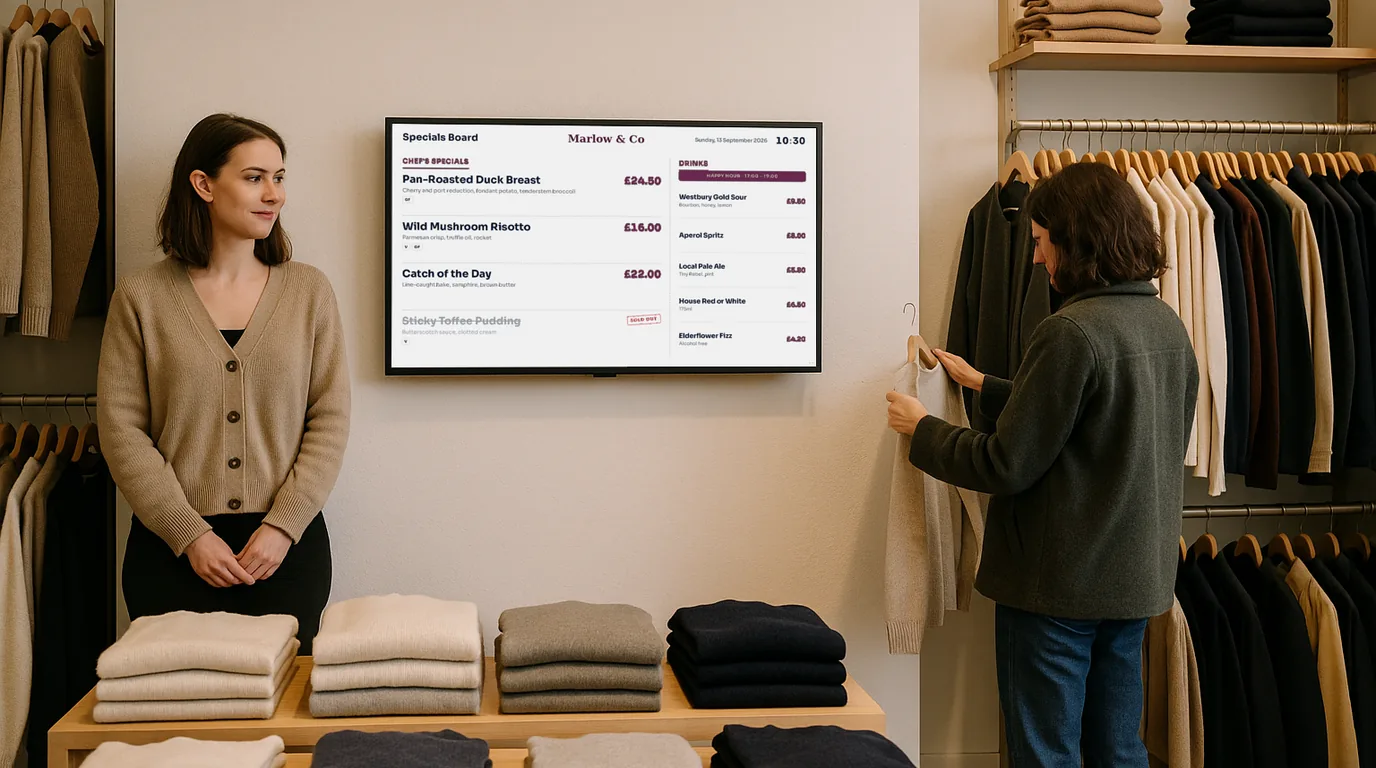
How to place a shop window screen, then show products with sale prices and stock, reviews, social links and a QR code to buy.
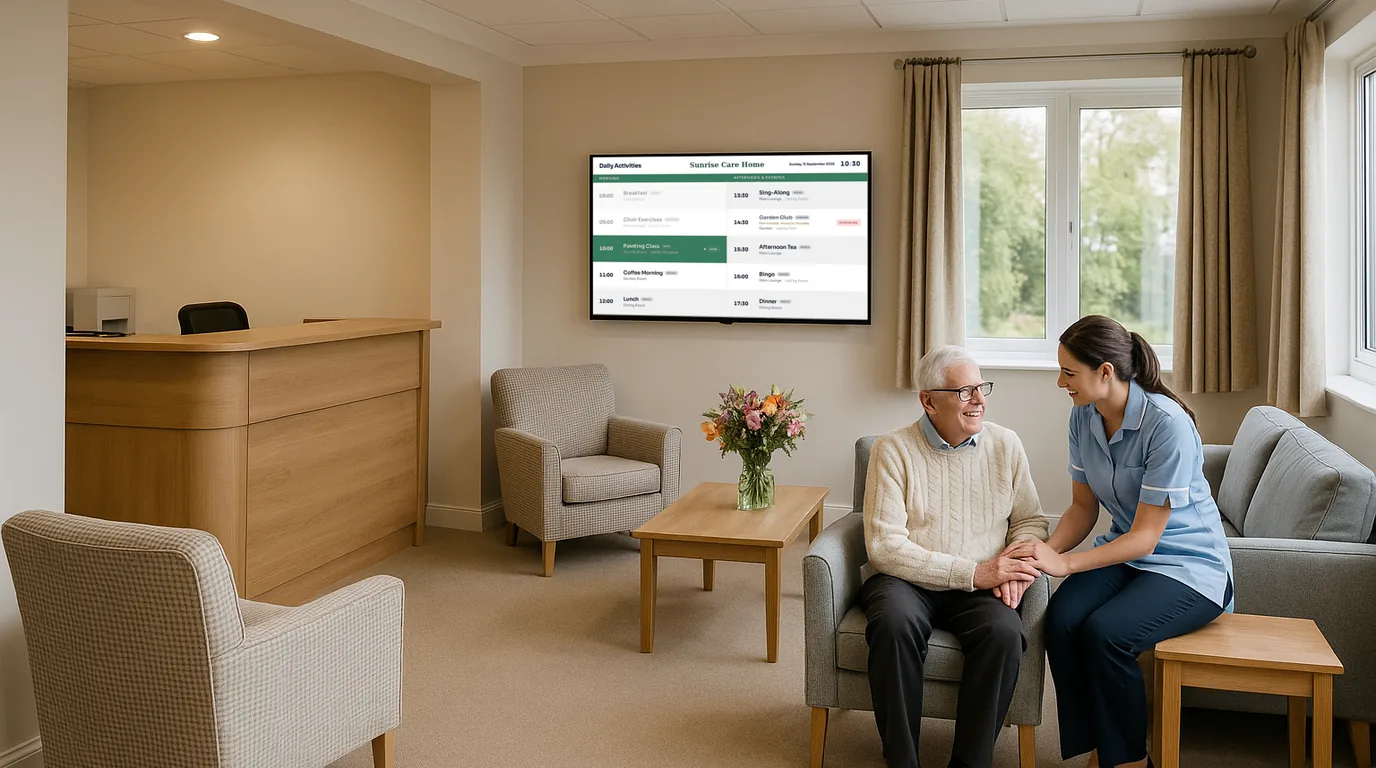
A screen that shows what is on now, what comes next and the time. What to put on it, where to mount it and a ten-minute weekly routine.
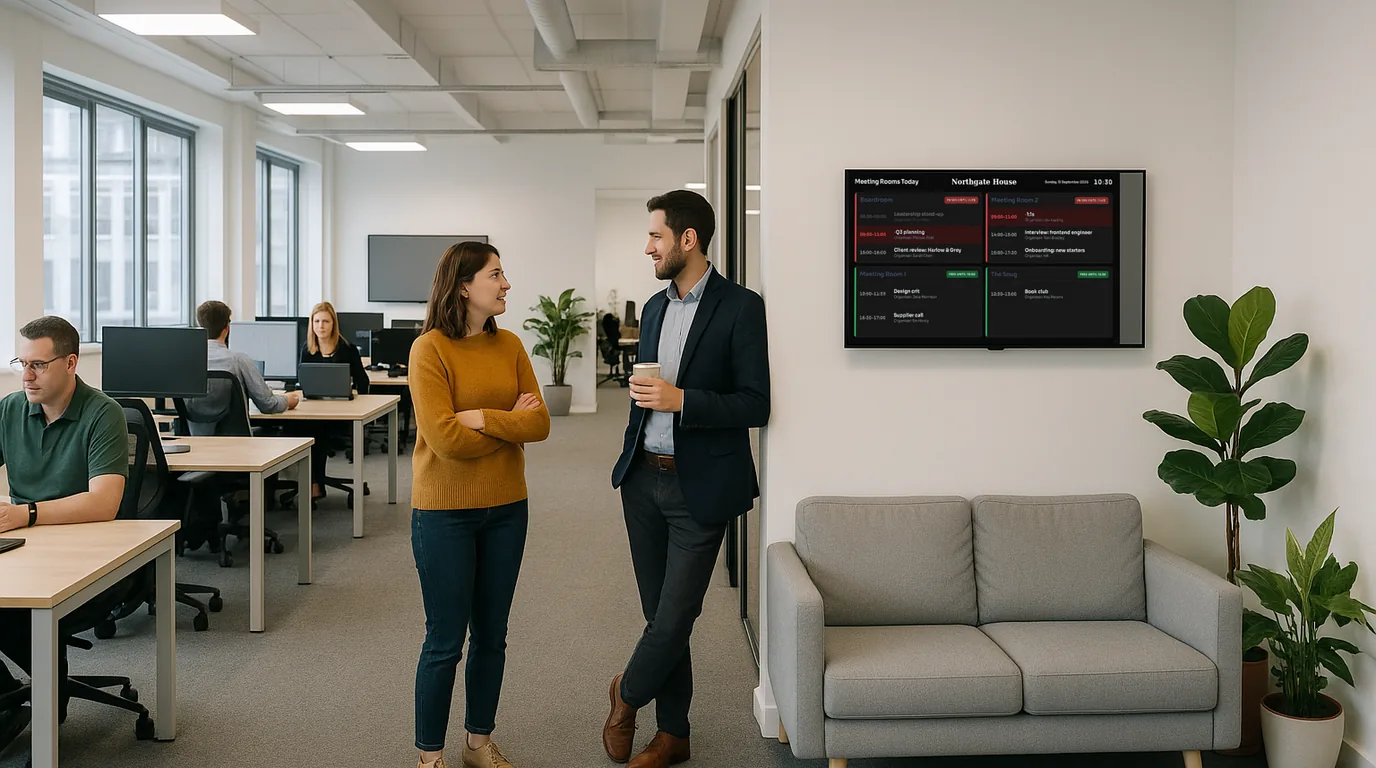
Digital signage is any screen used to show information or content in a public or commercial place, from one TV in a care home lounge to hundreds of screens in a retail chain. What to know before you buy.
Every cost category for digital signage in the UK: hardware, software, installation and running costs, so you can build an honest budget before you buy.
Every realistic way to put a schedule, rota or timetable on a wall-mounted TV, from a USB stick to signage software, with the trade-offs of each.
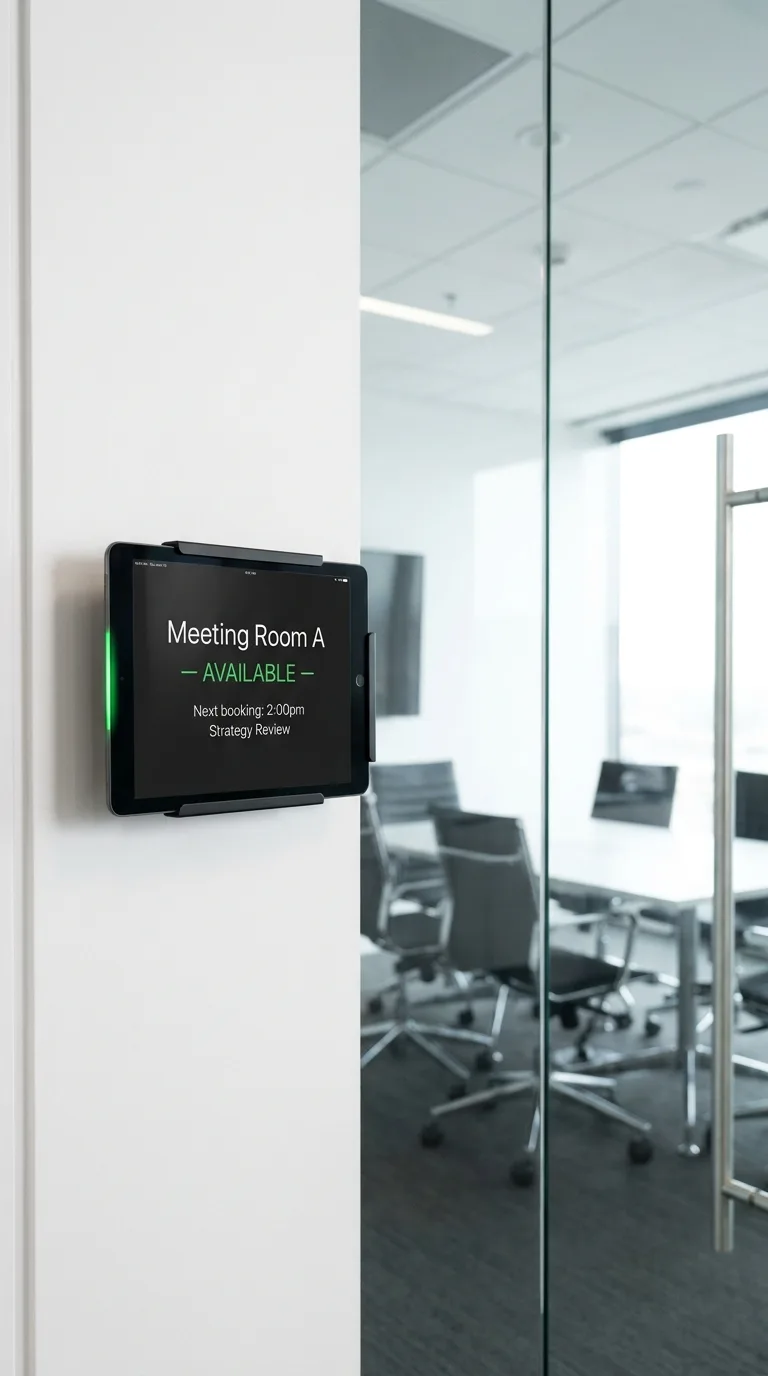
Tablets, e-ink panels and corridor screens for meeting rooms compared, with the pros, cons and costs of each option.
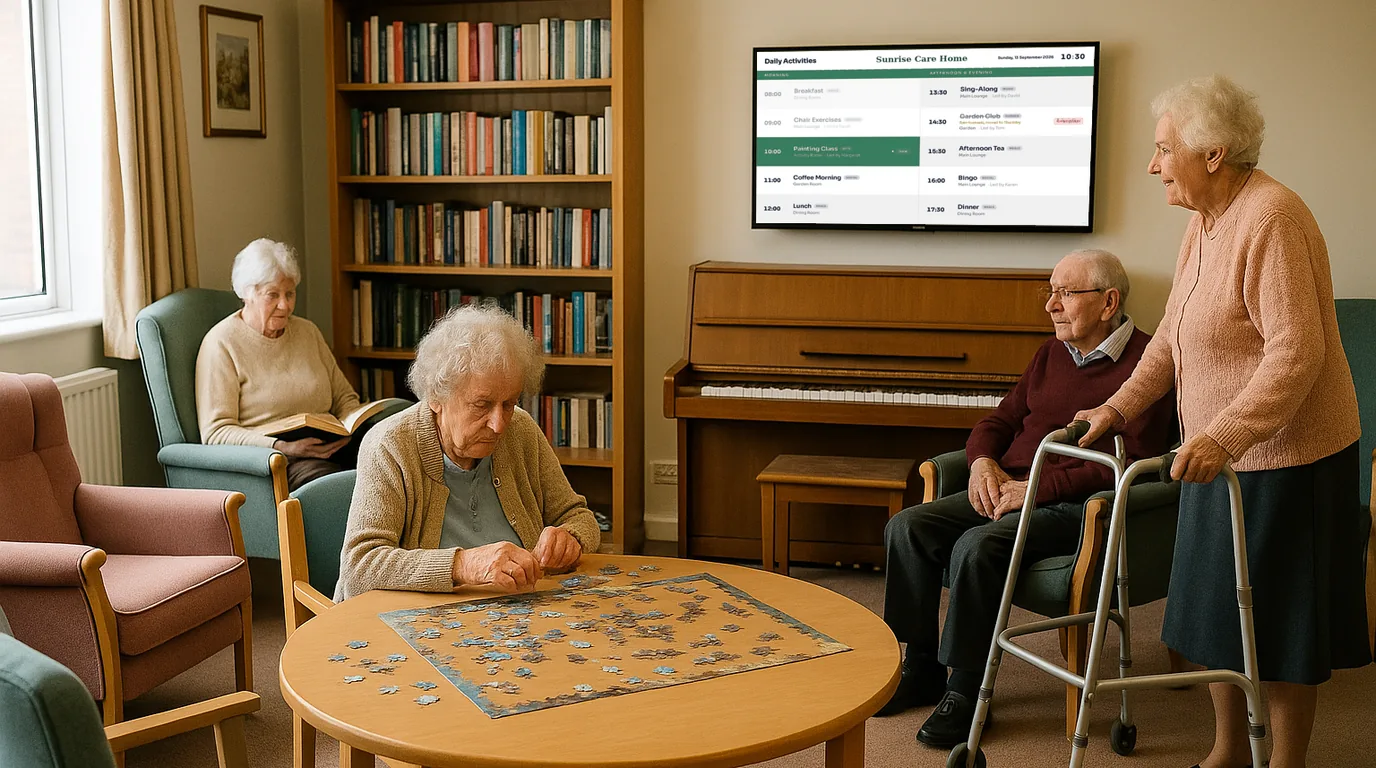
What to show on a care home activity board, how digital boards compare with paper and whiteboards, and how to set one up without a technical team.
From £10 a month per TV, ex VAT, with a Free plan for one TV.