
Hotel screen ideas for the lobby, lifts and restaurant
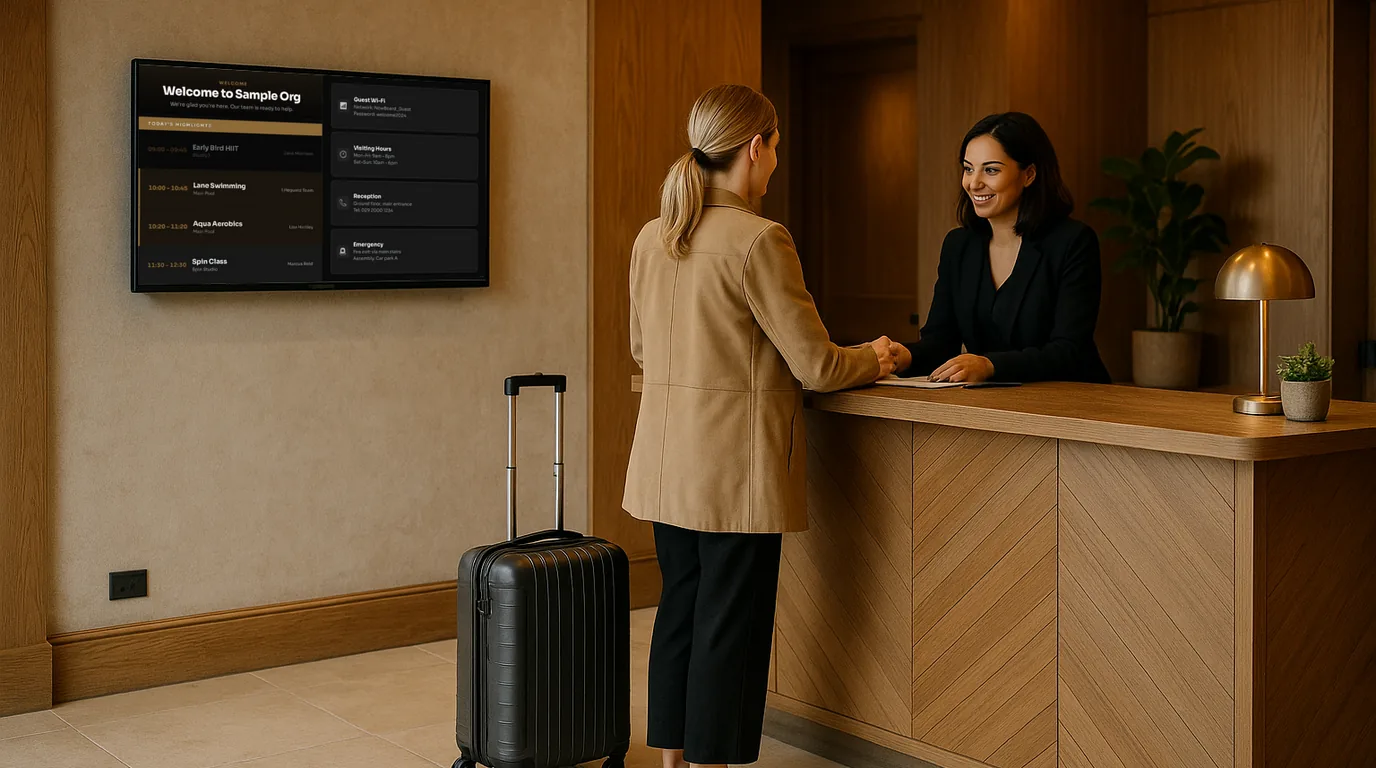
Guests look for different things in different parts of a hotel. In the lobby they want to get their bearings, by the lifts they want to know what's on, and outside the restaurant they want the menu and the hours. These ideas are grouped by place in the building, so you can match each screen to the guest standing in front of it.
The entrance and lobby
A guest arriving with luggage reads the lobby screen in the time it takes to reach the desk. Keep it to a few large items.
- A branded welcome. Your logo, your colours and a line for the day, or a welcome for a wedding party arriving that afternoon.
- Today at a glance. Breakfast times, the restaurant hours tonight and any event in the building.
- Local weather. The current conditions and the next few days. Leisure guests check it before they plan the day.
- Your reviews. A few of your best guest reviews, with a QR code for leaving a new one, on the side of the lobby where people sit and wait.
Hang the lobby screen where arriving guests face it, not behind the desk where staff block the view. If the lobby has seating, a second screen facing the chairs can carry longer content, such as walking routes or the week's events.
Reception
Use the screen behind or beside the desk to answer the questions your team hears most, so they can focus on checking people in.
- Guest Wi-Fi. The network name and password in large text, beside a QR code that joins the phone to the network.
- Check-out time and late check-out. One line, every morning.
- Taxi, parking and transport. The local taxi number, car park details and the nearest station.
- A local advert. The taxi firm, a restaurant you partner with or a local attraction may pay for a slot here.
The lift lobby
Guests stand by the lifts for half a minute with nothing to do, often on every floor. A narrow wall beside the lift suits a portrait screen.
- What's on today and tonight. Afternoon tea, live music in the bar, a quiz, a spa offer.
- Facility hours. Pool, gym and spa opening times, with today's row highlighted.
- A countdown to a big event, such as a New Year's Eve dinner or a festival weekend.
Keep the rotation short. A guest will see two or three Boards before the doors open.
Outside the restaurant and bar
Guests decide whether to eat in from the doorway. Give them a reason.
- The menu for this service. Breakfast in the morning, the dinner menu from the evening, with prices and dietary badges.
- Sold-out dishes marked. The kitchen marks a dish sold out from a phone, and the screen at the door shows it.
- Tonight's offer or event. A wine evening, a set menu, a Sunday lunch booking reminder.
- Opening hours for each outlet, with any change for a private function.
Meeting rooms and conference corridors
Delegates want their room, their session and the time of the next break.
- Today's bookings for every room on a corridor screen, with the organiser and times.
- A door screen per room showing the current booking and the next one.
- The event programme for a conference or the order of the day for a wedding, branded to the client.
Back of house
Staff areas are easy to forget and the cheapest place to start. A screen in the staff corridor can carry the day's arrivals and functions, training dates, safety notices and staff birthdays. When someone leaves or joins, a short farewell or welcome card does more than an email.
For example
A 60-room hotel could start with three screens: one in the lobby for the welcome, weather and today's events; one portrait screen by the ground-floor lifts for facility hours and what's on tonight; and one outside the restaurant for the menu of the current service. That covers the three questions reception hears most before it adds a single meeting room sign.
How NowBoard runs a hotel's screens
Each place in your hotel becomes a Channel in your Site, with its own Playlist of Boards. Start from the Welcome, Reception Welcome, Weather, Opening Times, Menu, Countdown, QR Code and Room and Studio Schedules templates, out of 100+. Opening Times content holds weekly hours, sessions such as breakfast and dinner, and bank holiday exceptions. Weather comes from your Site's location, with no typing. Rooms and bookings can sync from a published iCal address, for example a Google or Microsoft 365 calendar. Dates for people cover staff birthdays, welcomes and farewells.
Menus carry prices, dietary badges and a Sold out switch that kitchen and bar staff change from the NowBoard Operator App. Time-of-day slots swap the breakfast Playlist for dinner at set times, and display hours put screens to sleep overnight. On Professional, a Takeover can put one Board on every screen for an event, and emergency alerts replace every screen at once. Directory, Wayfinding and Events & Dining templates are coming.
More ideas are on NowBoard for hotels and welcome screens, and plans are on the pricing page. To plan screens for your own building with us, book a demo.
See it on your own screens
We show you NowBoard with the Boards for your kind of place. Or sign up free.