
Digital welcome screens: greet visitors by name and tell them where to go
A screen in reception that welcomes today's visitors, shows what is on in the building, and answers the questions your front desk gets asked forty times a day. Changed from a phone, not from a printer.
No credit card required • Cancel anytime • From £10/TV/month ex VAT
- Greet your visitors Show a welcome message and what is on today.
- Local weather Today's weather and a 5-day forecast, with no typing.
- Opening hours Bank holiday closures show on the right dates.
- From £10 a month Per TV, ex VAT. One TV is free.


Reception is where every question lands
The first thirty seconds in a building set the tone, and most receptions spend them repeating themselves.
A hotel front desk is asked what time breakfast finishes so often that the answer is taped to the monitor facing the staff, not the guests. An office reception greets a candidate for an interview, then spends five minutes explaining which floor, which meeting room and whether the lift is working, while three deliveries queue behind them. A care home puts up a laminated sign with visiting hours; the hours changed in the spring and somebody wrote the new ones on in marker, so the first thing a visiting family reads is a correction. A wedding venue has two events in one day and a chalk A-board in the hall telling one set of guests the wrong room.
What a reception with nothing to read costs you
The same question, all day
Breakfast times, wifi, which floor, visiting hours. Each answer takes under a minute and you give it a hundred times a week.
Laminated signs age badly
A printed sign that has been corrected in marker tells a visitor more about your organisation than the information on it does.
Visitors arrive already lost
People who do not know your building need the room, the floor and the direction. Without it they interrupt the first person they see.
A first impression you did not choose
Whatever is on the wall is your welcome, whether you designed it or it accumulated there over four years.
A reception screen that does the repeating for you
A Welcome Board carries your logo and colours, today's visitors or events, the practical answers people ask for, and whatever else reception keeps explaining. Change it from a phone and it changes for everyone walking in.
Put a screen where people arrive
Behind the desk, beside the door, or in the lift lobby. Portrait suits a narrow reception wall.
Add today's arrivals and the usual answers
Expected visitors, meetings and rooms, opening and visiting hours, wifi, and what is on in the building.
Let it rotate
A Playlist moves between the welcome, the directory and the day's events, so one screen covers what three signs used to.
Ready-made reception Boards: welcome, directory and today's events
These are the actual Boards your reception screen can show.


How different buildings use a welcome screen
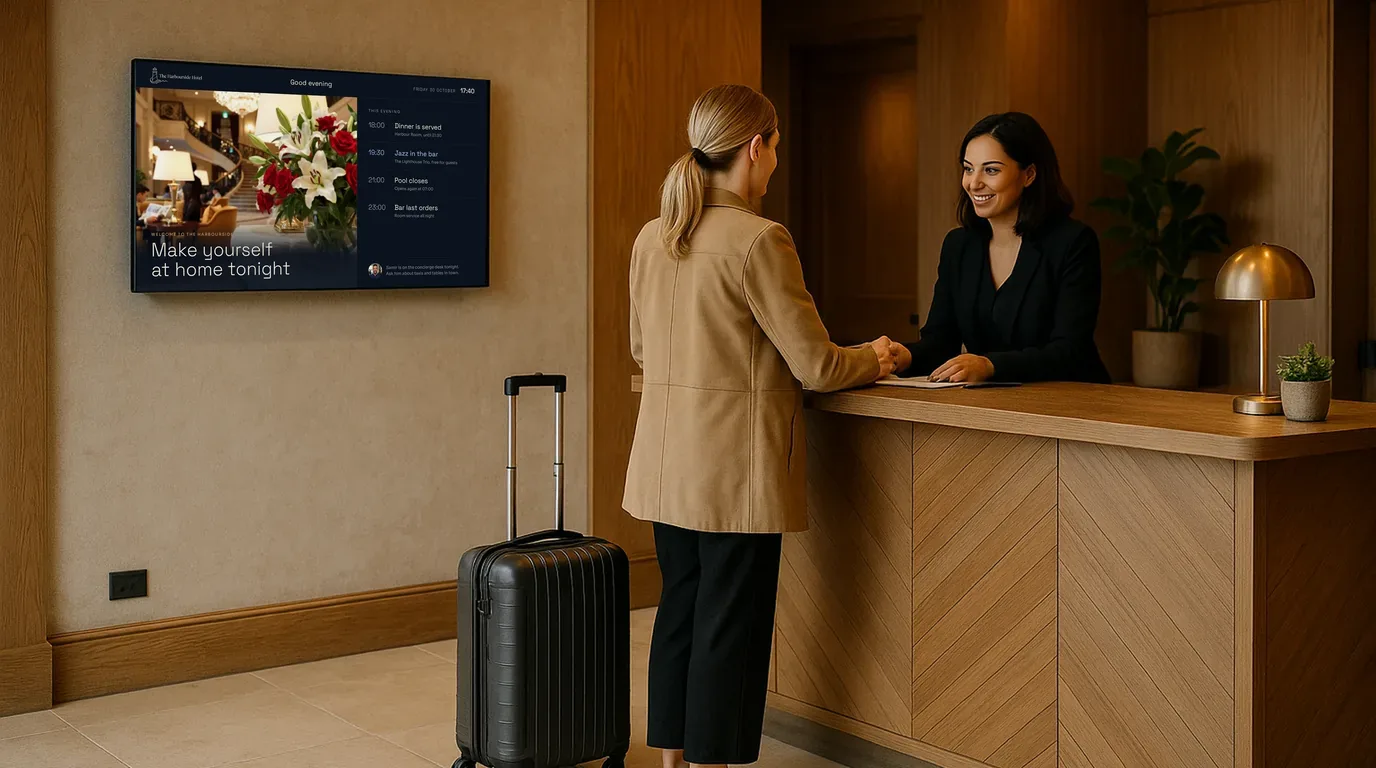
Hotels: the questions before they are asked
Breakfast times, the restaurant, tonight's event and the wifi, on a lobby screen, so the desk can concentrate on checking people in.
Offices: expected visitors and where to go
Today's meetings, the room and the floor. A candidate arriving for an interview sees their name and knows they are in the right place.
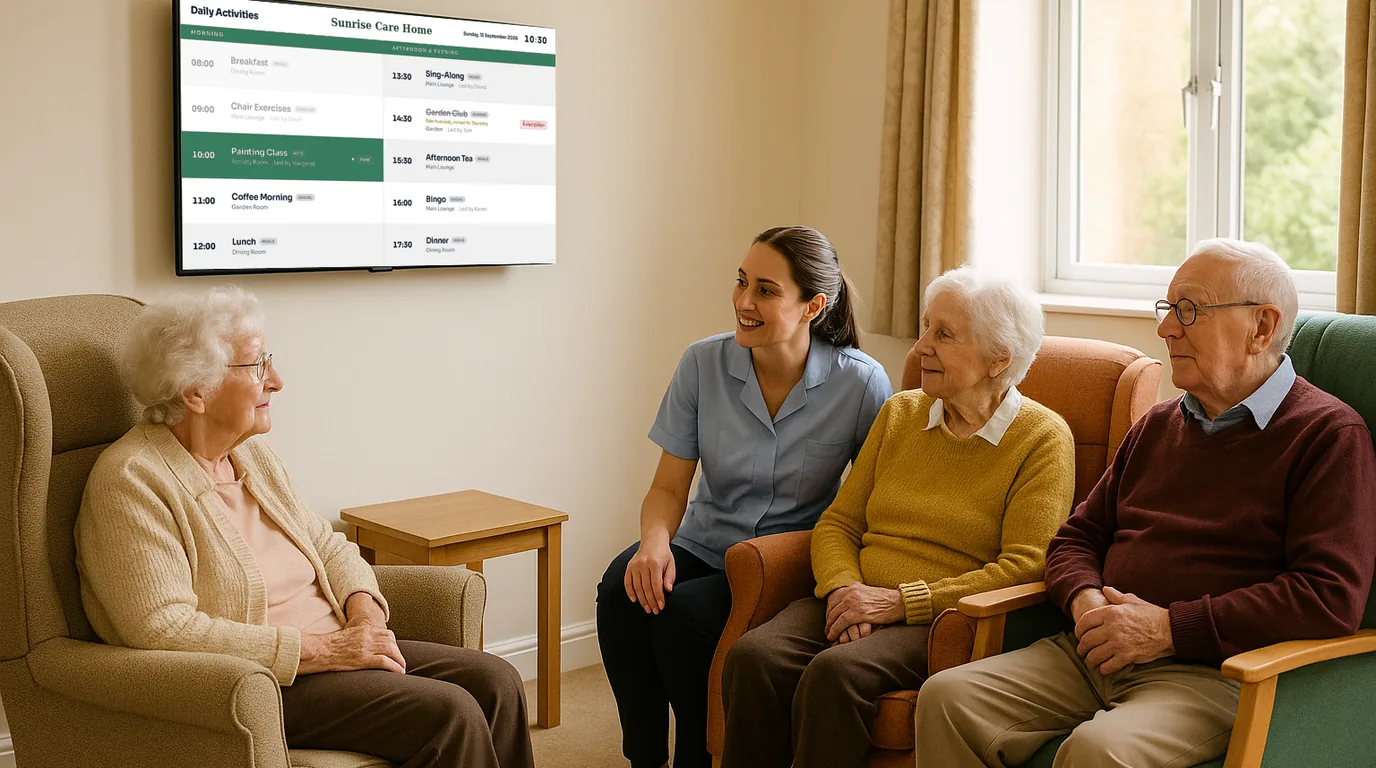
Care homes: visiting hours families can trust
Current hours, today's activities and who is on shift, without a laminated sign corrected in marker pen.
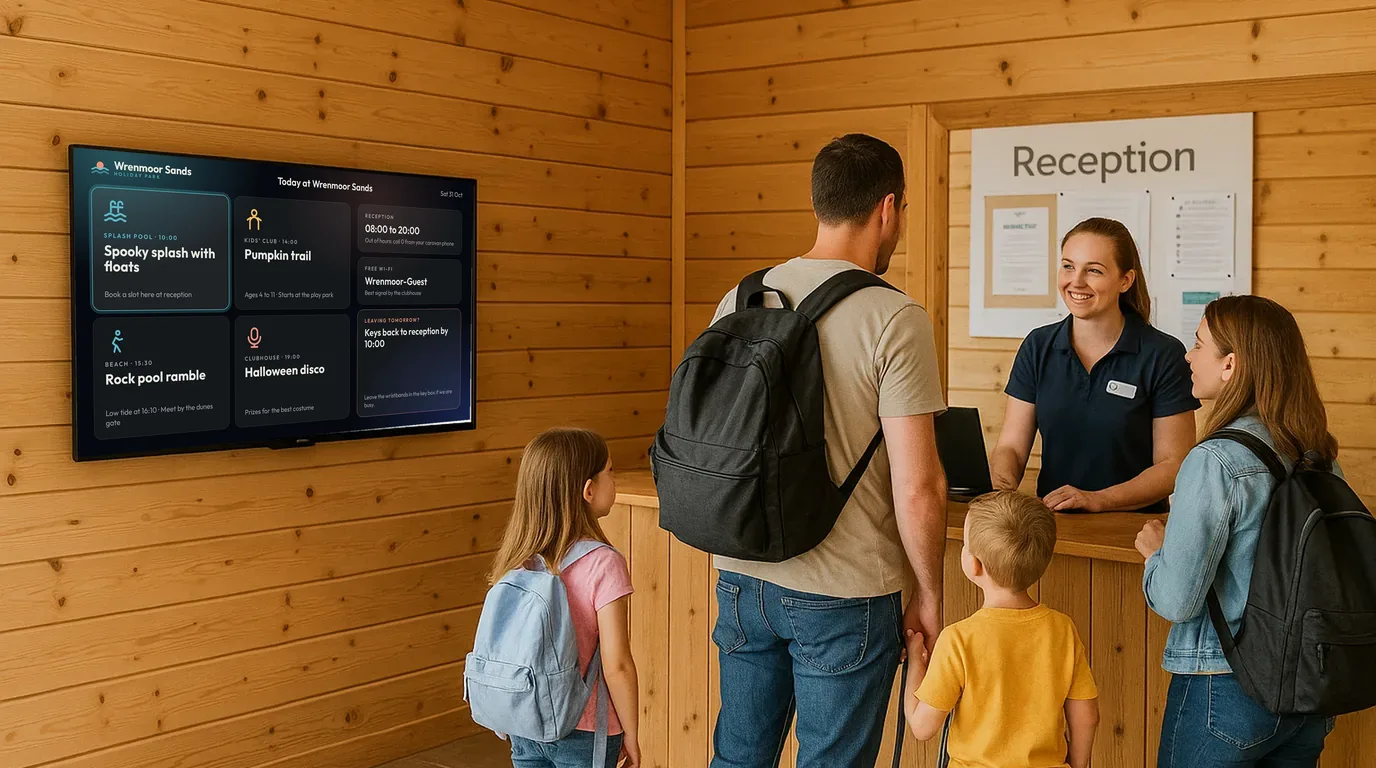
Venues: two events, one hall, no confusion
Each event with its room and time, updated when the running order slips, so guests stop asking staff which door is theirs.
Why NowBoard suits a reception
It looks like you, not like us
Your logo, your colours, and on paid plans no NowBoard branding on screen at all.
One screen, several jobs
Welcome, directory, events and notices rotate on a Playlist, so you are not choosing which single sign to put up.
Anyone on the desk can change it
Adding a visitor or changing a time is a form on a phone. No design software and nobody to ask.
It can take over in an emergency
A fire or evacuation message replaces whatever is showing, on every screen at once, and goes back afterwards.
Portrait or landscape
A tall screen beside a door works as well as a wide one behind the desk.
From £10 ex VAT per TV/month
Less than reprinting and laminating your signage once. Free plan runs one Screen to try it.
Common questions about welcome screens
Can it show visitors by name?
Yes. Add today's expected visitors or meetings and the screen greets them. Take them off at the end of the day, or let the entry expire.
Is it a sign-in system?
No. It shows information; it does not take a signature or print a badge. If you need sign-in, this sits alongside it.
Can we remove NowBoard branding?
Yes, on any paid plan. The Free plan keeps a small footer.
Can one screen show more than one thing?
Yes, that is what a Playlist does: welcome, then the directory, then today's events, on a loop you control.
Does it work on a portrait screen?
Yes. Several Boards have portrait versions made for a narrow reception wall.
Let the wall answer the question
One screen in reception, carrying the answers your front desk repeats all day.