
Digital menu boards: change a price once and every screen follows
Digital menu boards for UK cafés, pubs and restaurant groups. Swap the chalkboard and the laminated card for a TV that shows today's menu, today's prices and what has sold out. Update it from your phone between services, in one venue or in all of them.
No credit card required • Free on 1 TV • Then £10 per TV a month ex VAT
- Sold out in one tap The Board shows the dish and marks it unavailable.
- Change a price once Every screen that shows the menu updates.
- Update between services Change the menu in the Operator App on your phone.
- From £10 a month Per TV, ex VAT. One TV is free.
- Sell Ad Space Sell a slot to a local business. Try Ad Spaces on every plan.


Menu board software, not just a screen
A menu board is the list of food and drink you put up for customers to read: a chalkboard, a printed panel, a card in a frame. A digital menu board is the same list on a TV. The difference is that you can change it from your phone in seconds.
The TV is the easy part. Any TV with an HDMI port will do. The menu board software decides how fast you can change a price, mark a dish sold out or swap the lunch menu for the evening one. NowBoard is that software.
Menus move more than anything else in a venue. Suppliers change, prices rise, the fish does not arrive, the special sells out at half past one. A pub prints its food menu on Monday. On Tuesday the beef goes up, so the £14.50 becomes £15.50 in biro. On Thursday the kitchen runs out of lamb, and staff tell every table for the rest of the night. A café writes the specials on a chalkboard each morning. It takes fifteen minutes, and nobody at the back of the queue can read it.
What a menu you cannot change quickly actually costs
You sell at last month's prices
When changing a price means a reprint, prices get changed late. A pub that reprints monthly is absorbing every supplier increase for up to four weeks across every cover it serves.
Staff repeat themselves all service
Every sold-out dish becomes a conversation at every table. That is time your floor staff are not spending taking orders, and the same disappointment delivered thirty times over.
Nobody can read it from the queue
A chalkboard works for the person standing in front of it. The people deciding what to order are in the queue behind them, and by the time they can read it they are already at the till.
Allergens are the risk nobody wants
A handwritten amendment on a printed menu is exactly where allergen information goes wrong. A menu that is edited in one place, and shows the same thing on every screen, removes the biro from the process.
One menu, edited once, on every screen in the building
A Menu in NowBoard is content, not a picture of a menu. Change a price or mark a dish sold out and every screen showing that menu updates within seconds, whether it is the board above the pass, the screen in the bar or the one in the window.
Put a screen where people decide
Above the counter, facing the queue, or in the window. Any TV with an HDMI port, driven by a NowBoard Player Pro, the Player App on an Android TV stick, or a PC you already own.
Type the menu in once
Dishes, descriptions, prices, dietary marks. Start from a ready-made Menu Board and change the words. No design work, and nothing to lay out.
Change it from the pass
Sold out, price up, special on. Edit on a phone between services and every screen follows. No reprint, no chalk, no biro.
Run the menu from a Google Sheet
If you already keep dishes and prices in a spreadsheet, the menu board can read it. A Data Source reads a Google Sheet, a hosted CSV or an API on a schedule and fills your Menu. Change a price in the sheet and the boards follow at the next check.
Keep one row per dish
Columns for the section, the dish name, the description, the price and the dietary marks. A column for sold out works too.
Connect the sheet
Publish the sheet to the web in Google Sheets. In NowBoard, add a Data Source, paste the link and match each column to a field on your Menu.
Edit the sheet, not the screens
One sheet can fill the Menu that every venue shows. Starter checks the sheet up to every 5 minutes, Professional up to every minute.
Data Sources are on the Starter and Professional plans. On the Free plan, you type the menu into NowBoard and edit it there.
Ready-made menu Boards: full menu, weekly menu and today's specials
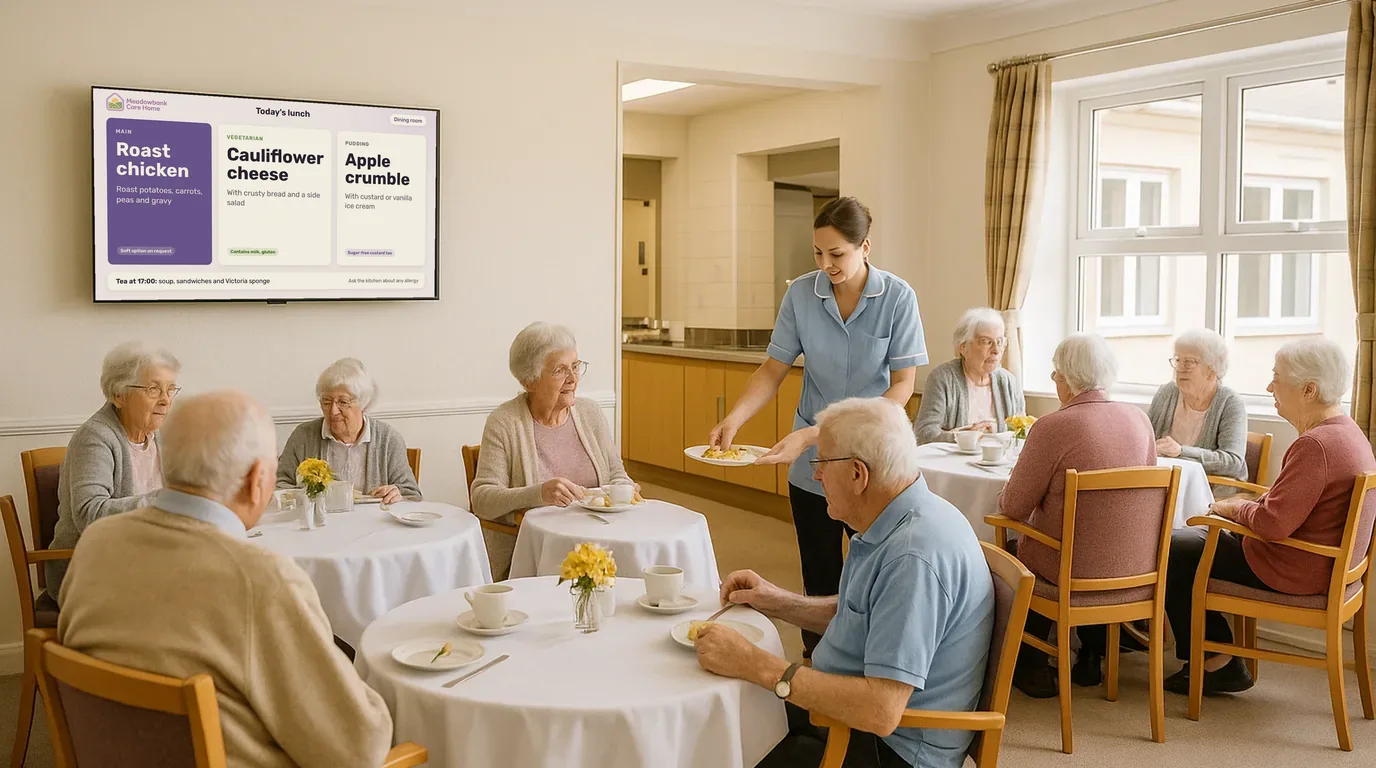
These are the actual Boards your screen can show in place of a printed card.


For groups with several venues
Run one menu across many sites and keep local specials local. Edit the core menu once and every venue that shows it updates. Each venue can also have its own specials Board on its own screens.
One menu, many sites
A price change at head office reaches every screen that shows that Menu. Nobody has to email a PDF to each manager and hope it gets printed.
Local specials per site
Each venue shows its own specials next to the shared menu. The manager edits that venue's specials from a phone, and the other sites do not change.
Group screens by venue
Organise screens by Site, Area and Zone, and see them all on one dashboard. Billing is per connected TV, not per venue or user.
Your brand on every screen
Starter removes the NowBoard footer. Professional adds unlimited Brands, for groups that run more than one name.
How different venues use NowBoard as their menu board
See more for restaurants, cafés and pubs.
Pubs: one board for food, one for the bar
The food menu above the pass and the guest ales by the bar, on two screens showing different Boards. Mark a cask off and the bar screen updates without anyone touching the food menu.
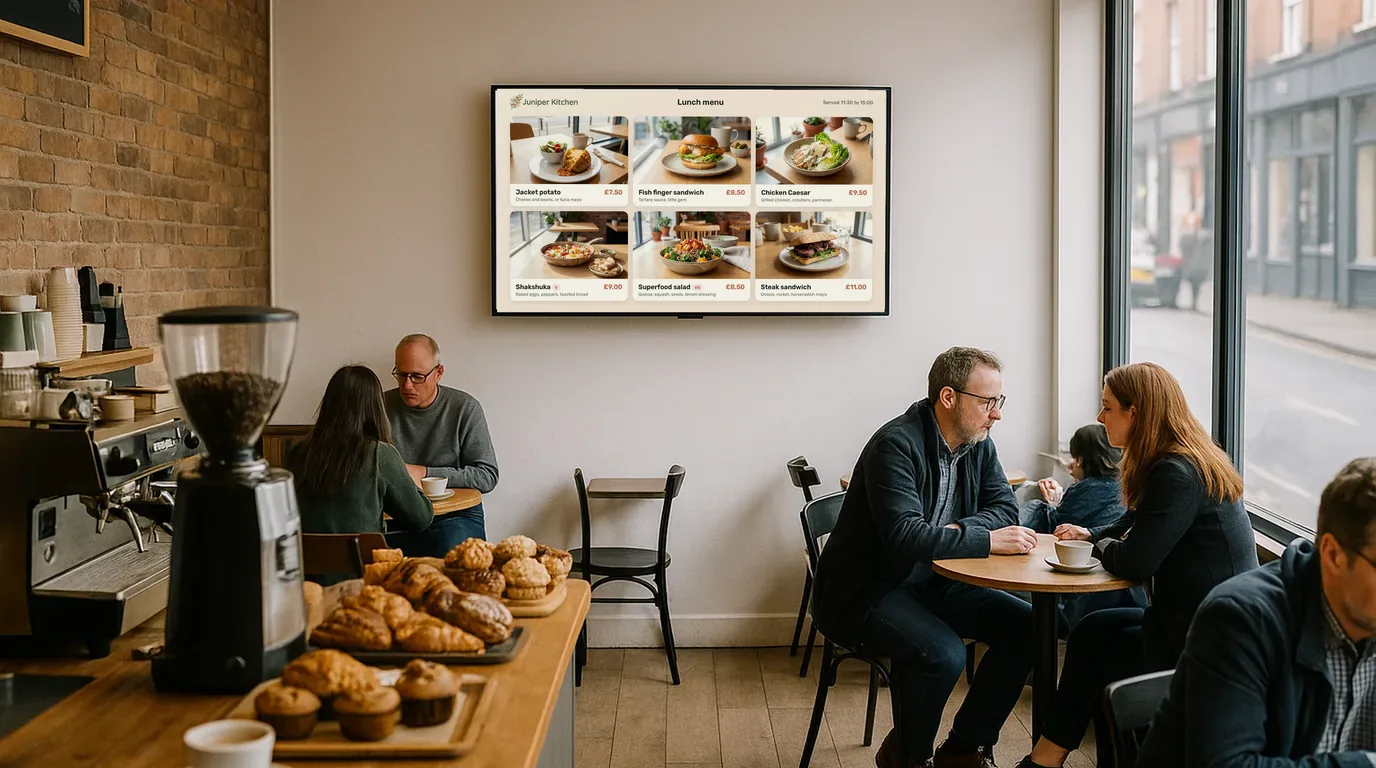
Cafes: the specials the queue can actually read
Large type facing the queue, changed each morning from a phone in under a minute. The chalkboard took fifteen and could not be read past the second person in line.
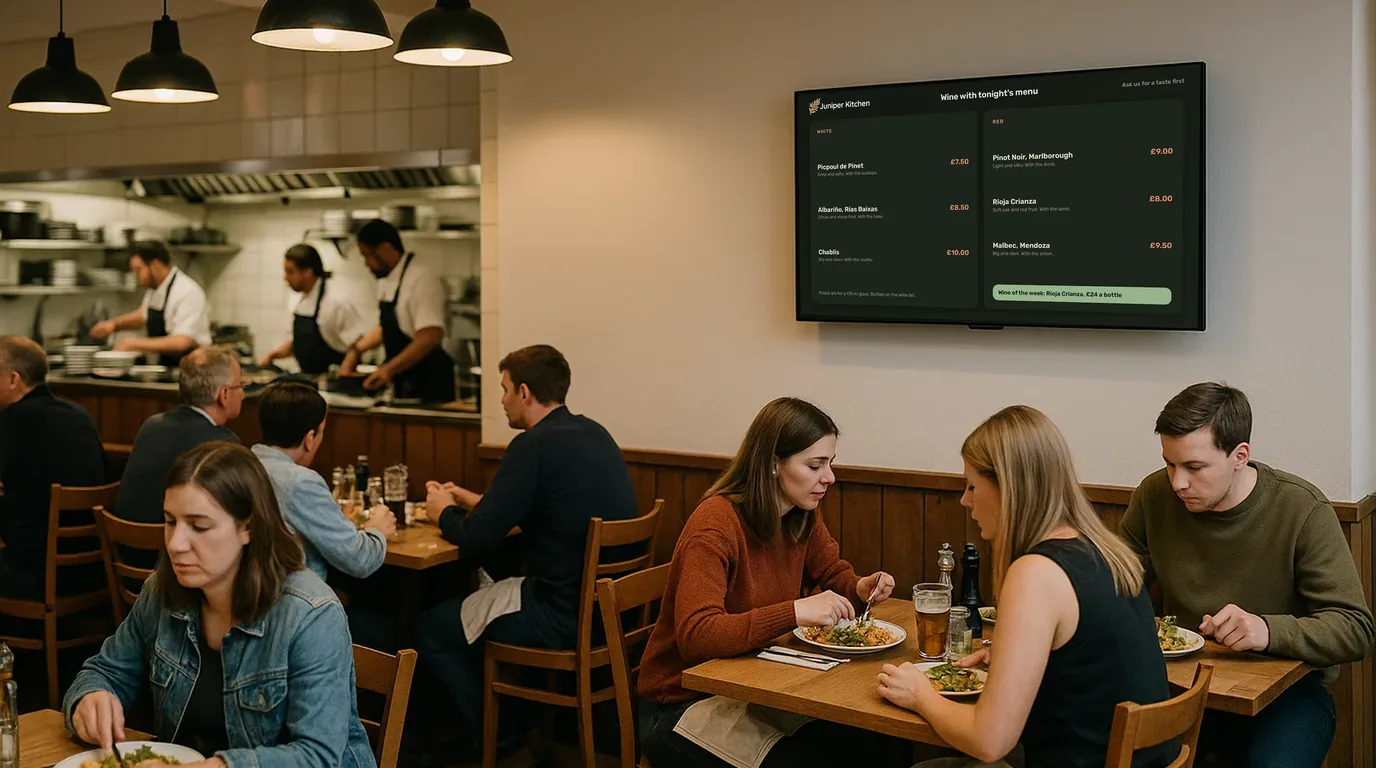
Restaurants: the specials by the door and at the bar
Today's specials where guests wait for a table, and the full menu at the bar. When a special sells out, mark it once and both screens agree.
Hotels: dining, times and what is on tonight
Breakfast times, the restaurant menu and tonight's event on one screen in the lobby, so the front desk answers the question once instead of forty times.
Why NowBoard suits a kitchen that changes its mind
A menu is content, not a picture
Edit the dish once and every Board using it changes. You are not re-exporting an image and copying it to each screen.
Sold out is one tap
Mark an item gone and it shows as sold out rather than disappearing, so people stop asking for it.
Different screens, different menus
Food above the pass, drinks at the bar, breakfast in the lobby. One account, one login, each screen showing what belongs there.
Time of day does the work
Breakfast until eleven, lunch until three, the evening menu after five. Set it once with a Schedule and the screen changes on its own.
Free on 1 TV, then £10 per TV a month ex VAT
The Free plan runs one TV with up to five Boards, so you can try it on the counter before you decide. See all prices.
Any TV with an HDMI port
Use the Player App on a Google Play Certified Android TV stick, a PC you already own, or a NowBoard Player. Compare players.
Let local businesses pay for the screen
Your menu board can also show a paid slot for the brewery, the taxi firm or the gym next door. You set the price and approve every advert before it plays. Stripe handles the payment.
You set the price of each slot. Try Ad Spaces on every plan. How screens that pay work.
Digital menu board design: five tips
Make the text big enough for the queue
Stand where your customers decide and read the board from there. If you cannot read a price, the text is too small.
Keep the rows short
Put the dish name and the price on one line, with a short description under it. Long descriptions belong on the table menu.
Split a long menu
Mains on one Board and drinks on another reads better than both on one Board at half the size. A portrait screen suits a long, narrow list.
Use photos for a few dishes only
A photo of each signature dish helps. A photo on every line makes the board slow to read.
Show sold out, do not delete
A dish marked sold out tells people it exists and has gone today, so fewer people ask for it.
More detail in the digital menu board checklist.
Common questions about digital menu boards
How do I put a menu on a TV?
Connect a player to the TV's HDMI port, pair it with your NowBoard account, and pick a menu Board. Then type your dishes and prices, or connect a Google Sheet. The TV shows the menu and updates when you change it.
How much do digital menu boards cost?
NowBoard is free on 1 TV with up to 5 Boards. After that it is £10 per TV a month ex VAT on Starter, or £20 on Professional. You also need a TV and a player: the Player App on an Android TV stick you buy, a PC you own, or a NowBoard Player at £149 ex VAT (UK only).
Can I update the menu in every venue at once?
Yes. Every screen that shows the same Menu updates when you save a change. Each venue can also show its own specials, which only that venue edits.
What size TV do I need for a menu board?
It depends on how far away people stand and how many dishes you show. Stand where customers decide and check you can read a price from there. If the menu does not fit at a size you can read, split it across two Boards or two screens.
Can I show different menus at different times of day?
Yes. A Schedule changes which Board plays when, so breakfast gives way to lunch and then to the evening menu without anyone touching the screen.
How quickly does a price change reach the screen?
Within seconds of you saving it, on every screen showing that menu.
Can I mark something as sold out without deleting it?
Yes, and that is usually better: people can see the dish exists and has gone, rather than asking for something that has vanished from the board.
Do I need a special screen?
No. Any TV with an HDMI port. Portrait works too, which suits a narrow wall beside a counter.
What happens if the wifi drops?
The screen keeps showing the last menu it received. It catches up when the connection returns.
Stop reprinting the menu
Put one screen where people decide what to order, and change it from your phone between services.