
UK digital signage software for your venue
Your content. On every TV.
Create menus, notices and timetables, update them from your phone, and choose what each TV shows. Free for one TV.
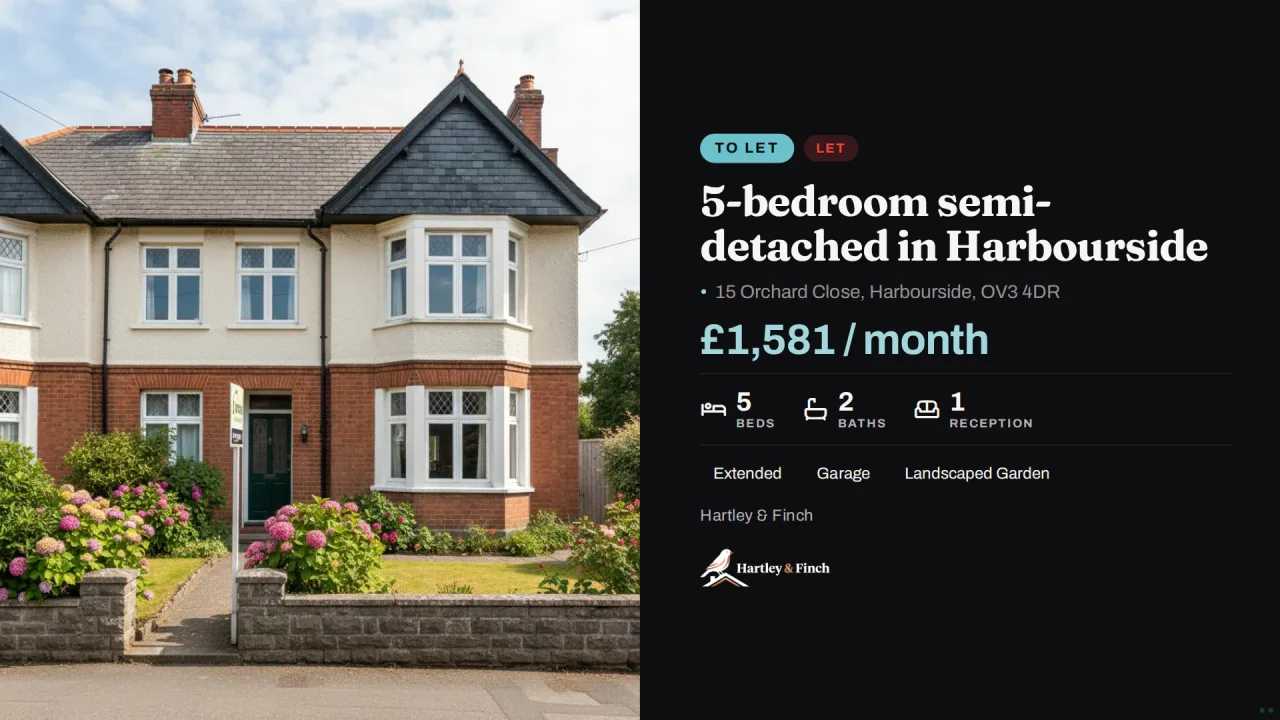
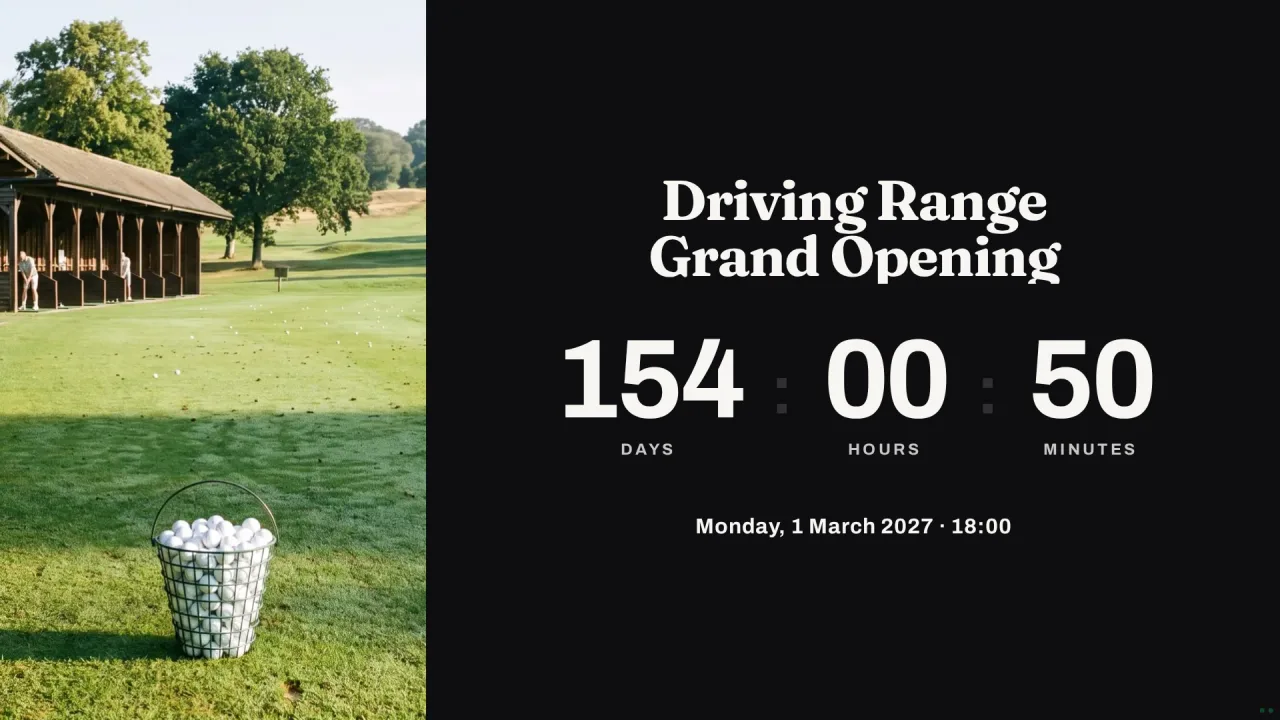
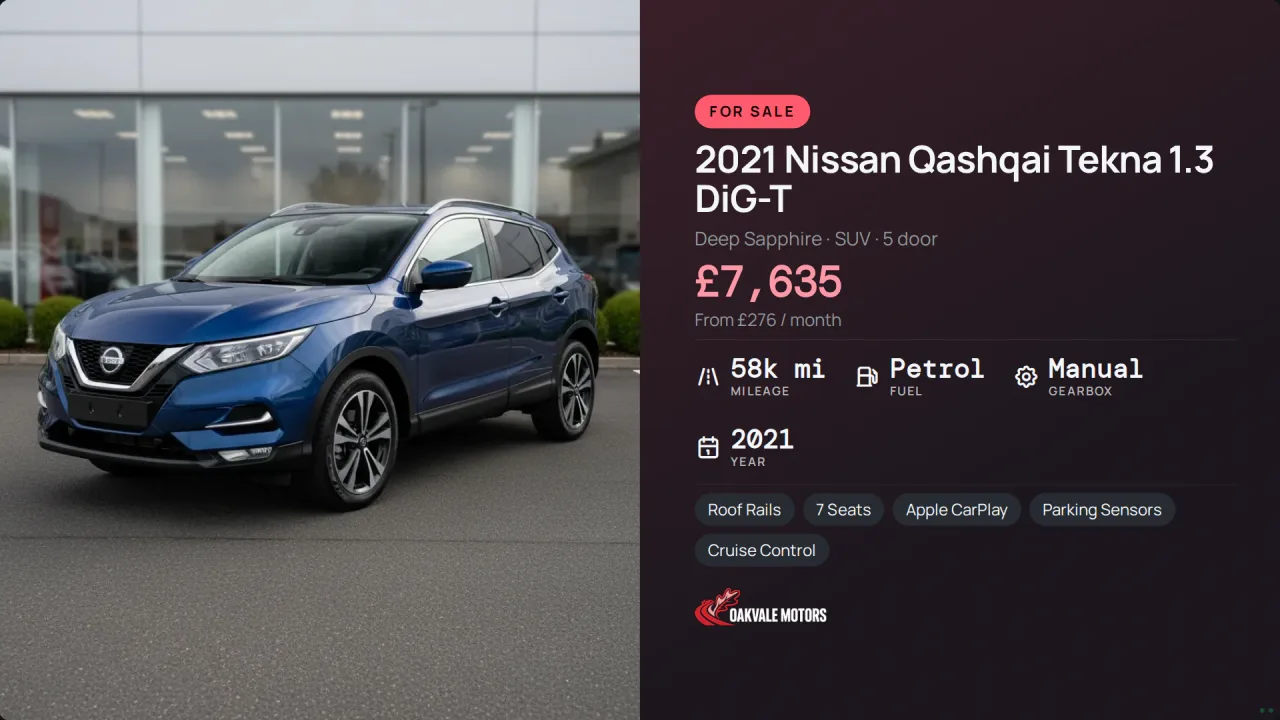
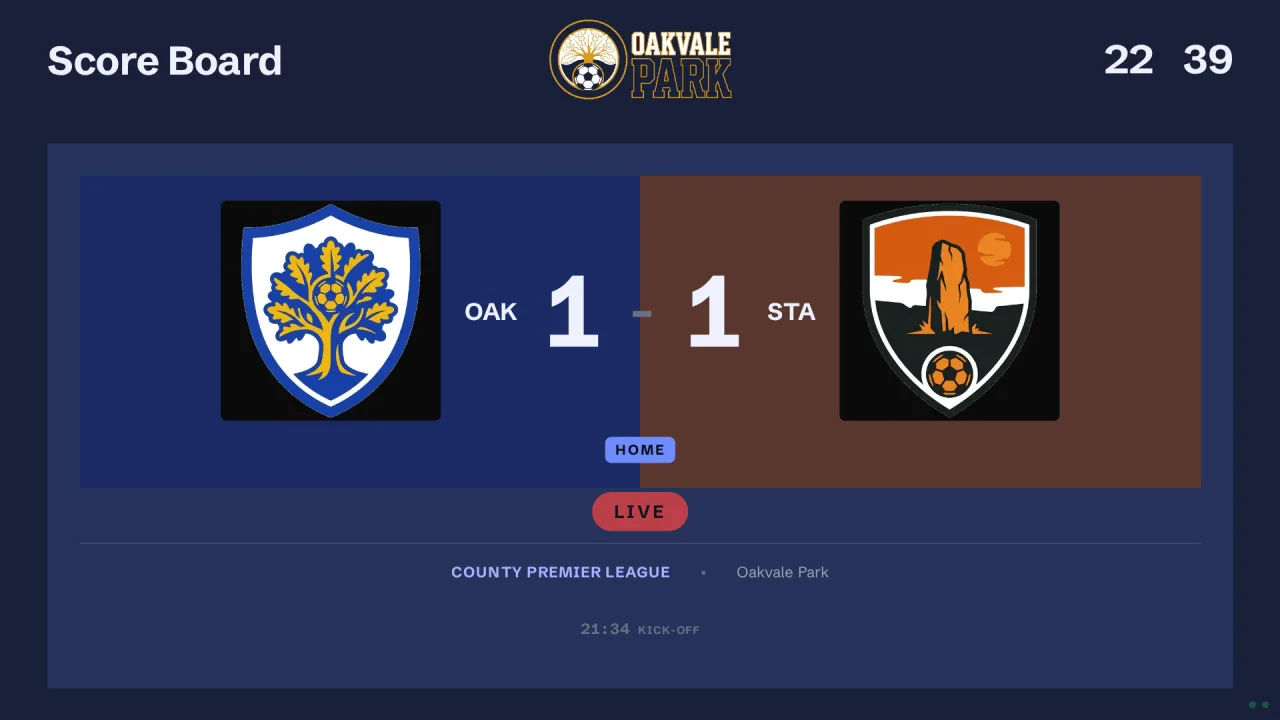
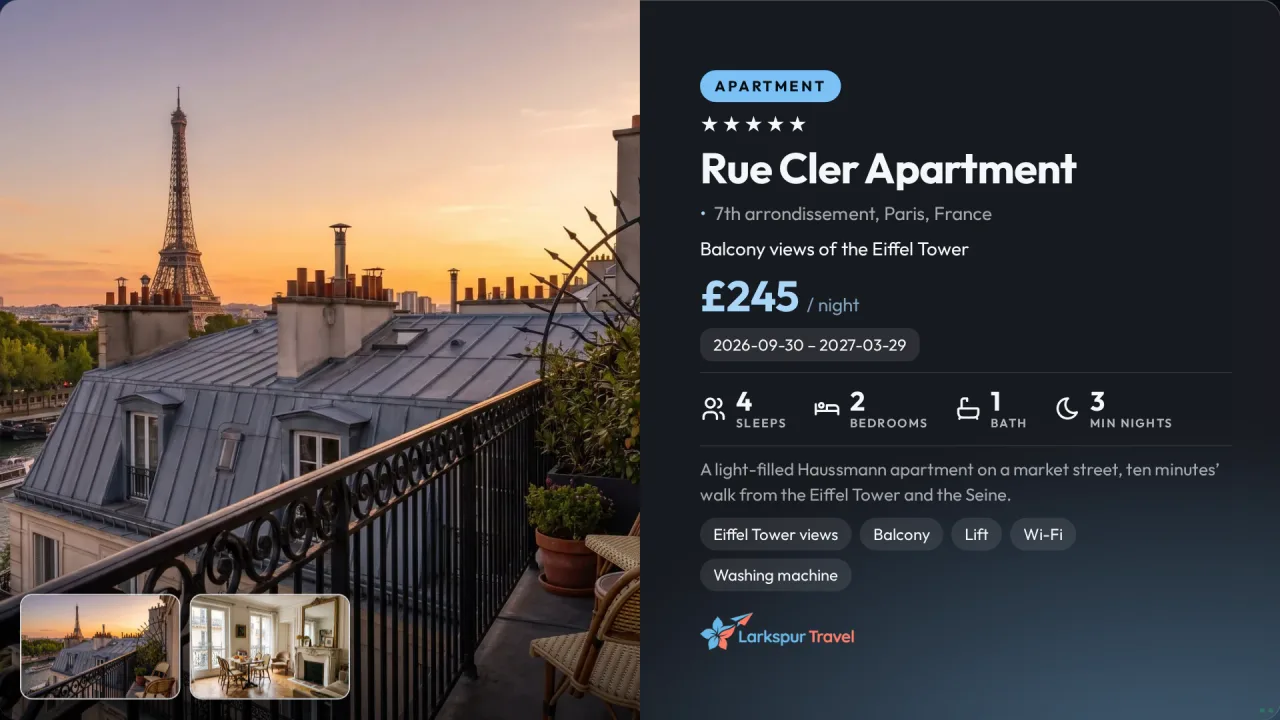
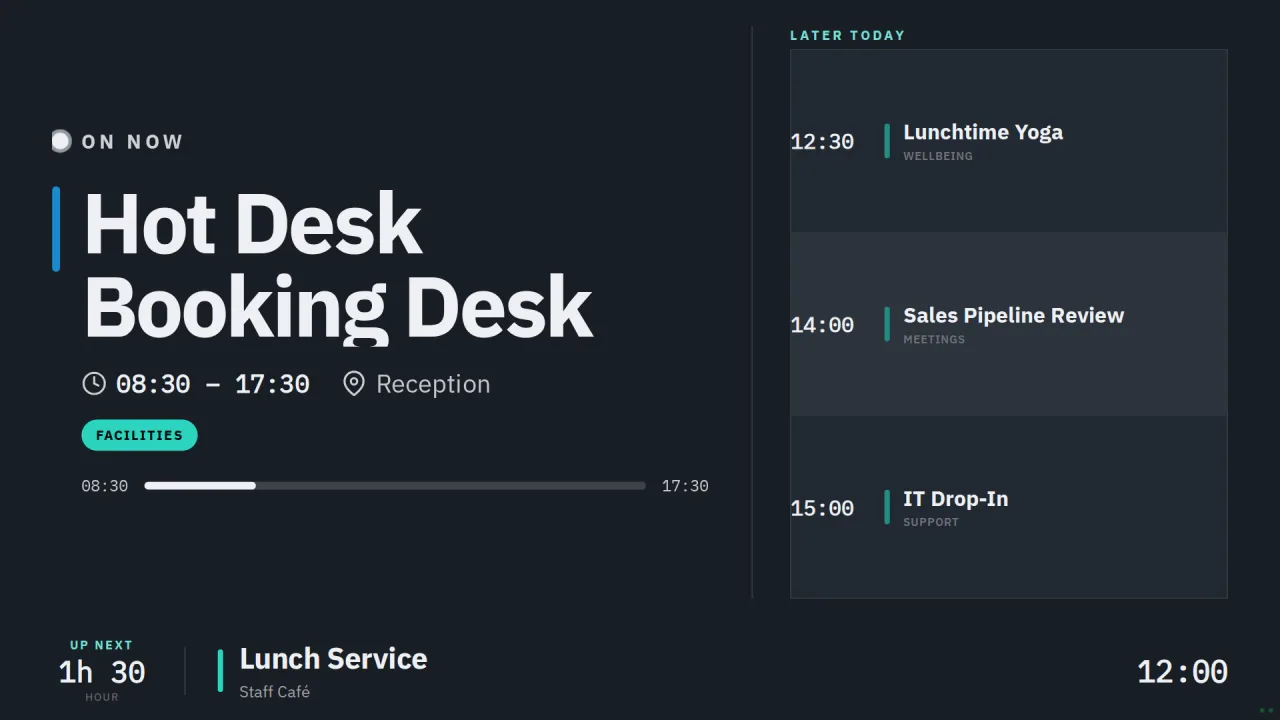
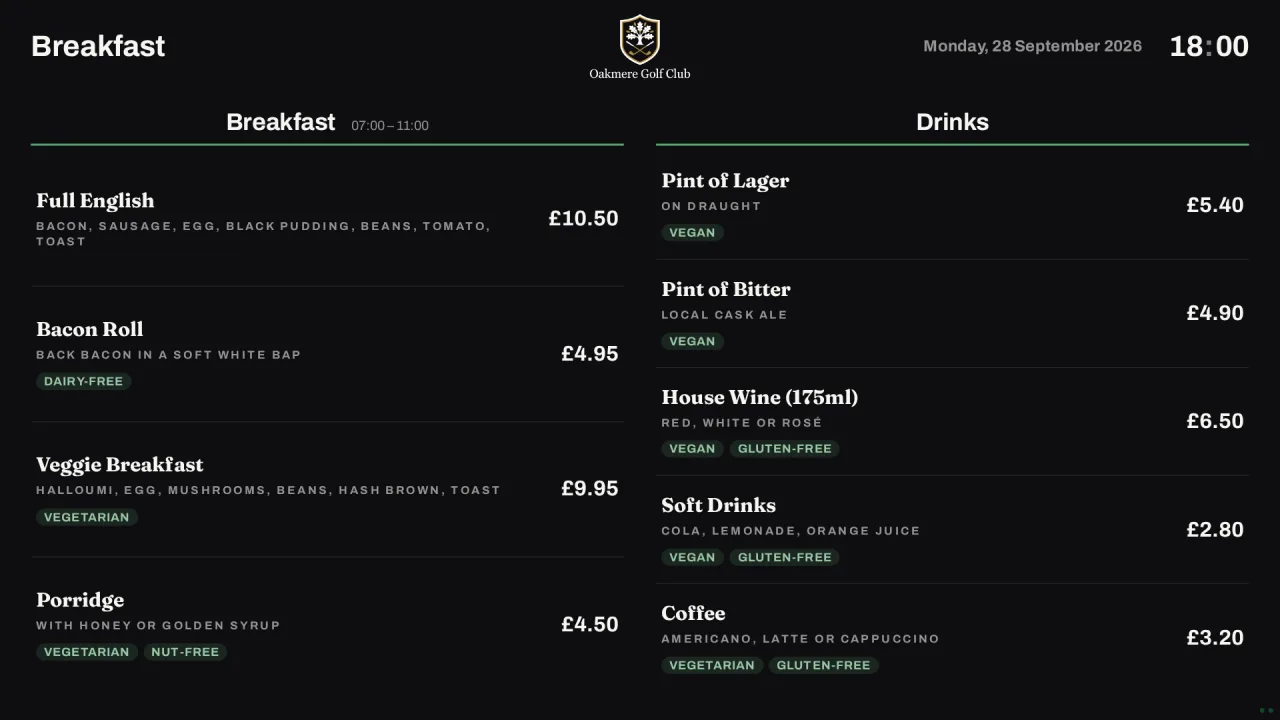
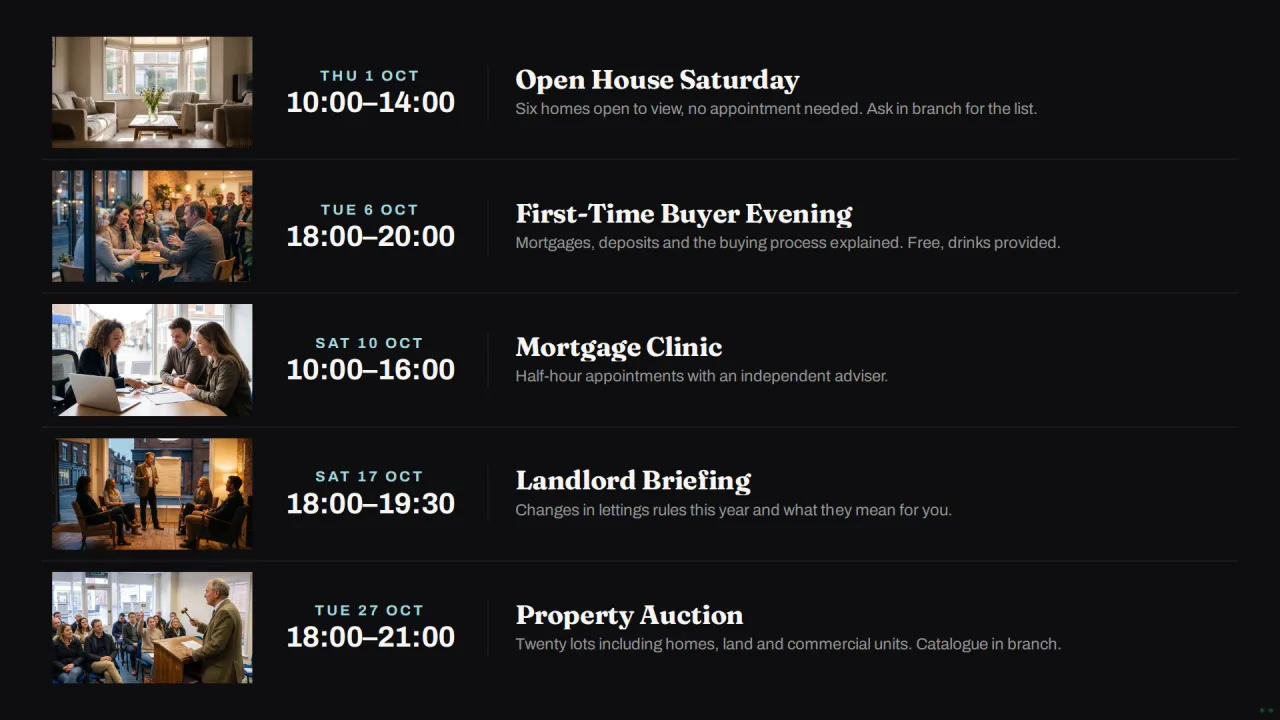
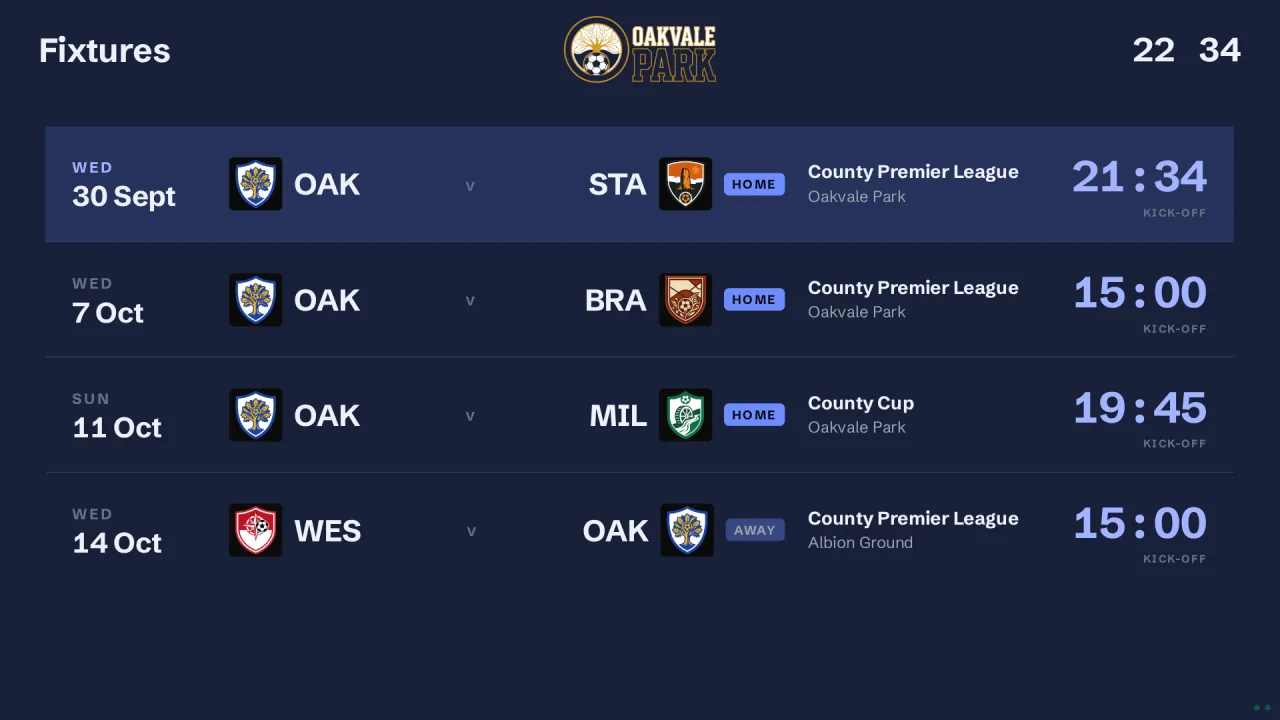
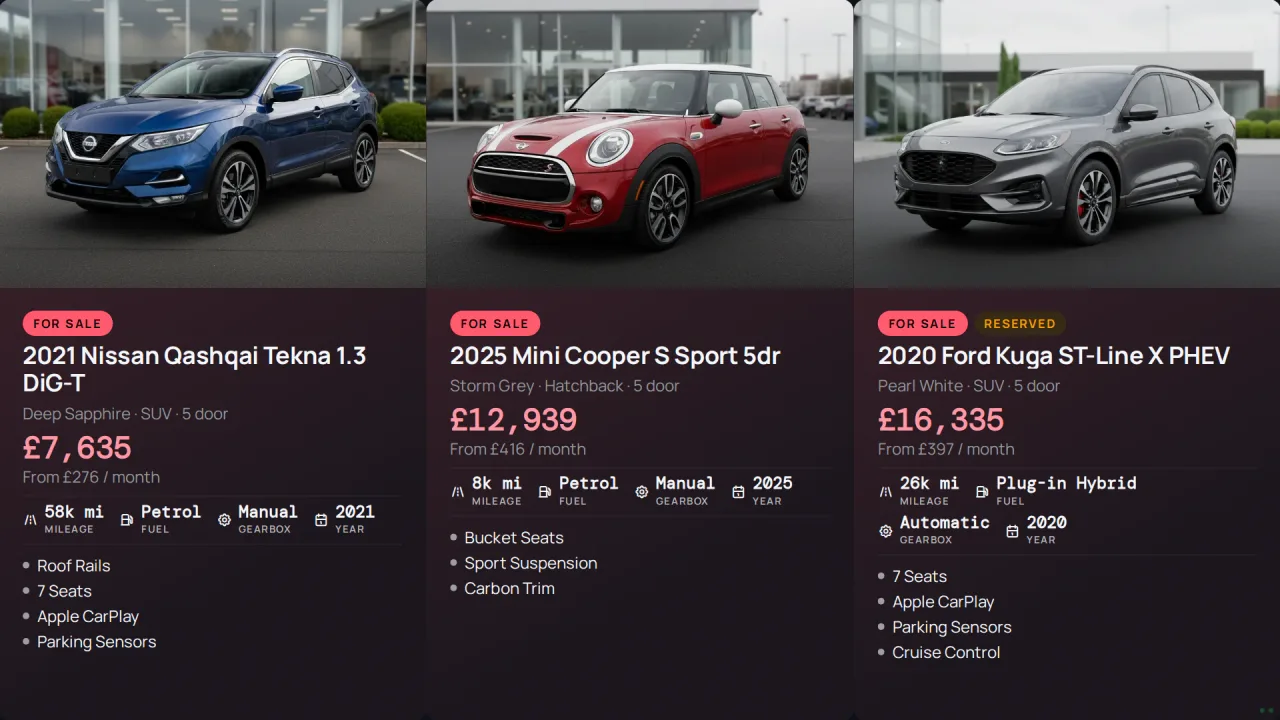
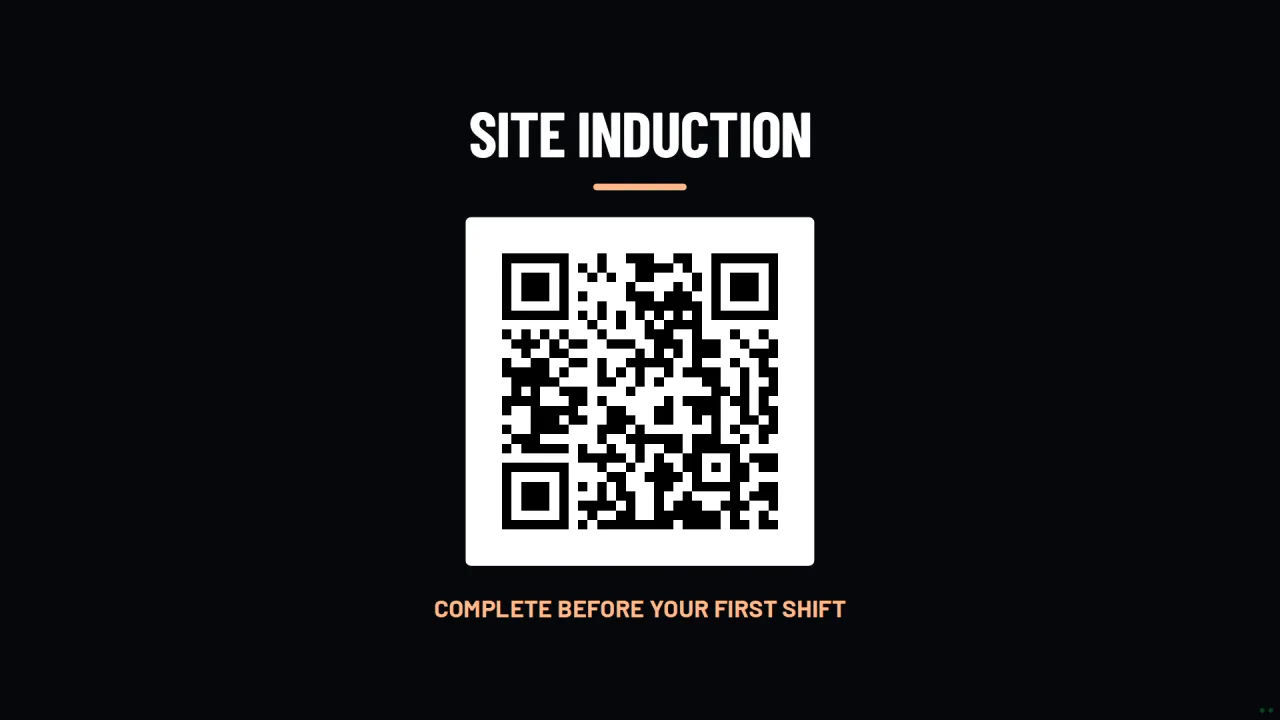
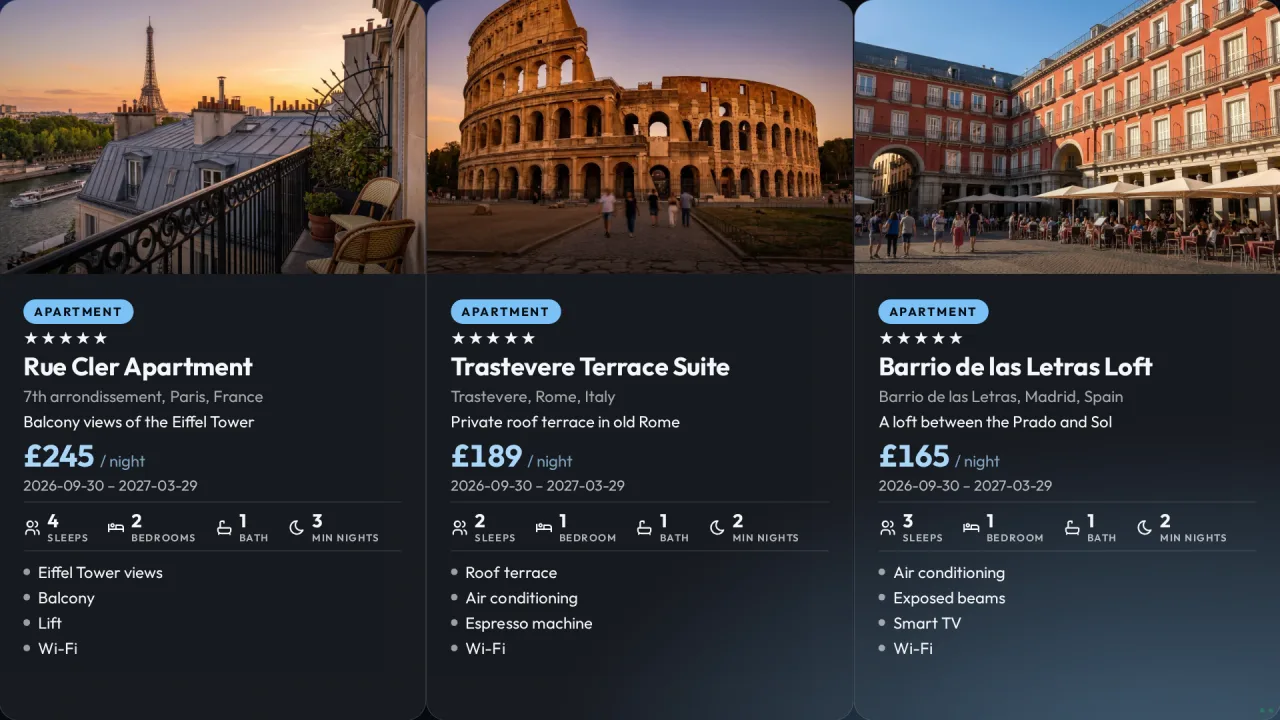
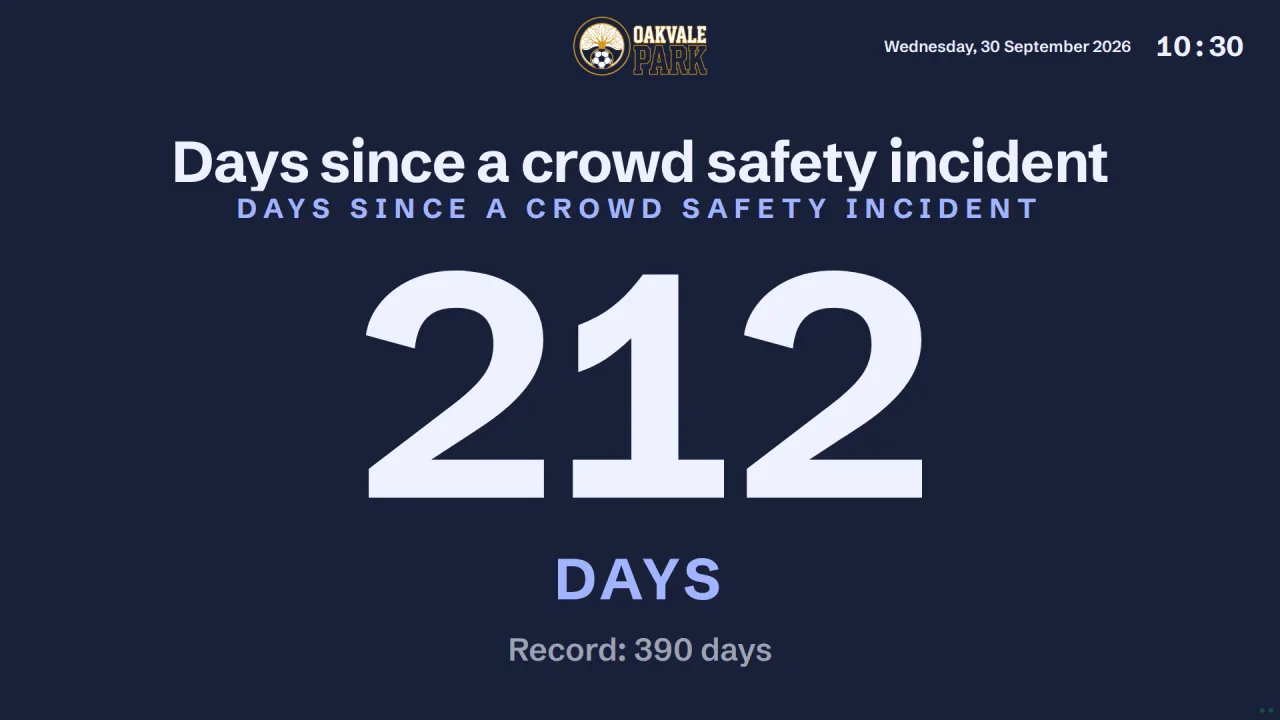
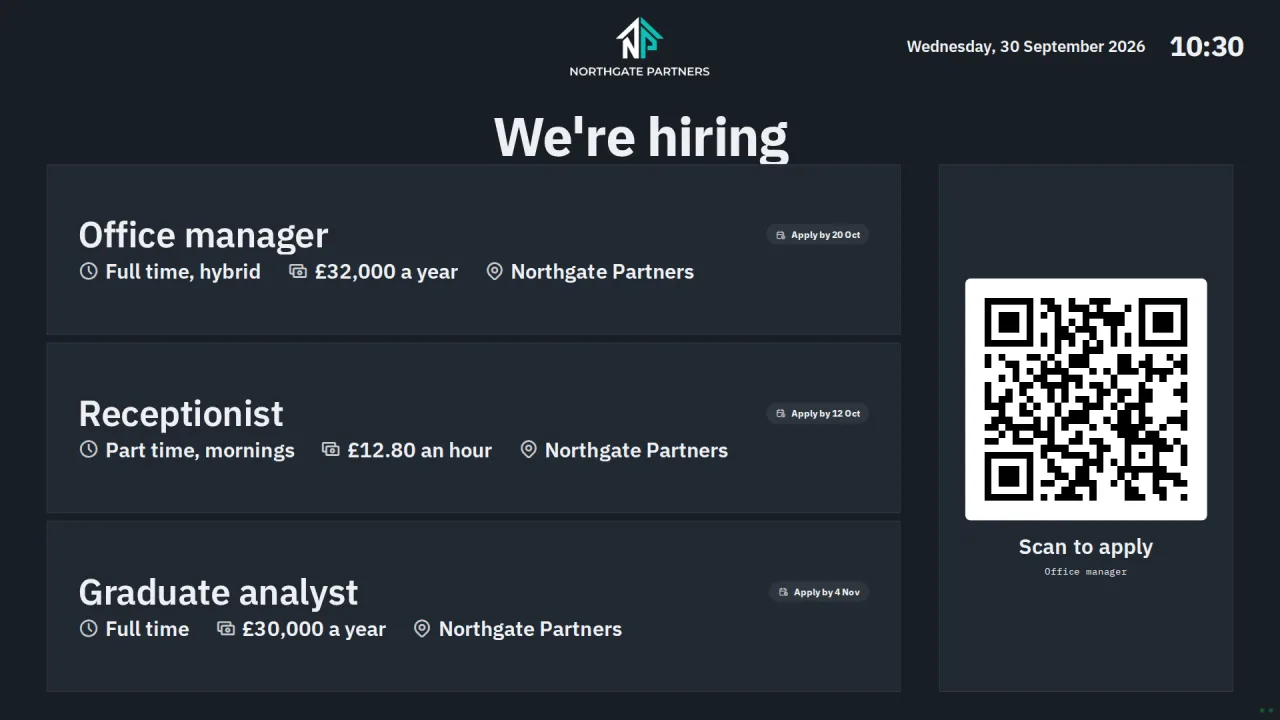
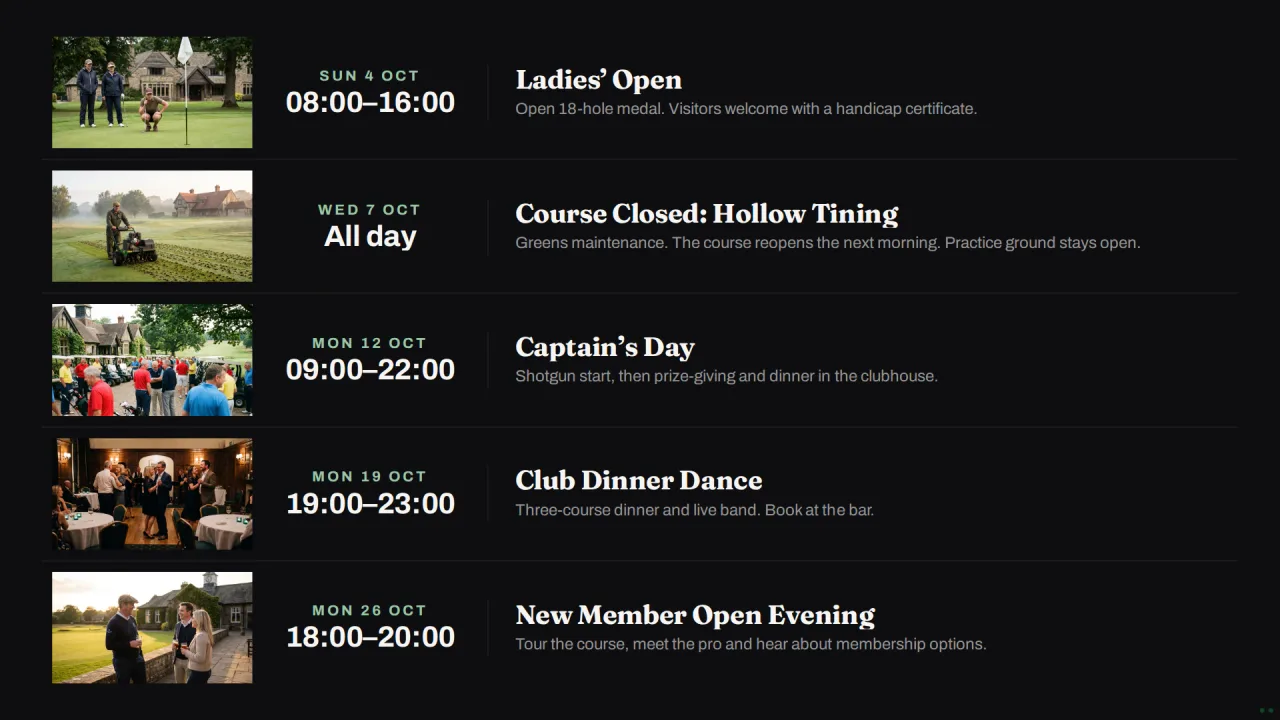
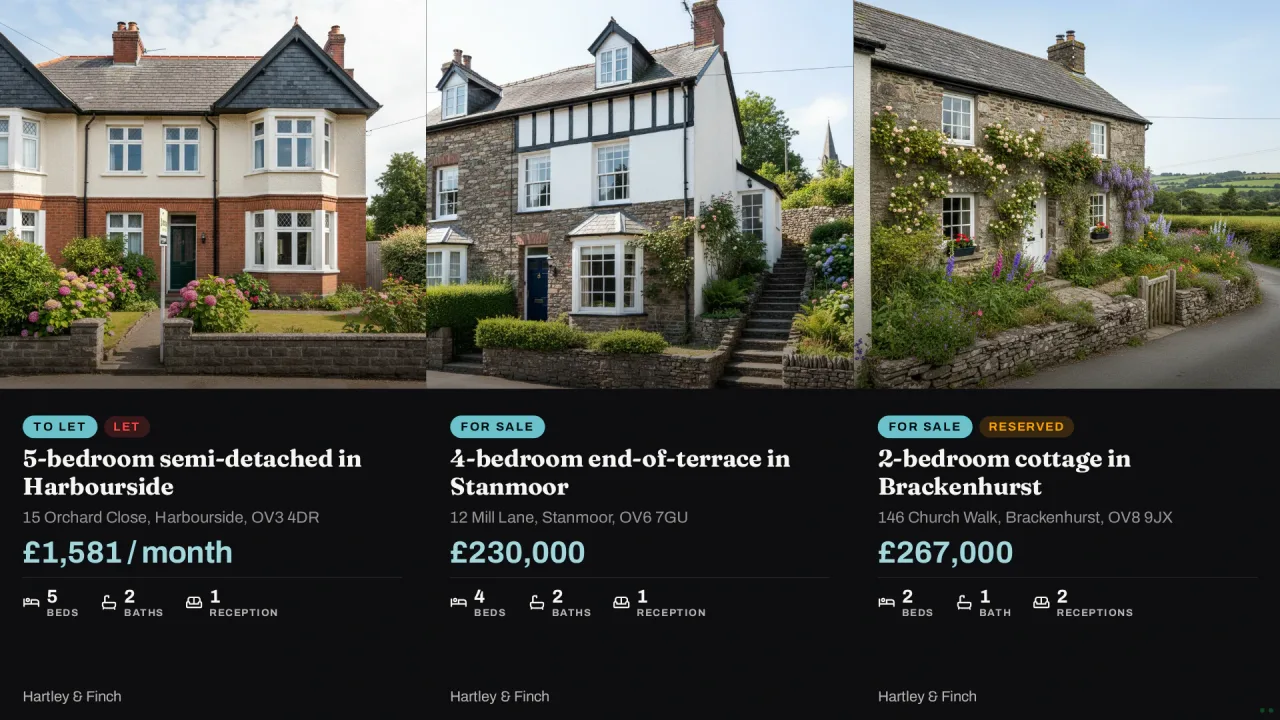
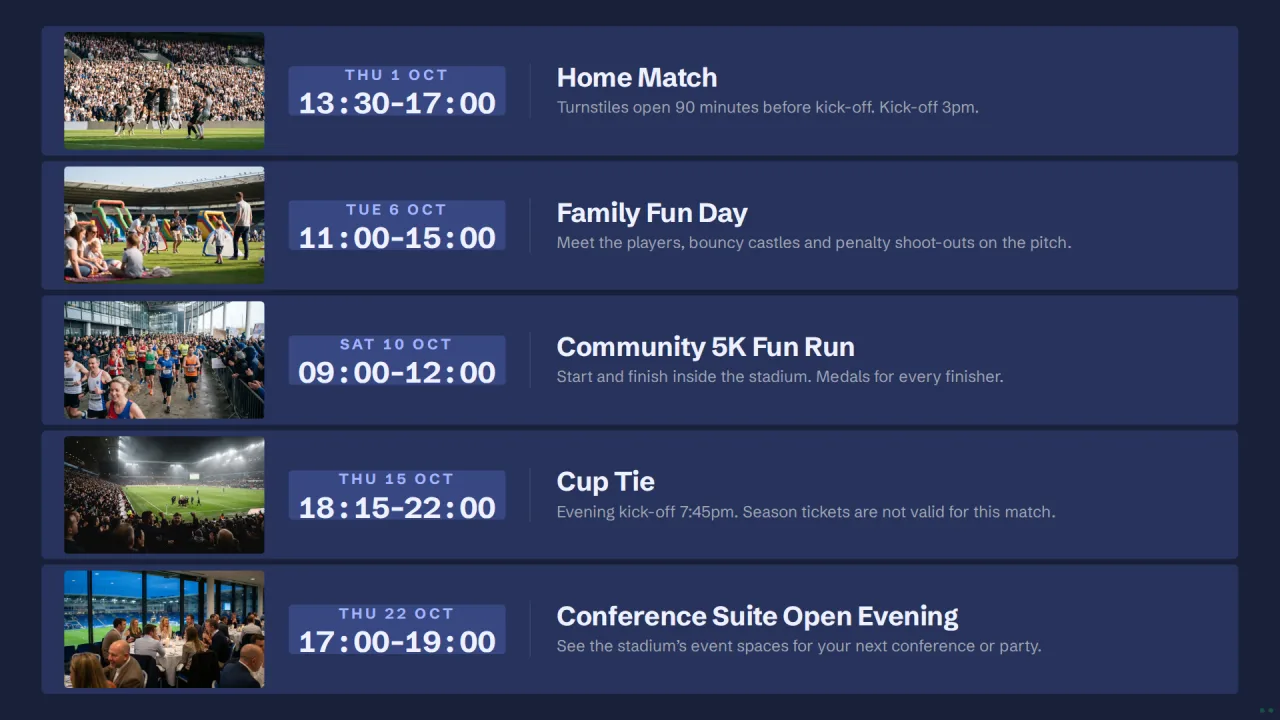
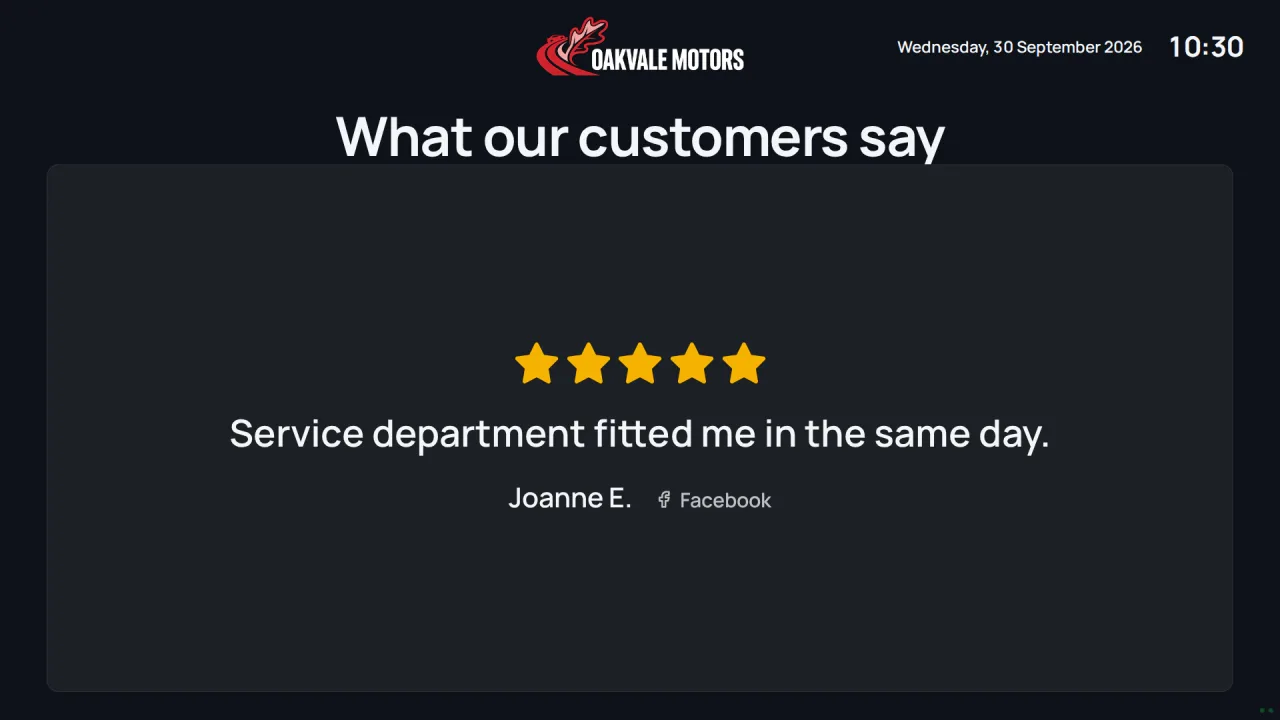

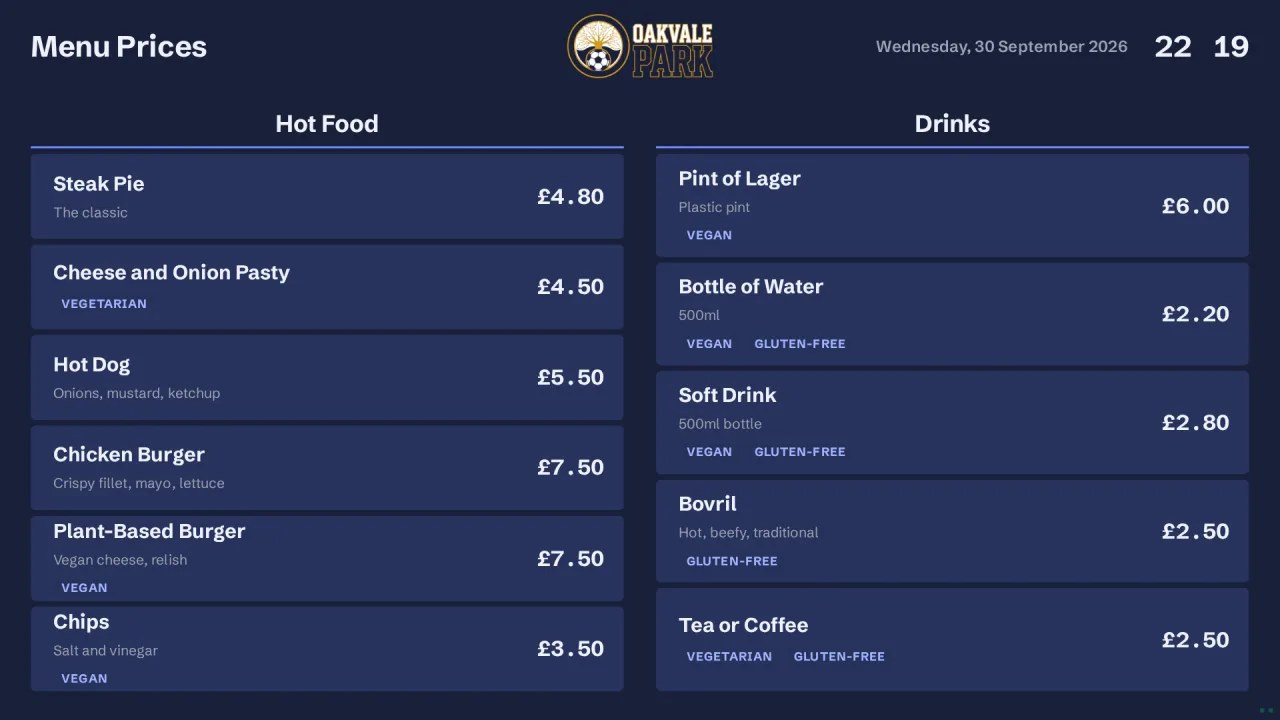
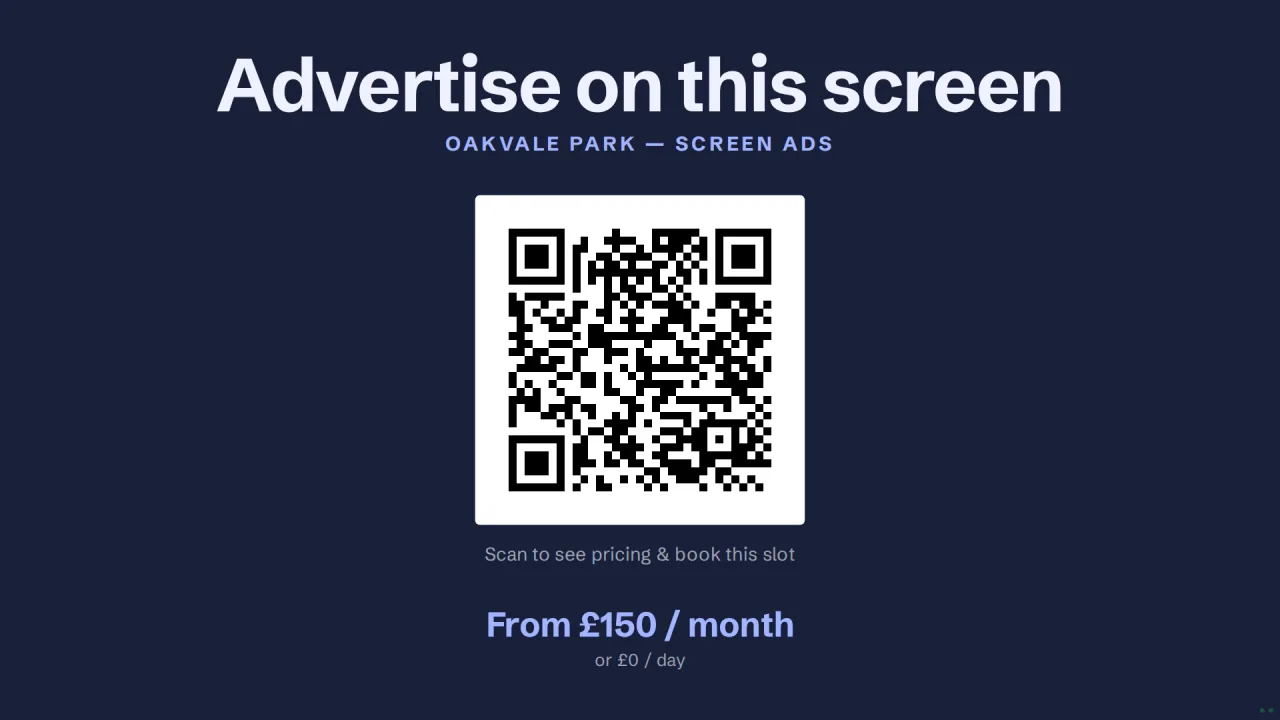
Same content. Different content. Your choice.
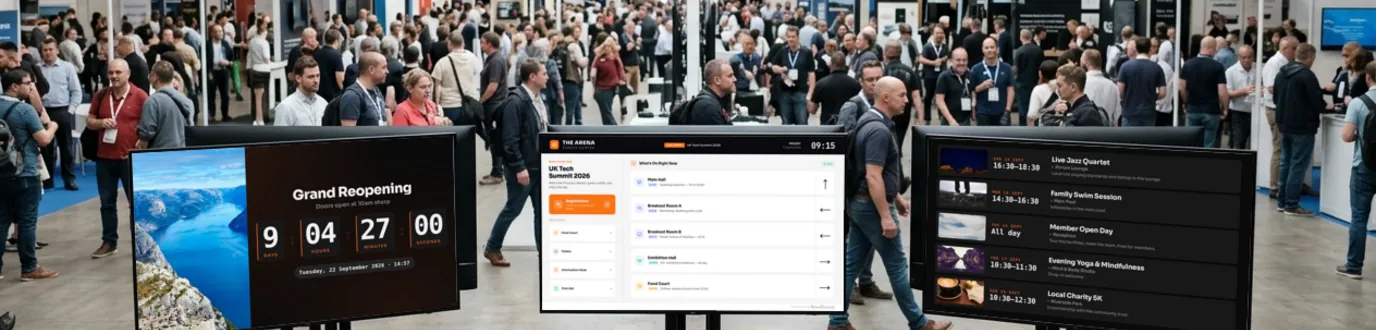
A Board is a layout with your content. Add your Boards to a Channel, then choose their order and how long each plays. Each TV shows one Channel. Your TVs can share a Channel, or each TV can show its own.


Three different Channels. 3 TVs = 3 Player Licences. Sharing a Channel does not change the price.
Interactive example with real Boards. Free includes one TV; paid plans include unlimited Channels, with Board rotation and timing managed inside each one.
Describe it. Pick a design. Ask for a change.
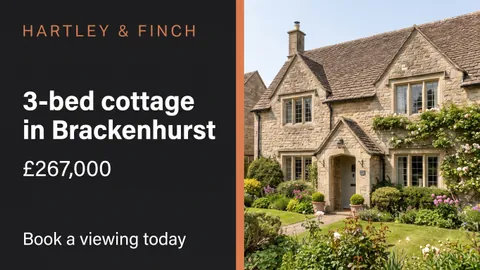
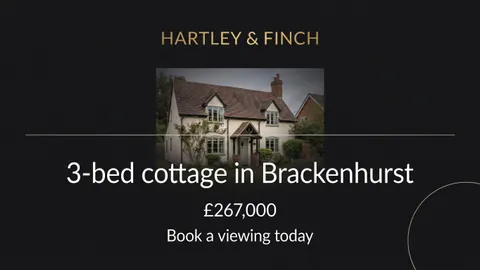
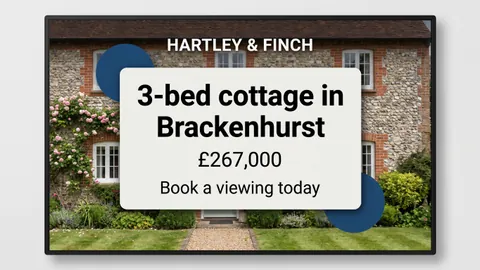
Tell AI Designer what the Board is for. It makes three designs. Choose one, then ask for changes in plain words until it is ready. Save it as a Board and put it on your TVs.
1You describe the Board
Your designer
2It makes three designs



3You ask for one change

4It plays on your TV

Example made with AI Designer. The images on this page are its real output. AI Designer is included on the Professional and Enterprise plans, with a monthly allowance of images.
On your screen in three steps
Pick a Board
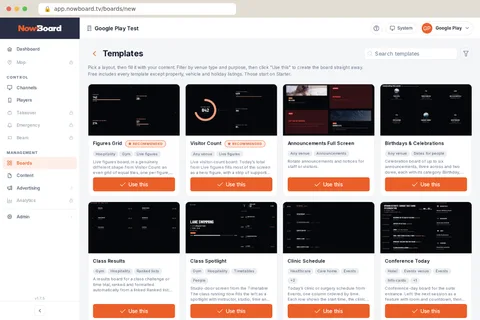
Choose a ready-made layout for your space: a welcome screen, timetable, menu, noticeboard and more. 100+ Templates to choose from, in 10 Styles: one house look across every screen you run.
Add your content
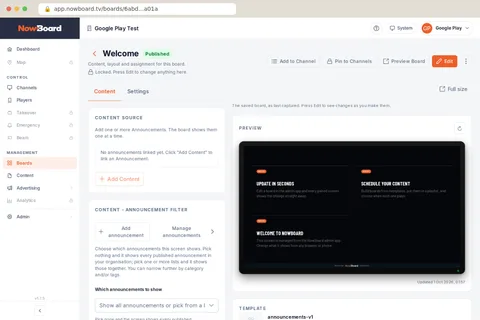
Type in your schedules, announcements, menus or events: 28 kinds of content to choose from. Write an item once and every Board using it updates together, from your phone, tablet or laptop.
Plug in and display
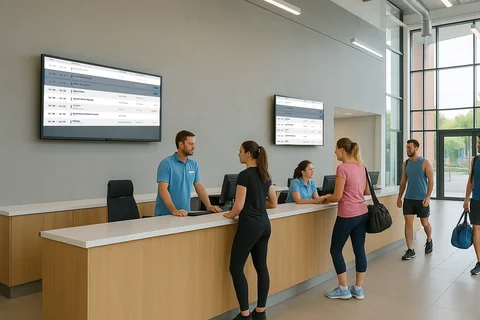
Connect any TV: try it in a browser, install the NowBoard Player App on an Android TV or Google TV stick, or add a NowBoard Player (£149 ex VAT) for set-and-forget reliability, or a NowBoard Player Pro (£199 ex VAT) for live video from an NDI source. Your Board appears instantly. No IT required.
Pick the Board that fits your space
Choose from 100+ ready-made screen layouts, then pick one of 10 Styles: every Board takes that look, in your brand colours with your logo. That is over a thousand combinations, and no design skills needed. Or design your own from scratch in the grid editor on Starter and above. Add your content in minutes and display on any TV: a browser, the NowBoard Player App, or a NowBoard Player Pro.
The Free plan includes five Boards and all templates except Property, Motor and Holiday listings. Those start at Starter.
Earn from your screens with built-in advertising.
Create an Ad Space, set its price and let local businesses book. You approve what plays; Stripe handles payment. Keep your share after commission and processing fees.
Switched off by default. NowBoard works as pure signage until you want it.
- An "Advertise here" QR code on screen sends local businesses straight to your booking page
- Every ad play is logged, so advertisers can see their ad ran
- 1Define a slotPick the Screen, set the price, slot length and accepted creative.
- 2A local business booksThey choose the slot and pay online. No middleman, no sales calls.
- 3You approveNothing plays until you say so. Brand-safe by default.
- 4You get paidPaid through Stripe. No invoicing on your side.
Advertising tools are included on every plan, Free included. Free has unlimited Ad Spaces, outside its five-Board allowance.
NowBoard is made for these sectors
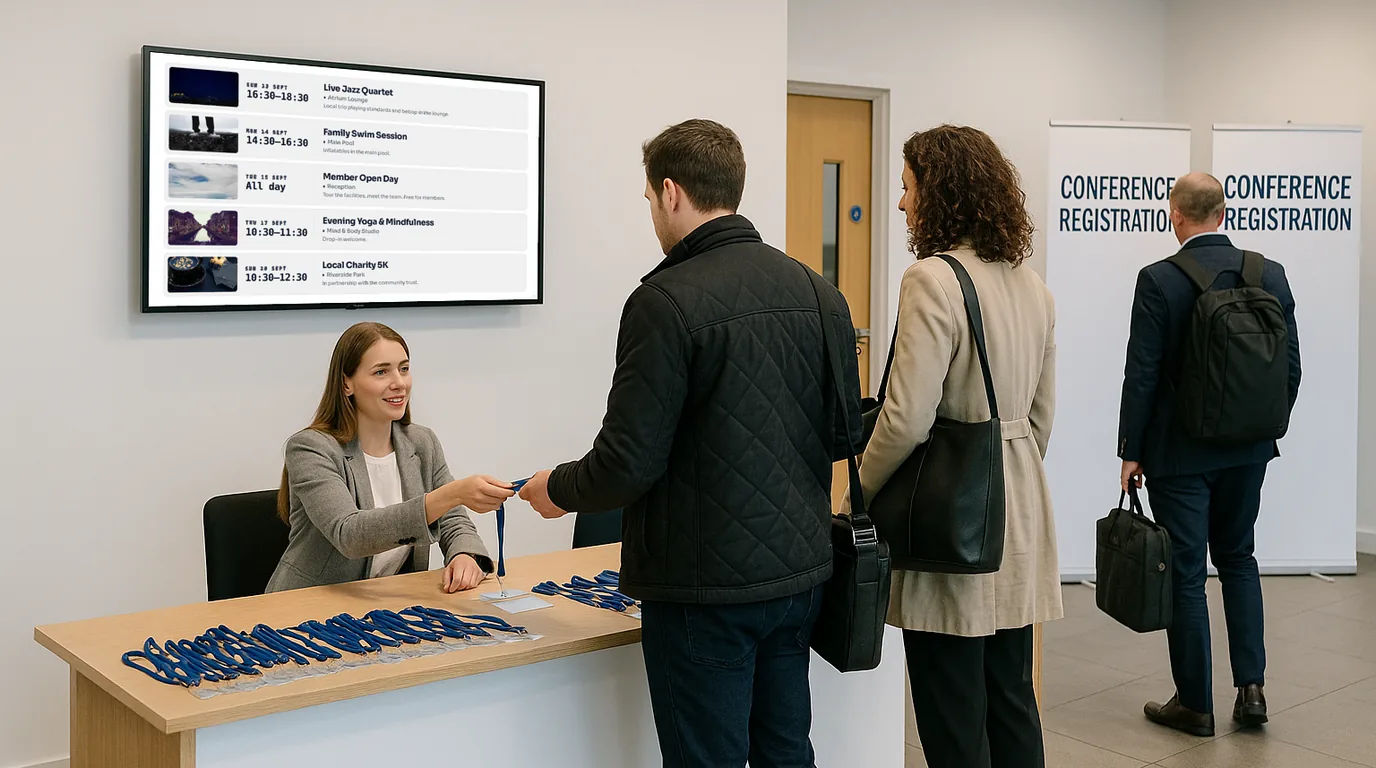
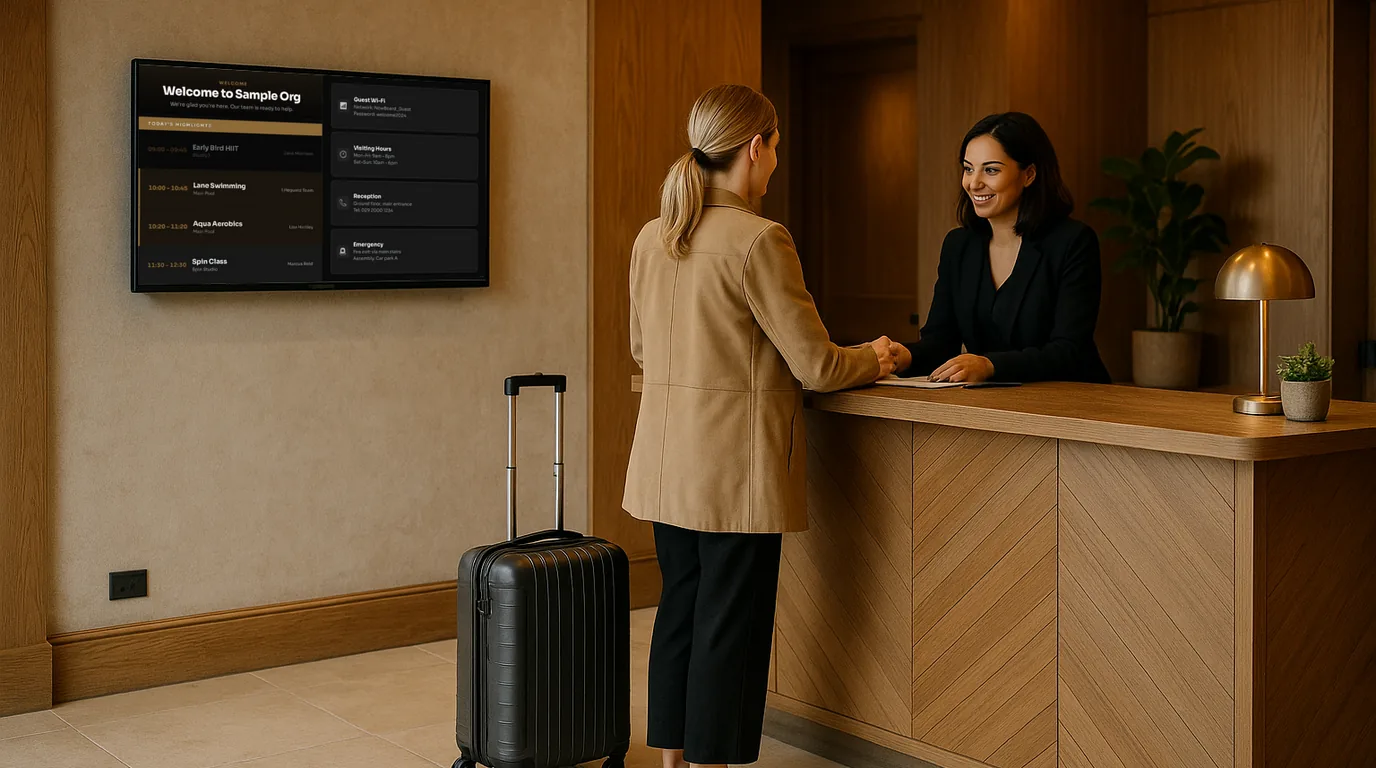
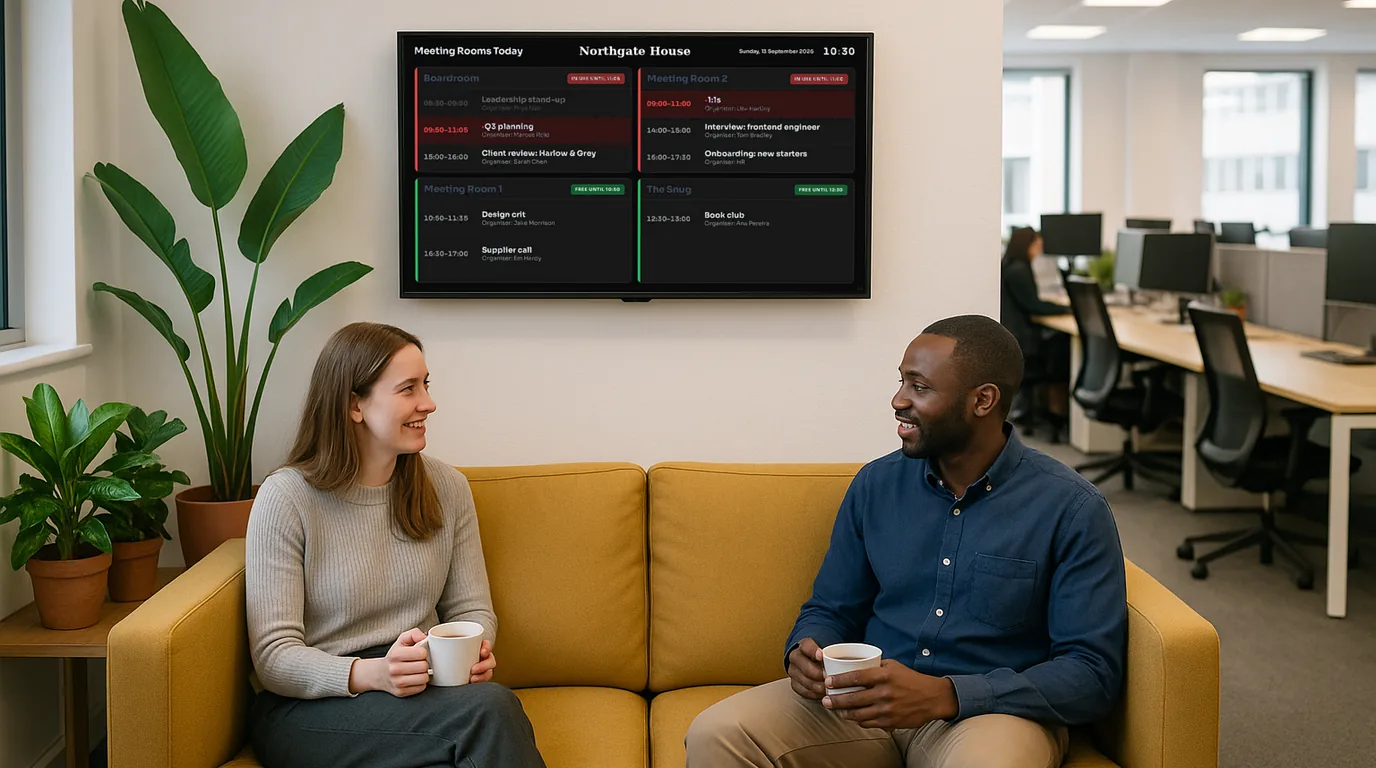
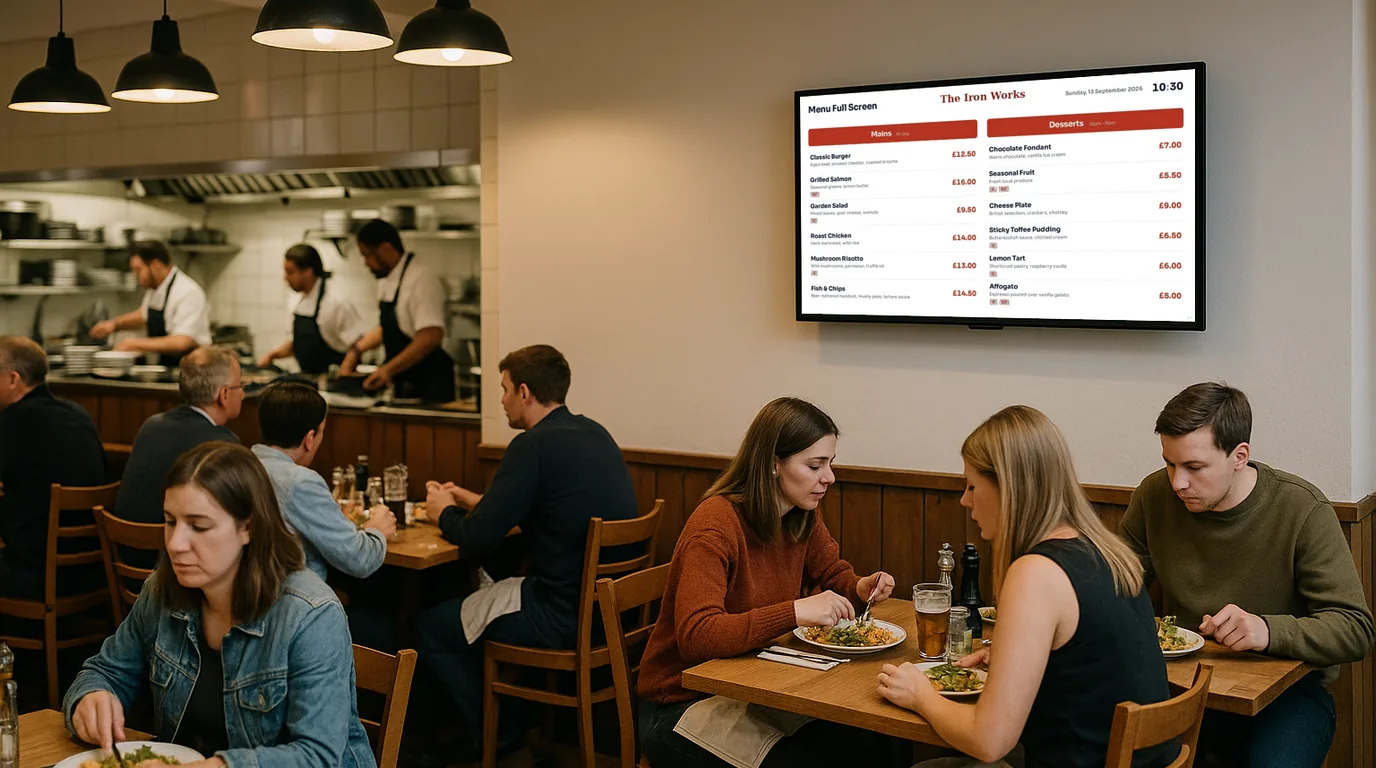
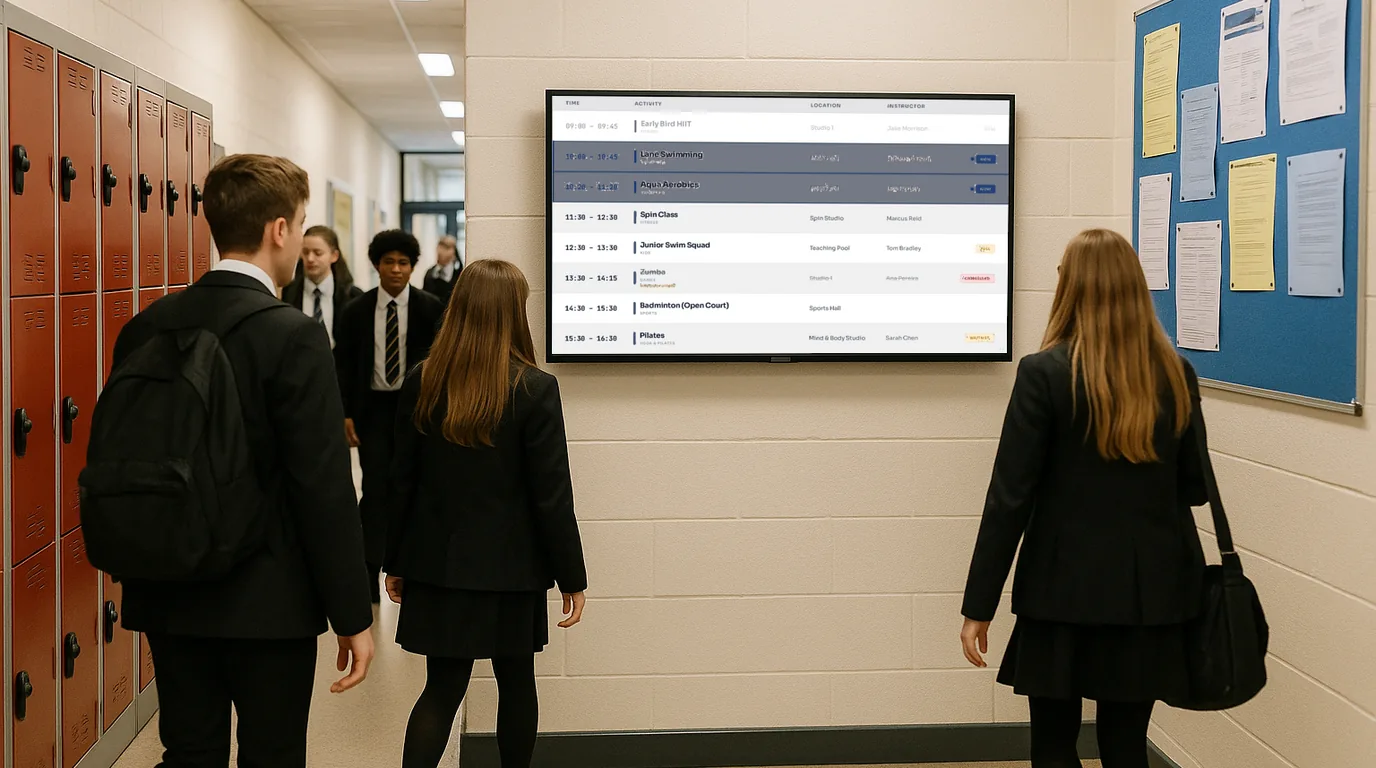
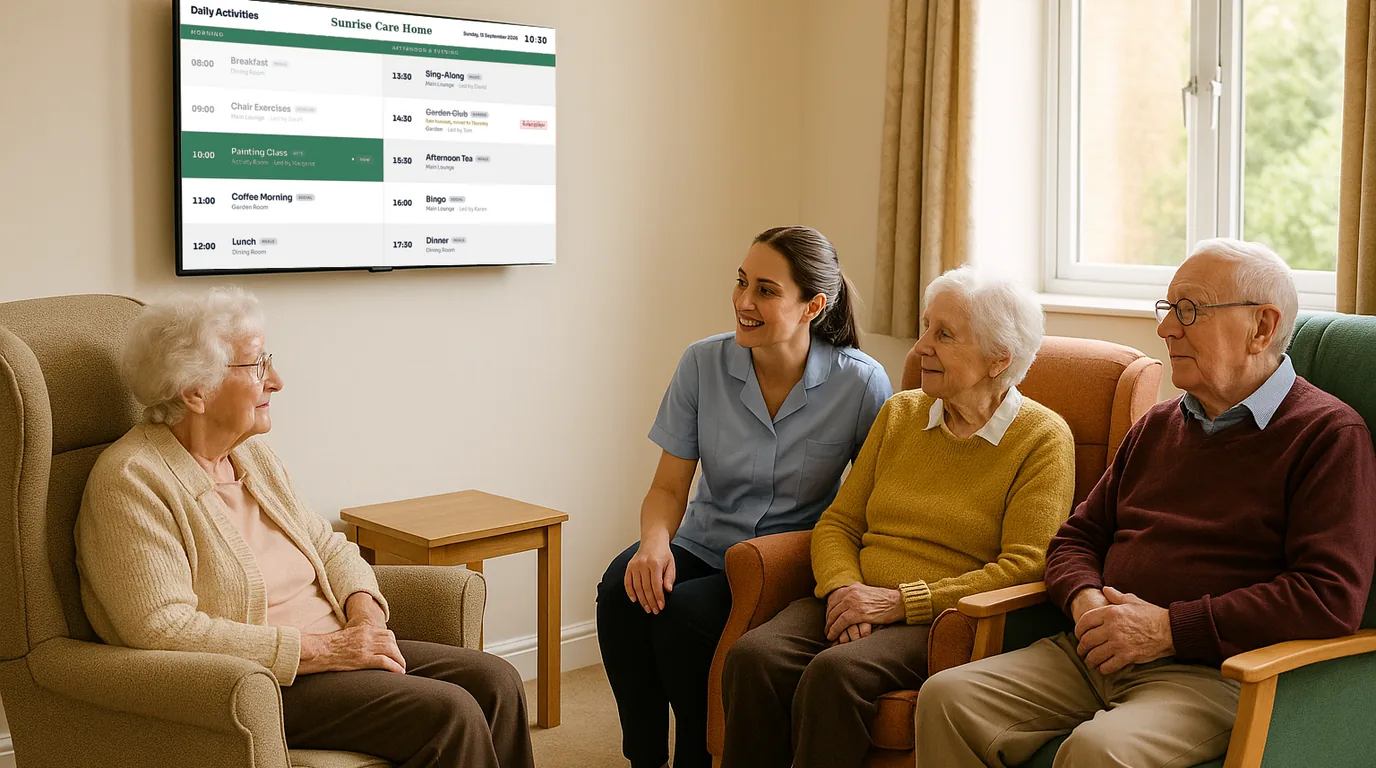
Also: Gyms, Hospitals, Retail, Leisure Centres, Libraries, Churches, Co-working Spaces and more. See all sectors →
Works on any TV in your building
No specialist hardware needed. Try it in a browser today, install the NowBoard Player App on an Android TV or Google TV stick, or move up to a NowBoard Player for a set-and-forget setup, or a NowBoard Player Pro for live video from an NDI source.
NowBoard Web Player (Chrome)
Try it, or use a PC you already have
Needs a Player Licence for each screen
Open your NowBoard Screen in Google Chrome. A laptop or small desktop PC wired to a screen can run a Board all day in full screen.
Trying NowBoard out, or driving a screen from a laptop or mini PC you already own.
NowBoard Player App (Android TV)
Reliable, on hardware you buy
Needs a Player Licence for each screen
An app for a Google Play Certified Android TV or Google TV stick, box, or Android tablet.
A reliable, always-on screen on Google Play Certified hardware.
Amazon Fire TV, Apple TV and Roku are not supported.
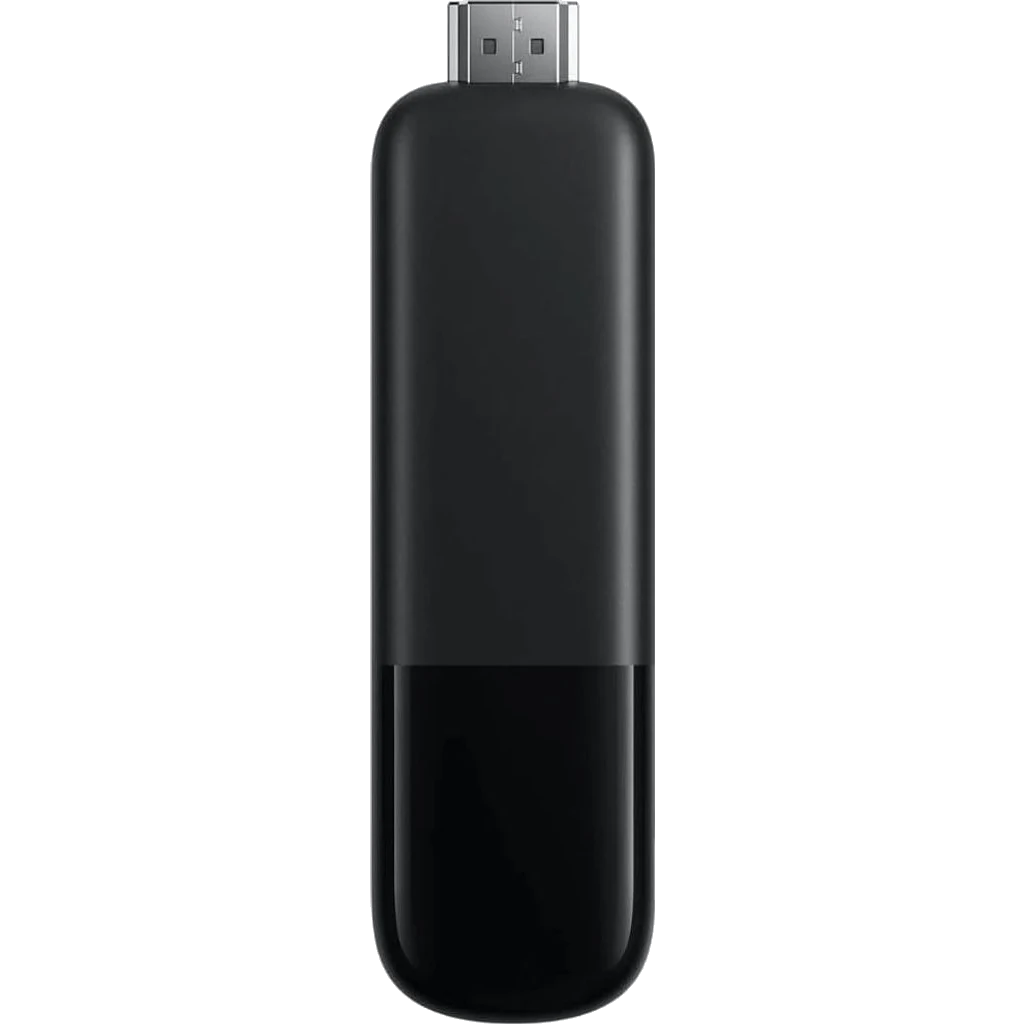
NowBoard Player Pro
For live NDI video
£199 ex VAT, UK only
Our most powerful HDMI device, It can also show live video from an NDI source on your network. Plug in, scan the QR code, done.
Live video from an NDI source on your network, and the most reliable set-and-forget option for an unattended screen.
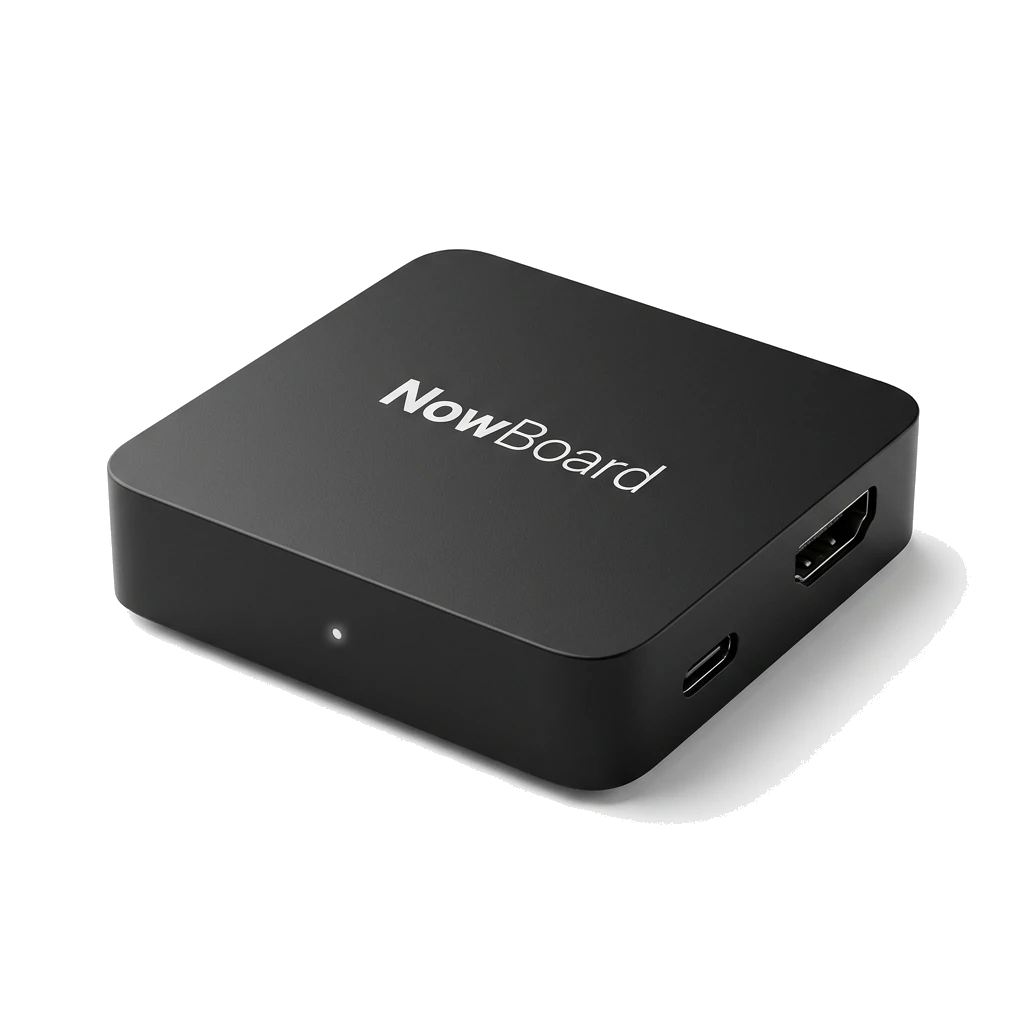
NowBoard Player
Plug in and go
£149 ex VAT, UK only
Our dedicated HDMI device for everyday screens. Plug in, scan the QR code, done.
Menus, notices, schedules and slideshows on a screen that runs all day without anyone touching it.
Live video from an NDI source needs the NowBoard Player Pro.

NowBoard Windows App
For a Windows PC
Needs a Player Licence for each screen
A player app for Windows. The PC driving your screen starts up, signs in and carries on showing your Boards without anyone touching it.
A screen run from a Windows laptop or mini PC you already own.
Available now. Download it from the Players page in the NowBoard app.
Choose your plan. Pay per TV.
Each connected TV needs one Player Licence. Share a Channel across TVs, or choose different content for each. Paid plans include unlimited Boards, Playlists and Channels. Advertising tools are included on every plan.
All prices exclude VAT. Tax is added at checkout.
- 1 TV · 1 Channel · 1 Playlist
- Up to 5 Boards
- Signal, Soft and Poster styles
- Unlimited Ad Spaces, outside the Board allowance
- One Player Licence per connected TV
- Unlimited Boards, Playlists and Channels
- 100+ templates · all 10 styles
- Your branding, without the NowBoard footer
- Scheduled Boards: put a Board or Playlist on screen for a specific date and time
- Takeover and emergency alerts
- Priority email support
- Unlimited Boards, Playlists and Channels
- Volume pricing
- Tailored onboarding
- Account management; dedicated with SLA from £7,500/month ex VAT
- Takeover and emergency alerts
Save with annual billing: 12 months for the price of 10 on every paid tier.
Answers before you sign up
The shortcut version. For the full breakdown, see advertising FAQ and pricing.
Do I have to sell ads?
How is this different from Yodeck or ScreenCloud?
Is there a contract?
What if I only have one screen?
When do I get paid for ads?
Live on your first screen in 15 minutes
Pick a Board, add your content, send it to any screen. That is all it takes.