
The digital notice board for any screen: announcements, schedules and notices in one place
That same screen can sell ad slots to local businesses, and you keep up to 92% of every sale. Replace the cork board in the corridor, the paper notices on the door, and the printed schedule on the wall with a single screen that shows everything people need to know. Announcements, daily schedules, room bookings, event information and general notices, all in one place. Updated from your phone in seconds. Visible from across the room.
No credit card required • Cancel anytime • From £10/TV/month ex VAT
- Notices that expire Set start and end dates, so old notices go by themselves.
- Update from a phone Anyone you invite can post a notice.
- Opening hours Bank holiday closures show on the right dates.
- From £10 a month Per TV, ex VAT. One TV is free.


Paper noticeboards are where information goes to disappear
Every building has one. A cork board in the corridor. A magnetic whiteboard in the staffroom. A glass-fronted notice cabinet by the entrance. Layered with paper. Held together with drawing pins and hope.
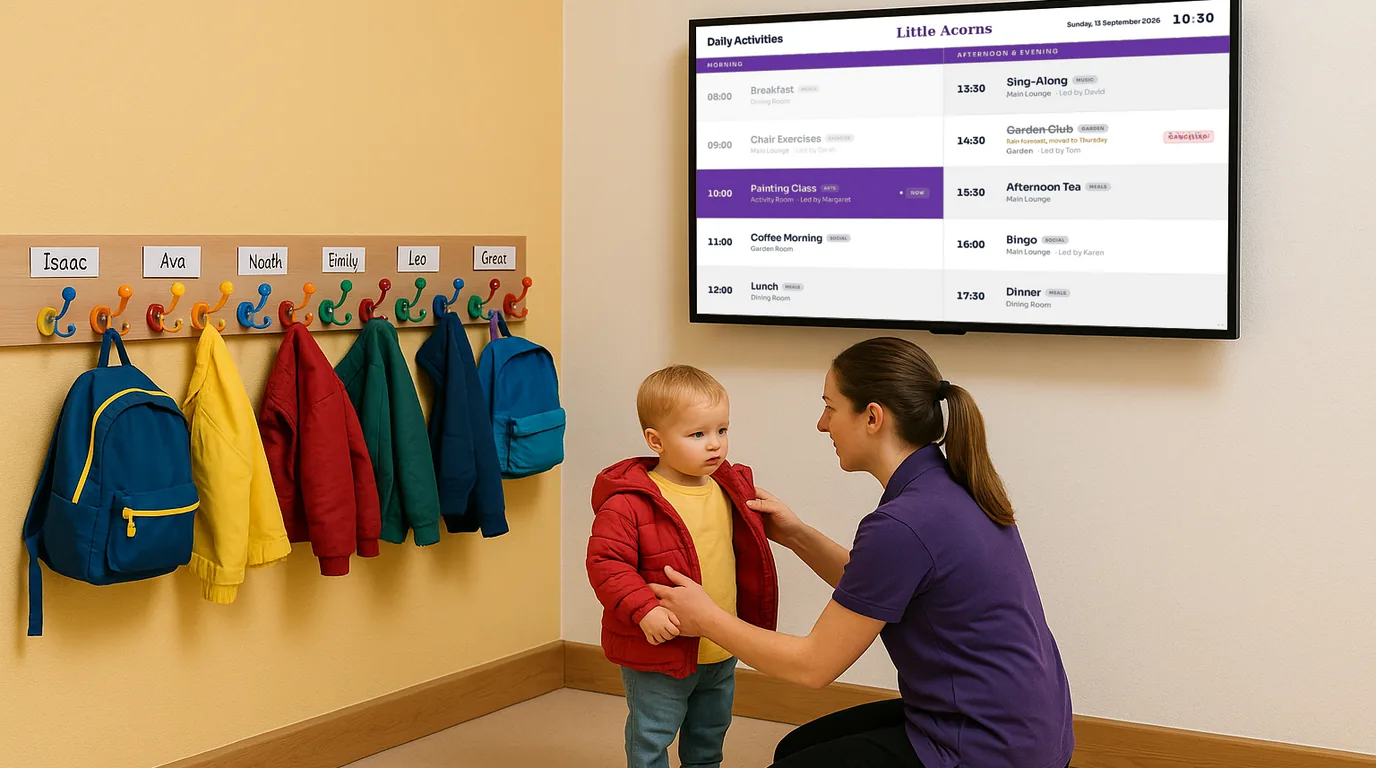
A care home has a whiteboard in the entrance lobby. The activities coordinator writes the day's schedule on it each morning. By lunchtime the handwriting is smudged because someone brushed past it with a wheelchair. By 2pm the schedule has changed, the music therapist is stuck in traffic, but nobody has updated the board because the coordinator is running the bingo session. A family visiting their father checks the board, sees "Music Therapy, 2:00pm" and brings him down to the lounge. The room is empty. A community centre has printed sheets taped to each room door showing the weekly schedule. They were printed in January. It is now March. The art class moved to Wednesdays six weeks ago. The Brownies leader changed the start time. The printed sheet on the door still shows the original details. The Brownies parents arrive at 5:30 and find the room locked.
The real cost of notices that nobody reads, schedules that nobody trusts, and updates that arrive too late
People stop reading them
After the first few weeks, a noticeboard becomes scenery. People walk past it the same way they walk past the radiator. If you print urgent notices in red to make them stand out, a week later you have three red notices and none of them stand out.
Updates require physical presence
To change a paper noticeboard, someone has to walk to it. If they are in a meeting, at lunch, off sick, or working from home, the board does not get updated. A school cannot update the corridor noticeboard from the head teacher's mobile phone.
Nobody knows what is current
A paper noticeboard has no dates, no version control, and no way to tell whether a notice is from this week or last year. Is the fire procedure still accurate? Is the yoga class still on Thursdays? Every notice looks the same whether it was pinned up yesterday or eleven months ago.
Critical information gets lost in the clutter
A genuine safety notice sits alongside a poster for an event that happened last month and a motivational quote someone printed from the internet. Everything has equal visual weight. The one notice that matters is indistinguishable from the twenty that do not.
A digital noticeboard anyone can update from their phone: showing on any screen in your building
NowBoard is a digital noticeboard that replaces paper notices, cork boards, and printed schedules with a single screen showing everything people need to know. Announcements, daily schedules, general notices, event information and updates: all in one place, always current, visible from across the room.
Plug in a NowBoard Player Pro
A small device (about the size of a phone charger) that connects to any TV or screen via HDMI. Uses your existing wifi. Costs £149 ex VAT, UK only, or £199 ex VAT for the Player Pro, which can also show live video from an NDI source on your network.
Add your content
Type your announcements, enter today's schedule, and add any notices. Choose a layout that suits your building: schedule-focused, announcement-focused, or a combination of both.
Update from anywhere
Schedule changed? New announcement? Notice no longer relevant? Update the screen from your phone, laptop, or tablet. The display refreshes instantly. Remove old notices with a tap. Add urgent announcements in seconds.
Ready-made noticeboard templates: notices, hours and a welcome screen
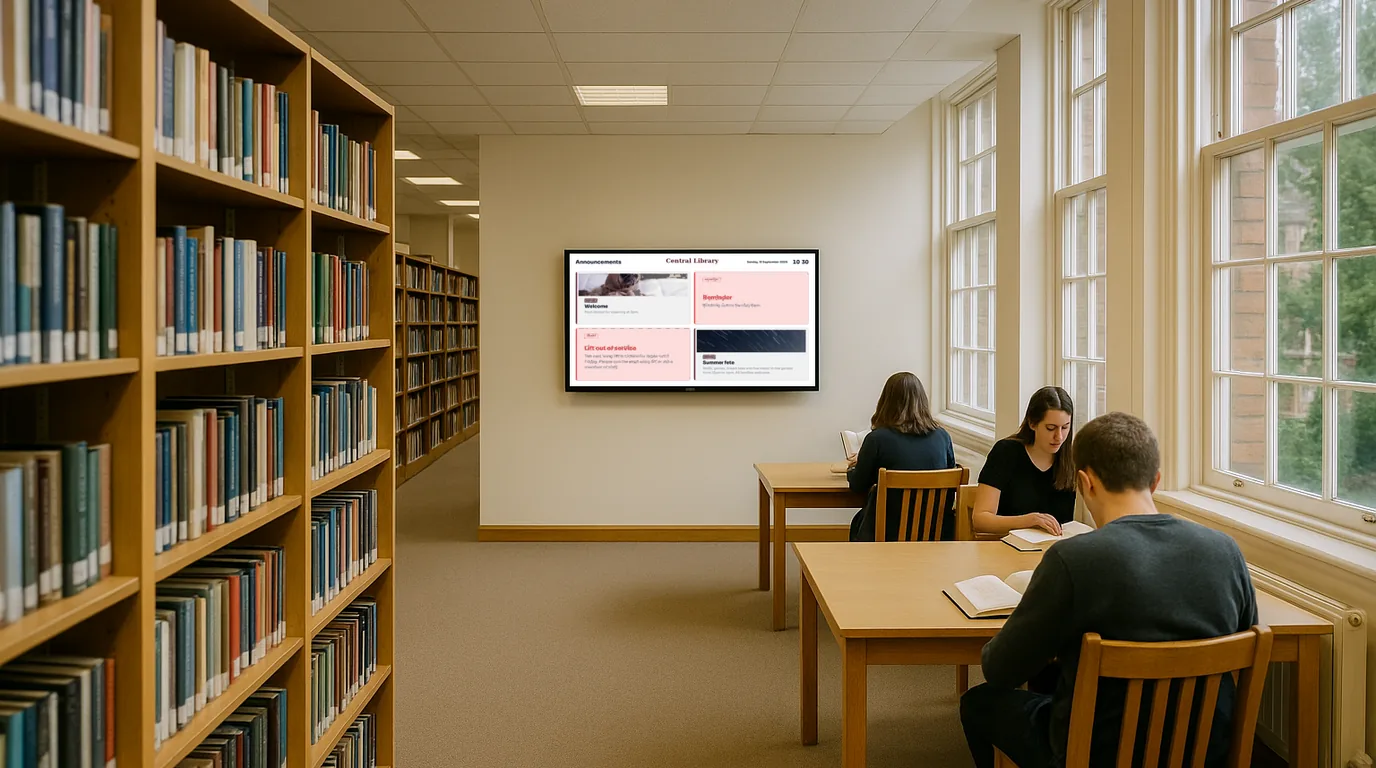
These are the actual Boards your screen can show in place of a pinboard.
How different organisations use NowBoard as their digital noticeboard
Schools: replacing the corridor noticeboard with a screen parents and staff actually read
A NowBoard digital noticeboard in the school reception or main corridor replaces the cork board with a screen that shows today's relevant information. This week's key dates. Today's after-school clubs and which rooms they are in. An announcement about the Year 3 trip on Thursday. Each notice has a start and end date, so yesterday's cake sale does not sit on the board until July.
Care homes: keeping families, staff and residents informed with one screen
A NowBoard digital noticeboard separates information clearly. The main lounge screen shows today's activity schedule and any resident-facing announcements. The staff area screen shows shift information and training reminders. The entrance screen shows a welcoming message and today's highlights for families arriving.
Community centres and village halls: one screen that tells everyone what is on
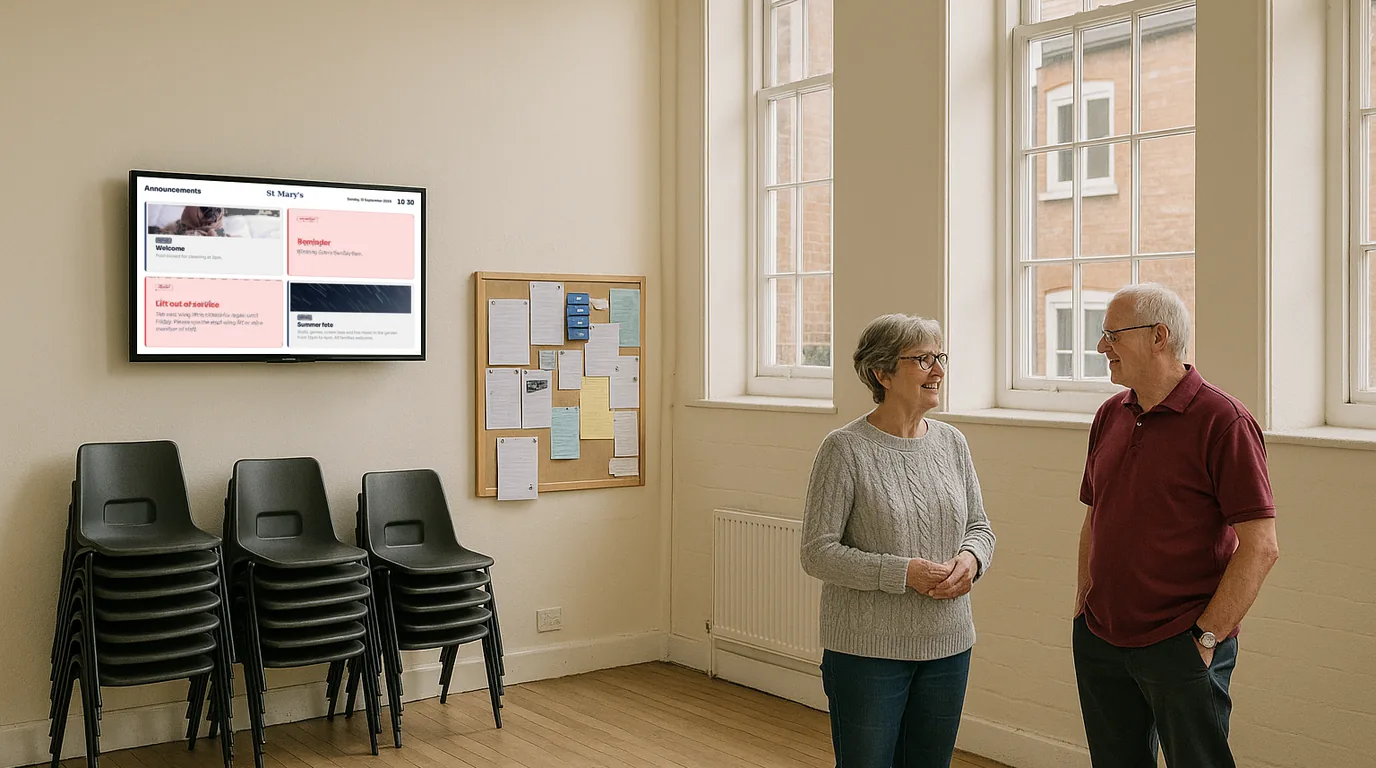
A NowBoard digital noticeboard in the entrance shows today's programme clearly: which groups are in, what time they start, and which room they are using. When the yoga class is cancelled this Thursday, the coordinator removes it from the screen from her kitchen table. For centres that rely on footfall and passing trade, a digital noticeboard at the entrance is a permanent, always-accurate answer to "what's on?"
Churches and places of worship: service times, events, and community notices on one screen
A NowBoard digital noticeboard in the porch, vestibule, or main entrance shows this week's services and events, any current announcements, and general information for visitors. The church warden or parish administrator updates the screen from home. For churches that share their building with community groups, the digital noticeboard shows which groups are meeting today and where.
Small offices: a company noticeboard that people actually look at
A NowBoard digital noticeboard on a TV in the office common area, kitchen, or reception shows the information that matters to everyone in the building. Today's meeting schedule. This week's company announcements. Building notices. Social updates. Each notice appears when it is relevant and disappears when it is not.
Why NowBoard is the digital noticeboard for buildings that still use paper
Replaces paper, not just displays it
NowBoard replaces the entire noticeboard with a structured, organised display. Schedules in one section. Announcements in another. Notices that expire when they are no longer relevant. No clutter.
Updated from any device, from anywhere
Update the screen from your phone on the bus. Add an announcement from your laptop at home. Remove an expired notice from your tablet in bed. If you can send a text message, you can update a NowBoard digital noticeboard.
Works on any screen
A TV in the corridor. A monitor in the staffroom. A screen in the entrance lobby. Any screen with an HDMI port becomes a digital noticeboard. Use a screen you already have or buy one for £50–80.
Multiple screens, different content
Show parent-facing notices in the school reception and staff-facing notices in the staffroom, from the same dashboard. Show the activity schedule in the care home lounge and shift information in the staff room.
Notices expire automatically
Set a start and end date for any notice. The cake sale announcement appears on Monday and disappears on Saturday. No manual removal. No stale notices. The board is always current.
From £10 ex VAT per TV/month
One TV: £10/month. Three TVs: £30/month on Starter, ex VAT. No setup fees. No annual contracts. No per-user charges. Advertising is included on every plan. See pricing.
Replace your paper noticeboard in under 15 minutes
Sign up free
Create your account online. The Free plan needs no credit card and no commitment.
Plug in a NowBoard Player Pro
Connect it to any TV or screen via HDMI. Connect to your wifi. The NowBoard Player costs £149 ex VAT, UK only (Player Pro £199 ex VAT), and is about the size of a deck of cards.
Add your content
Type your announcements, enter today's schedule, and add any notices you want to display. Choose a layout: schedule-focused, announcement-focused, or a combination.
Update any time
New announcement? Schedule changed? Notice expired? Update the screen from your phone in seconds. Remove old content with a tap. Add urgent messages instantly.
Common questions about digital noticeboards
What kind of content can I show on a NowBoard digital noticeboard?
Announcements, daily schedules, general notices, event information, room bookings, reminders, and any text-based information your building needs to display. NowBoard is designed for noticeboard-style content: the kind of information that currently lives on paper notices, cork boards, and printed schedules. It is not a video player or a media display.
What screen do I need?
Any TV, monitor, or screen with an HDMI port. For a corridor or reception digital noticeboard, a 32–43 inch TV works well and costs £150–250. For a staffroom or smaller space, a 22–27 inch monitor works perfectly and costs £80–130. If you already have a TV or monitor spare, use that.
Can I show different information on different screens?
Yes. NowBoard lets you manage multiple screens from one dashboard, each showing different content. The school reception screen shows parent-facing information. The staffroom screen shows staff notices. All managed from one account.
Who can update the noticeboard?
Anyone you give access to. Invite them as Admins, with no per-seat charge. Admins can change any screen today. Roles that limit someone to certain screens are coming. If they can send a text message, they can update the noticeboard.
How much does it cost?
£10 ex VAT per TV per month. One noticeboard: £10/month. Three Screens: £30/month. Five Screens: £50/month. No setup fees. No annual contracts. No per-user charges. Permanent Free plan to start. See pricing.
Can I set notices to appear and disappear automatically?
Yes. Every announcement and notice can have a start date and an end date. A notice about the boiler repair appears on Wednesday morning and disappears on Friday. A reminder about the summer fete appears two weeks before and vanishes the day after. No manual removal needed.
What happens if our wifi goes down?
If the connection drops the screen keeps showing the last Board it loaded. This matters in older buildings (schools, churches, village halls) where wifi can be unreliable.
Is this different from digital signage?
Yes. Digital signage typically means video playback, branded visual content, and media-heavy displays designed for retail and hospitality. NowBoard is a digital noticeboard, designed for text-based information that people need to read and act on. Schedules, announcements, and notices.
Your paper noticeboard is not working: and everyone knows it
Nobody reads the cork board. The printed schedule is out of date. The announcement you pinned up on Monday is already buried. A NowBoard digital noticeboard puts your announcements, schedules, and notices on a screen that people actually look at. Always current. Always readable. Updated from your phone in seconds.
No credit card required • Cancel anytime • UK-based support • From £10/TV/month ex VAT
Questions? Get in touch, we are happy to show you how a NowBoard digital noticeboard works for your building.