Player Pro
£199 ex VATOptional dedicated HDMI hardware. One-off purchase, separate from your licence.

Hardware
Five ways to get NowBoard on screen, from trying it out for free to a dedicated device that can show live video from an NDI source. Live in 15 minutes, no IT required.
Works with any HDMI TV. Free to try in a browser, optional Player for £149 ex VAT or Player Pro for £199 ex VAT in the UK.
Every option works with NowBoard. The right choice depends on how reliable you need the screen to be and how much you want to spend.
Try it, or use a PC you already have
Needs a Player Licence for each screen
Open your NowBoard Screen in Google Chrome. A laptop or small desktop PC wired to a screen can run a Board all day in full screen.
Trying NowBoard out, or driving a screen from a laptop or mini PC you already own.
Reliable, on hardware you buy
Needs a Player Licence for each screen
An app for a Google Play Certified Android TV or Google TV stick, box, or Android tablet.
A reliable, always-on screen on Google Play Certified hardware.
Amazon Fire TV, Apple TV and Roku are not supported.
For live NDI video
£199 ex VAT, UK only
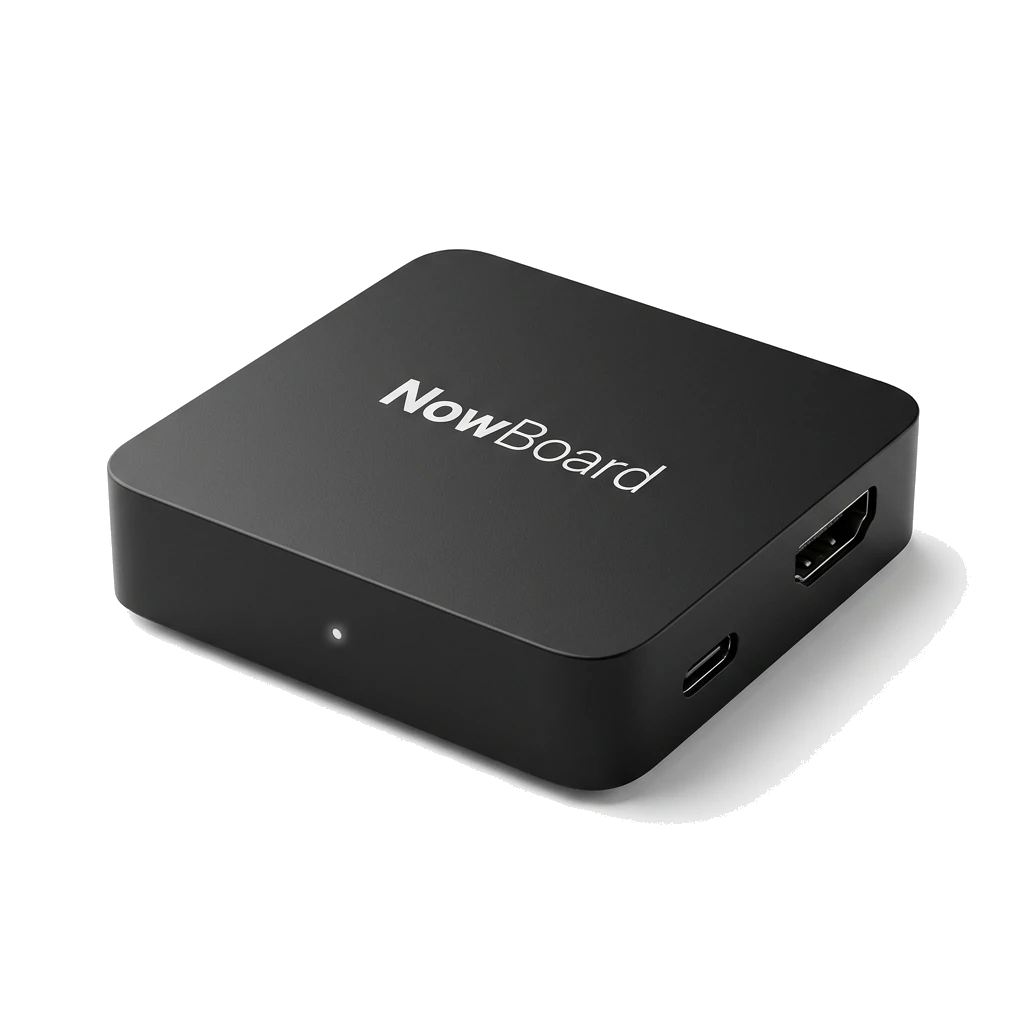
Our most powerful HDMI device, It can also show live video from an NDI source on your network. Plug in, scan the QR code, done.
Live video from an NDI source on your network, and the most reliable set-and-forget option for an unattended screen.
Plug in and go
£149 ex VAT, UK only
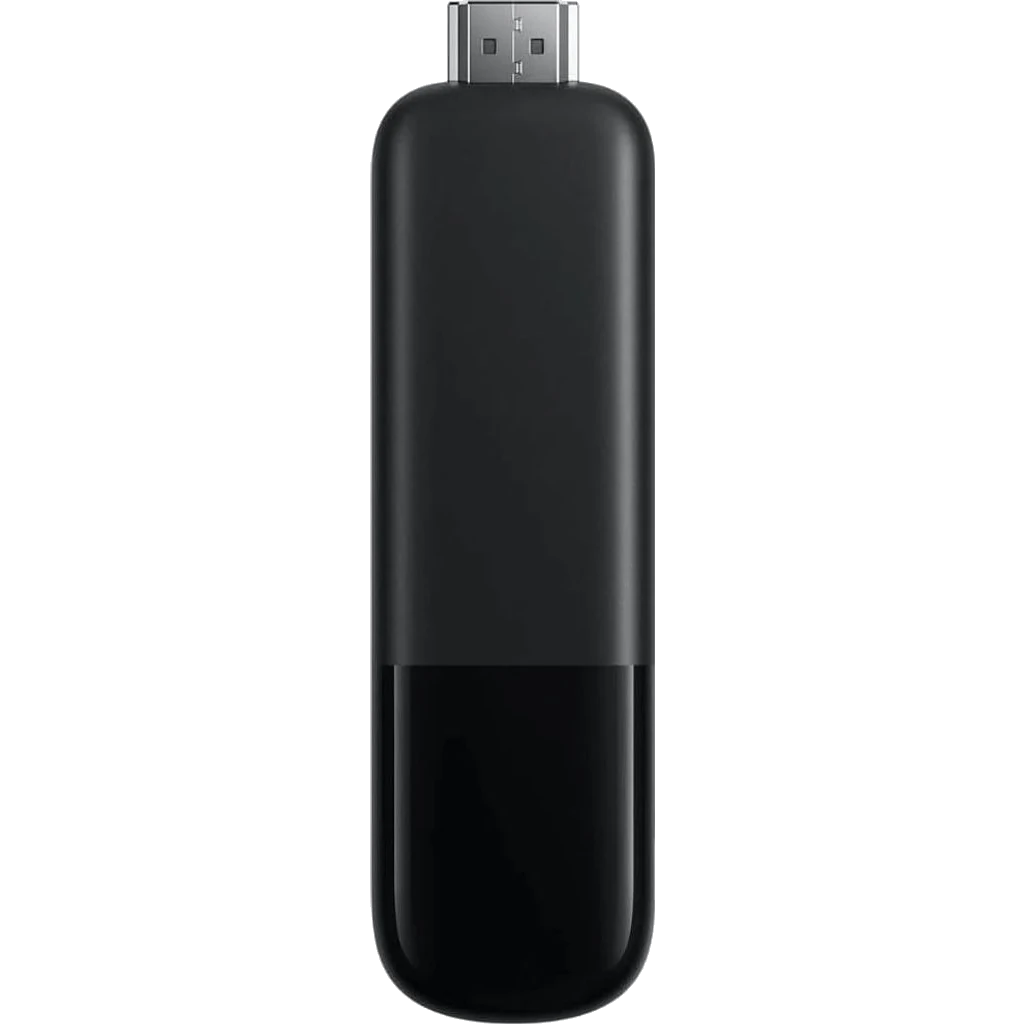
Our dedicated HDMI device for everyday screens. Plug in, scan the QR code, done.
Menus, notices, schedules and slideshows on a screen that runs all day without anyone touching it.
Live video from an NDI source needs the NowBoard Player Pro.

For a Windows PC
Needs a Player Licence for each screen
A player app for Windows. The PC driving your screen starts up, signs in and carries on showing your Boards without anyone touching it.
A screen run from a Windows laptop or mini PC you already own.
Available now. Download it from the Players page in the NowBoard app.
Compatibility note
NowBoard runs in the device browser. The quality of that browser, and how often it gets security and feature updates, depends entirely on the hardware you choose.
Non-certified Android sticks and boxes (the cheap ones you find on Amazon for under £40) ship with a frozen version of Android WebView. That browser never updates. Over time it breaks on modern websites, misses CSS features, and can create security issues.
Google Play Certified (also called GMS certified) devices have the Play Store, which means Chrome and Android WebView receive regular updates automatically, exactly the same engine that runs NowBoard on a desktop browser.
Tested hardware
We test every device listed here ourselves. If it’s on this list, NowBoard loads fast, runs reliably, and the browser stays up to date.
A solid mid-range stick for most venues. Fast enough for smooth Board transitions and the certified WebView means NowBoard stays current without any effort on your part.
Buy on Amazon →A well-priced Google TV stick from a major brand. Wi-Fi 6 keeps it snappy on busy networks and the certified WebView updates automatically. Good value for venues wanting a reliable stick without spending a premium.
Buy on Amazon →We only list hardware we’ve personally tested. Check back, or contact us if you have a specific device you’d like us to evaluate.
A browser tab works fine for a quick test. It is not built to run a display unattended, 24 hours a day. For choosing the screen itself, see digital signage screens.
Browsers go to sleep, crash, or show "not enough memory" popups. Guests and residents see a blank screen. Nobody notices until someone walks past.
This one is not a problem. When the Wi-Fi drops, a browser keeps showing the last Board it loaded for up to 72 hours, the same as the NowBoard Player and Player Pro.
Anyone with a remote or keyboard can change channel, open other apps, or accidentally navigate away from the page. A dedicated player locks the screen to NowBoard only.
A power cut means someone has to walk over and manually reopen the browser. A dedicated player starts up, connects, and resumes displaying automatically.
A browser is great for previewing on your laptop, and for trying NowBoard out before you buy anything. It can also be the player: a laptop or a small desktop PC wired to a screen, with Chrome in full screen, will run a Board all day. That is worth doing if you already have a spare machine. Just remember the three limits above, in particular that nothing reopens the browser after a power cut. For a screen you want to forget about (a care home lounge, a hotel lobby, a school corridor), the NowBoard Player App, the NowBoard Player or the NowBoard Player Pro do that part for you.
The NowBoard Player and Player Pro currently ship in the UK only. Outside the UK, or if you would rather build your own, this is the advanced option.
Rolling out across multiple sites? We offer volume pricing for 25 or more NowBoard Player or Player Pro units and can coordinate hardware delivery, imaging, and deployment support for multi-site rollouts.
Sign up free. NowBoard runs in any browser, and when you want a dedicated always-on device, the NowBoard Player (£149 ex VAT) is there, or the NowBoard Player Pro (£199 ex VAT), which can also show live video from an NDI source on your network.
See all NowBoard featuresUse your own compatible device, add a Player Pro, or ask us to supply a TV and arrange contractor installation. Every TV still needs a Player Licence.
Optional dedicated HDMI hardware. One-off purchase, separate from your licence.
Installation by our external contractor, using a compatible TV you already own.
TVs £300–£3,000 ex VAT by specification. Outdoor or sun-facing screens need suitable brightness.
One-off prices exclude VAT. Confirm TV specification and installation scope with us.
Discuss your setup Estimate the cost →