
12 ideas for church screens: services, notices, rotas and appeals
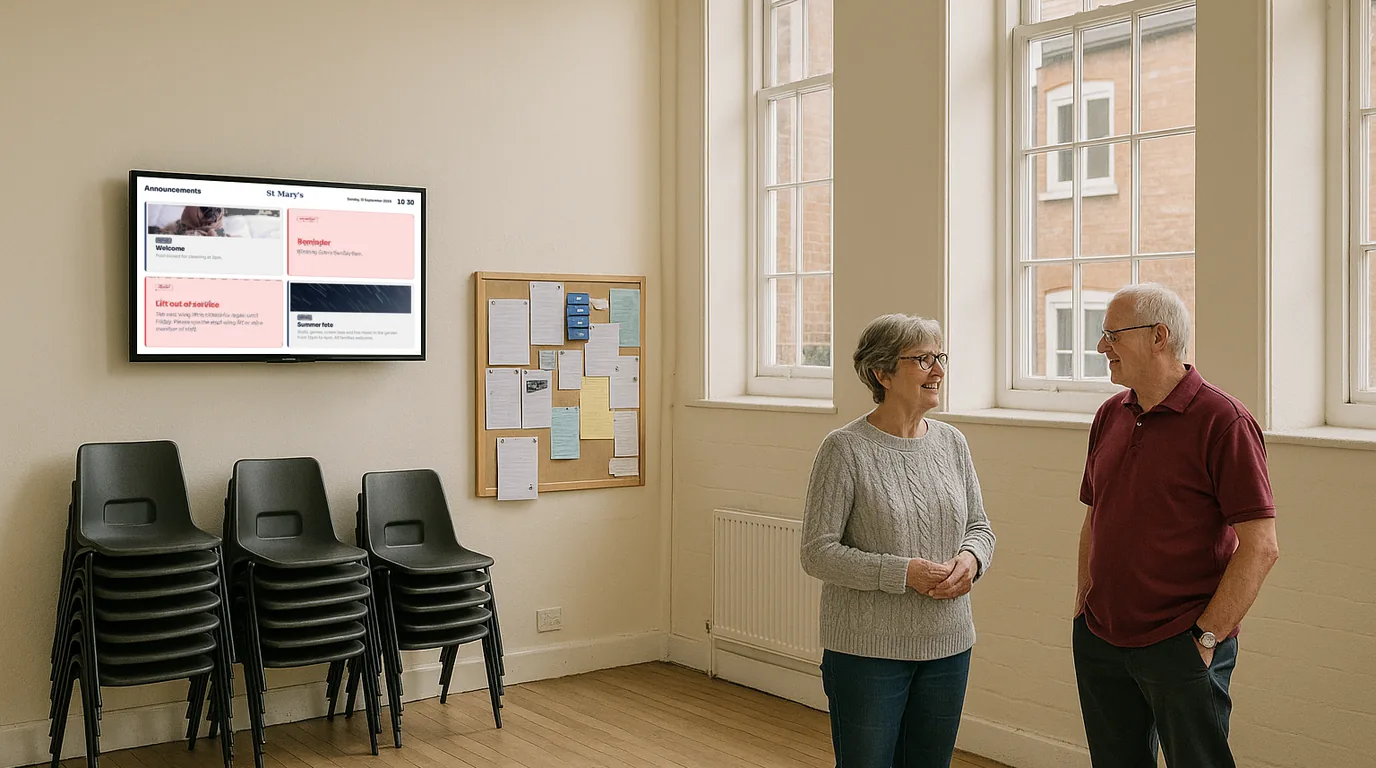
A screen in a church porch or community hall can do the work of the notice sheet, the rota pinned in the vestry and the hall diary by the kitchen. Below are twelve ideas for what to show, grouped by when people see them, with a note on how volunteers keep it all up to date from a phone and how to keep the tone right.
Ideas for Sunday mornings
1. Service times for the week
List the regular services with their times and who is leading. A Timetable suits a weekly pattern: add each service once and set it to repeat on Sundays or on specific days. Add Christmas, Easter and other one-off services as Events, so they sit alongside the regular pattern for the weeks they run.
2. A welcome for first-time visitors
A newcomer standing in the porch wants to know where to sit, where the toilets are, whether there is something for the children, and where coffee happens afterwards. A Welcome Board with a short set of Info Cards answers those questions without anyone having to ask.
3. The Wi-Fi code
If your hall has guest Wi-Fi, a QR Code with the Wi-Fi purpose lets a phone join by scanning. A Guest Wi-Fi Board shows the network name and password in large text next to the code. When you change the password, change it once in NowBoard and the Board follows.
4. A link for giving
Put your online giving page behind a QR Code and add it to the rotation after the notices. Keep the heading plain: "Give online" and the name of the fund.
Ideas for notices and rotas
5. This week's notices
Announcements replace the notice sheet. Each has a title, a short message, an optional image and a date range. Give the harvest supper notice an End date of the day of the supper and it leaves the screens afterwards. Mark the boiler failure High priority so it stands out.
6. Who is on the rota
A People list holds a name, photo, role and two short lines for each person. For a rota, use the role for the job (Welcome team, Readings, Coffee) and Line 1 for the date. Ask each volunteer before you put their photo on a screen; a person with no photo shows as initials.
7. Birthdays and milestones
Dates for people feed the Celebrations Board, which shows anyone with a date in the next two weeks. It suits a 100th birthday, a golden wedding or a farewell to a curate. Again, check with the person first.
Ideas for the building in the week
8. The hall diary
Rooms and bookings lists your rooms and the bookings in each. If the hall bookings secretary keeps a Google Calendar or Outlook calendar, each room can sync from it. A screen by the hall door shows who has the room now and who comes next, which settles most arguments between the toddler group and the bridge club.
9. Café or food bank hours
Opening Times holds a weekly pattern with exceptions for closures, so the community café can show its hours and a note when it shuts for the summer.
10. A Bible verse or thought for the week
Add it as an Announcement with a one-week date range, so a new one replaces it each Monday.
Ideas for appeals and events
11. A Countdown to the big day
Count down to the summer fete, the carol service or the reopening after building work. A Countdown shows days, hours or minutes to a target time, then shows your Finished text ("Doors open now") or leaves the screen, whichever you choose.
12. Progress on an appeal
A Live figure with a target shows the total against the goal with a progress bar. For example, you could update the roof appeal figure after each Sunday's count, so the congregation sees their giving add up.
Volunteers updating from a phone
Most church screens are run by a parish administrator or a volunteer who is not at the building every day. The NowBoard Operator App is a web app that opens on a phone; the Update from your phone card in NowBoard gives you a link and a QR code to share with the people who post notices. From the app they can add an announcement, set its dates and switch it between Live and Hidden.
Agree a few house rules before you hand out the link:
- One person checks the screen each Saturday before services.
- Every notice gets an End date.
- Notices go up with the organiser's name, so people know who to ask.
Getting the tone right
A screen in a place of worship should feel like part of the building. Choose a calm Style over a bright one, keep each Board on screen long enough to read twice, and leave out video with sound. Write notices the way you would read them out: short, warm and specific. "Soup lunch, Friday 12:30, church hall, all welcome" beats a paragraph.
Set display hours so the screen sleeps overnight and during weekday hours when the building is locked. A dark screen during a funeral or a quiet prayer service may suit better than notices; Force sleep on the Channel's Remote control panel darkens the screen straight away, and Force wake brings it back.
Before you put up the screen
- Ask permission from anyone whose photo or name appears
- Pick a spot visible from the door, away from the altar or prayer space
- Agree who posts notices and who checks them
- Set display hours to match when the building is open
Cost
A single screen in the porch runs on the Free plan, which covers one TV with no card. More screens cost £10 a month per TV, ex VAT, on Starter; see pricing. The church and community venue page shows ready-made Boards, and digital noticeboards covers the notice side in more depth. To see how volunteers would use it, book a demo.
See it on your own screens
We show you NowBoard with the Boards for your kind of place. Or sign up free.