
A nursery entrance screen for parents: a checklist
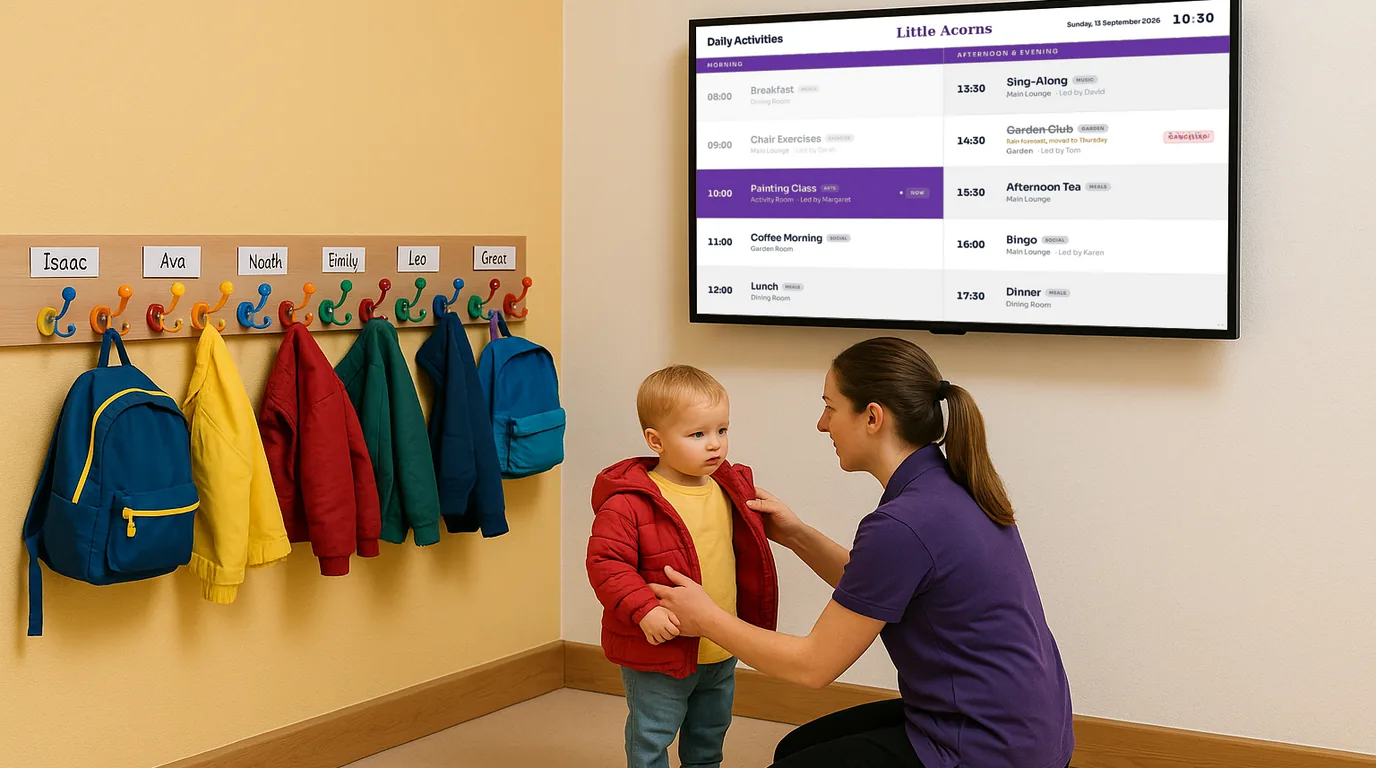
Parents spend about two minutes in your entrance at drop-off and a little longer at pick-up. A screen by the door can tell them what their child will eat, what is happening today and when you are closed. Use this checklist to set one up, keep it current and keep children's photos safe.
Before the screen goes up
Placement
- Put it where parents wait to hand over their child, facing the queue, not behind the office hatch.
- Mount it at adult eye level, with the bottom edge well above a child's reach.
- Fix the cables in trunking, with nothing hanging that a toddler can pull.
- Check that nobody can read the screen from the street or the car park through a window or glass door.
- Check for glare at 8am and at 5pm, the two times parents look at it.
A 43 inch screen is enough for most entrance halls. If your entrance is a narrow corridor, a portrait screen fits the wall better.
At drop-off
Morning content
- Today's menu: breakfast, snacks, lunch and tea, with dietary badges such as V, GF and DF.
- Today's plan: the learning theme, forest school, a visiting musician, a walk to the library.
- What to bring: "Wellies and a waterproof today, outdoor play all morning".
- Who is in each room today, if your parents ask about key workers.
- The date and the weather, so parents can dress children for the day.
At pick-up
At collection, parents want to know what happened, not what is about to happen. Change the screen in the afternoon.
Afternoon content
- Tomorrow's menu and anything to bring tomorrow.
- Dates coming up: parents' evening, sports day, a settling-in session, photo day.
- Photos from today's activity, with consent checked (see below).
- Reminders about fees, funded hours forms or collection passwords.
Notices and closures
Keep these current
- Bank holiday and Christmas closures, added a month ahead.
- Training days and one-off closures, with the date in words: "Closed Friday 7 November".
- Illness notices, such as a chickenpox case in the toddler room, worded the way your policy says.
- An end date on every notice, so it leaves the screen when it no longer applies.
Children's photos and privacy
Parents love seeing their child at the water tray. Every other parent, grandparent, childminder and contractor who walks through your entrance sees the photo too. Set your rules before the first photo goes up, and agree them with your safeguarding lead.
Photo rules
- Show a child only if you have written photo consent from their parent for display in the setting.
- Never put a child's name with their face. No captions with names, and no name tags or name labels visible in the photo.
- Check the background for anything that identifies a child: a peg label, a drawing with a name, a learning journal page.
- Prefer photos of hands, activities and backs of heads for group shots.
- Remove a photo at once if a parent asks or withdraws consent.
- Do not show photos where the screen can be seen from outside the building.
Keep allergy and dietary information for individual children off the entrance screen. That belongs on a screen in the kitchen or staff room, where only staff can see it.
A weekly routine
- Friday: load next week's menu and check the dietary badges with the cook.
- Friday: add next week's dates and notices, each with an end date.
- Daily, by 7:45: check today's plan and the "bring" reminder.
- Daily, after lunch: add one or two consented photos for pick-up.
- Monthly: check closures for the next two months.
How NowBoard does it
- Menus: the Weekly and Daily Menus templates show a Monday-to-Friday menu with dietary badges. The cook can change a dish or mark it sold out from the NowBoard Operator App.
- Notices: Announcements carry a start date, an end date and a priority, and go off the screen on their end date.
- Closures: Opening Times hold your weekly hours and dated exceptions. The UK bank holidays button adds Christmas Day, Boxing Day and New Year's Day for you.
- Dates coming up: Events and Countdowns, for example "Sports day in 12 days".
- Morning and afternoon: a time-of-day slot on the Channel swaps in a different Playlist for a set period, for example the pick-up Boards from 15:00.
- Photos: a Photo Album on a Photo Gallery Board, with captions on or off. If you delete a photo from the Media library, every album loses it too.
- The day's plan: a Timetable with the Schedule or Now & Next template. A Routine template, made to show a nursery day as a large, clear view, is coming.
Display hours let the screen sleep after the last collection and wake before the first family arrives. See the nurseries page for the Boards, and digital noticeboards for how a screen replaces a paper board. The Free plan runs one TV, and paid plans are on the pricing page. To see an entrance screen set up for a nursery, book a demo.
See it on your own screens
We show you NowBoard with the Boards for your kind of place. Or sign up free.