Office and workplace digital signage that keeps everyone in the loop

Meeting room displays, floor-by-floor wayfinding, company announcements and visitor welcome screens — managed from your phone, live in 15 minutes.

No credit card required  ·  Cancel anytime  ·  From £10/Location/month

The problem

Your office screens are either blank or showing something nobody reads

The TV in reception has been showing a screensaver since someone unplugged the laptop two years ago. The meeting room on the third floor is double-booked again because the booking system and the room sign are not talking to each other. A company-wide announcement went out by email yesterday and half the floor-based staff still do not know about it.

Visitors arrive at reception and stand awkwardly while whoever they are meeting is tracked down by phone. The hot-desk zones on the second floor are a mystery to anyone who started in the last six months.

None of these are difficult problems. They are information problems. The information exists — it just is not being shown where people need it, when they need it. That is exactly what NowBoard fixes.

Why it matters

The real cost of poorly connected office communications

Double-booked rooms waste everyone's time

When a meeting room sign is wrong or blank, two teams show up at the same time. Five people then spend ten minutes rearranging. Multiply that across a building and it adds up fast.

Visitors reflect directly on your brand

A visitor who cannot find reception, does not know where to wait, or is greeted by a blank screen forms an impression of your business before anyone has shaken their hand.

Staff miss announcements sent by email

Email open rates for internal comms rarely exceed 60%. A screen in the kitchen, break room, or lift lobby reaches people who never opened the message.

New starters spend days not knowing where things are

Which floor is the design team on? Where are the quiet rooms? Where can I print? A screen showing floor layouts answers these questions without anyone needing to ask.

The solution

Office digital signage anyone in your team can manage

NowBoard is workplace digital signage software designed for the kind of information offices actually need to share — meeting schedules, floor maps, visitor welcome messages, company announcements, and daily notices. Not video loops or advertising.

Plug a NowBoard Player into any TV in your office via HDMI. Connect to your wifi. Your screen is showing content in under 15 minutes. No IT department needed. No long procurement process. No annual contract.

  1. Plug in a NowBoard Player

    An HDMI device about the size of a phone charger — or use an existing Android TV stick. Connects to your office wifi. Costs around £139.

  2. Add your content

    Meeting room schedules, visitor welcome messages, floor maps, or a company announcement. Use NowBoard's templates or build your own layout with your company branding.

  3. Screens update instantly

    Change a room booking, add an announcement, or update the wayfinding map from your phone. Every connected screen refreshes automatically. No walking around the building with a USB stick.

Use cases

Six ways offices use NowBoard every day

Meeting room displays

The screen outside the door that stops rooms being double-booked or wasted

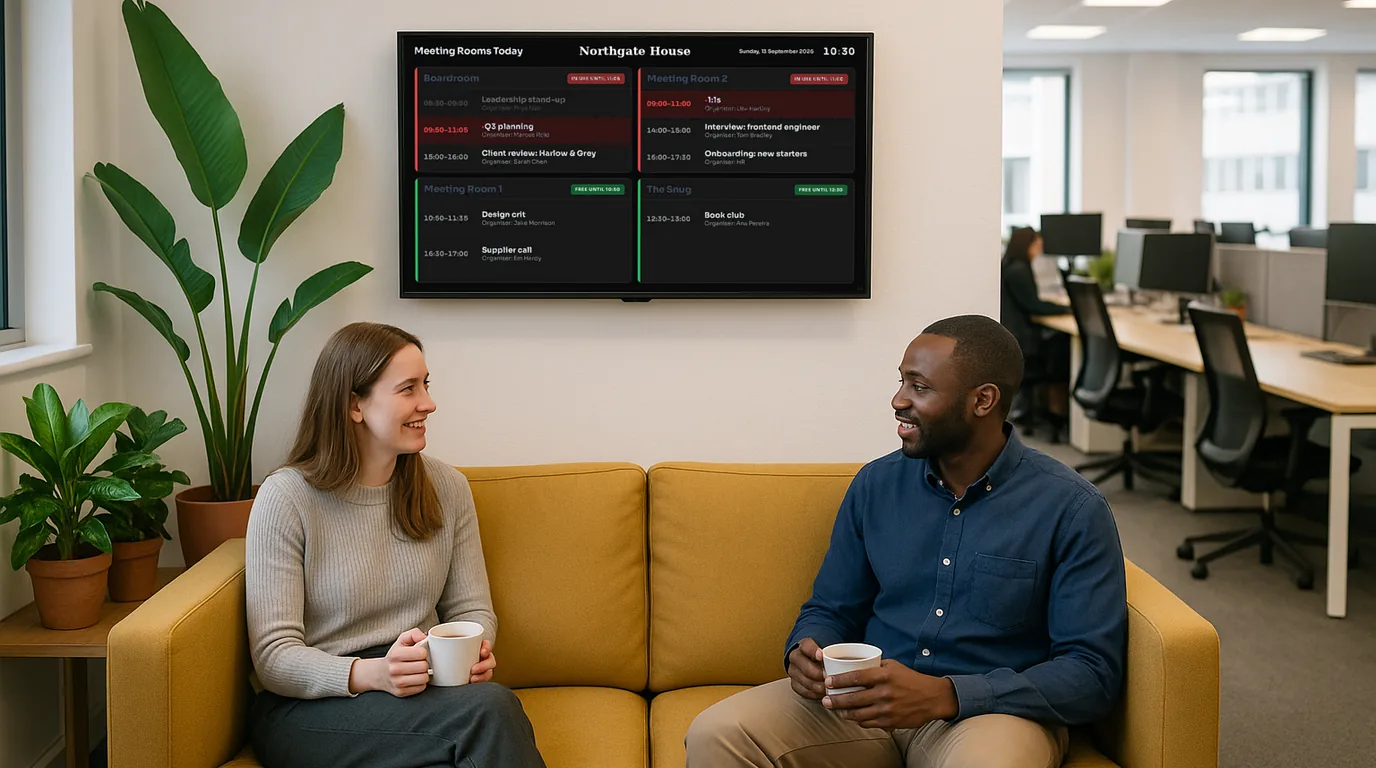
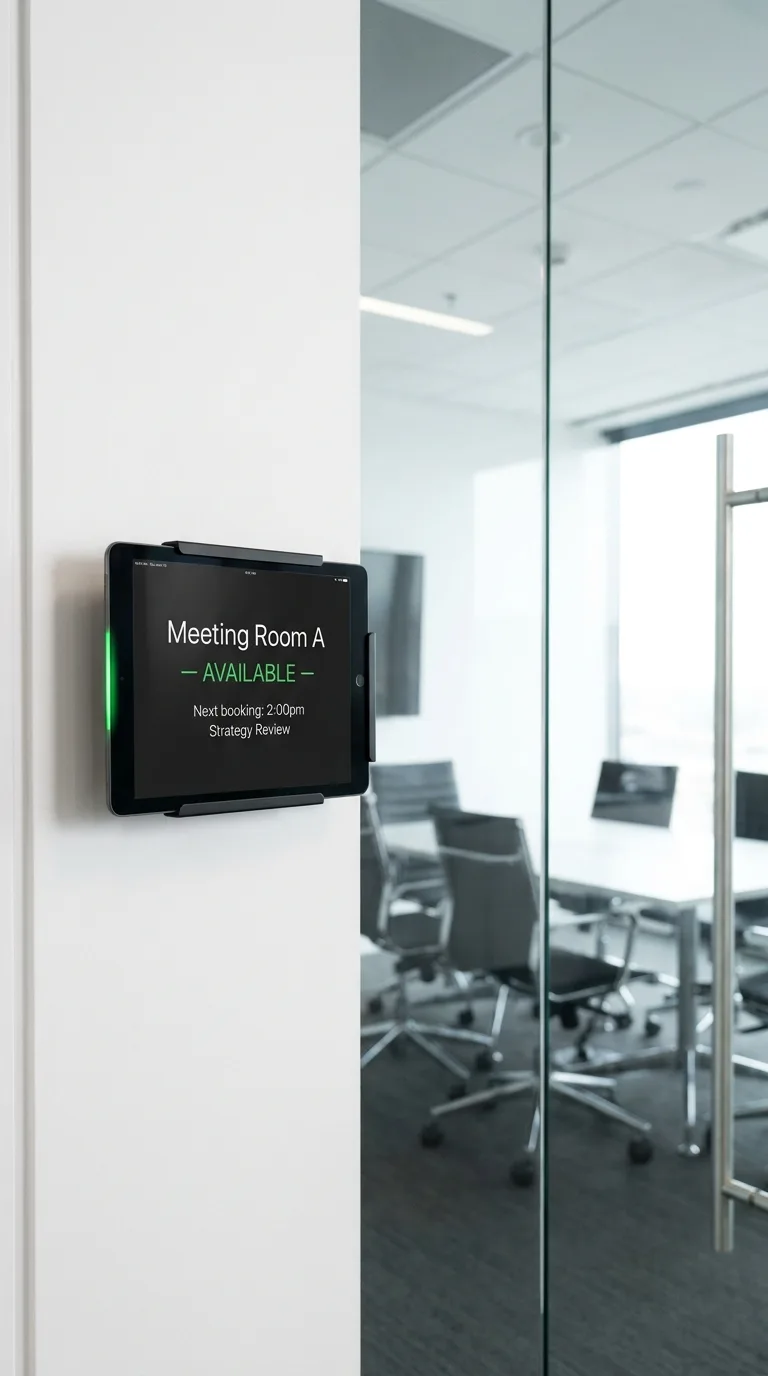
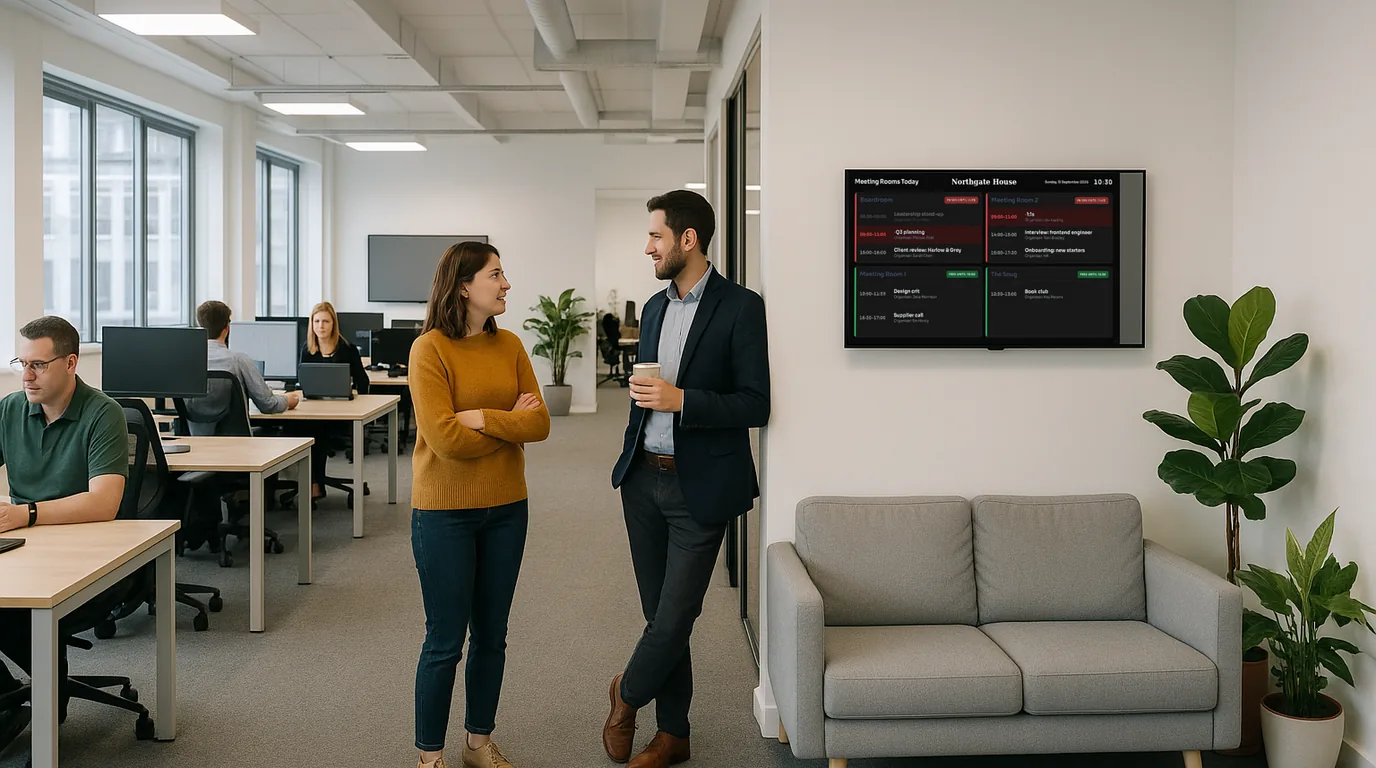
Place a NowBoard screen outside each meeting room showing the room name, who has booked it, what time the current booking ends, and when the next booking starts. Staff glancing at the screen know in two seconds whether the room is free. When a booking is cancelled or moved, update it from the app and the screen changes immediately. For offices with 5, 10, or 20 rooms, this replaces the confusion of checking a system, walking over, and finding someone already in there.

A 60-person agency in London uses NowBoard outside six meeting rooms. Bookings are updated manually when the day changes. The ops manager estimates it has removed at least three booking conflicts per week.

Reception welcome screens

Greet visitors by name and tell them where to go before they even reach the desk

A NowBoard screen in reception shows your company branding, the visitor's name and who they are meeting, a prompt to take a seat, and any useful information like wifi for guests or parking instructions. When you know a client is arriving at 2pm, add their name at 1:55pm and it is on the screen when they walk in. It is a small detail that consistently impresses guests. The reception desk can also display company values, recent news, or a rotating selection of project work for visitors who are waiting.

A professional services firm uses a reception screen to show the day's visitor schedule and a rotating series of client project highlights. Three clients have commented on it in the same week without prompting.

Floor wayfinding

Help new starters and visitors navigate the building without asking anyone

Put a NowBoard screen near the lifts on each floor showing a simple floor map: which teams sit where, where the quiet rooms are, where the kitchen is, where printing happens. When teams move — as they inevitably do during a growth phase or office refit — update the map from the app rather than reprinting and re-laminating a poster. For buildings with hot-desk zones or flexible seating policies, a wayfinding screen significantly reduces the time new people spend looking lost.

Company announcements

Reach the staff who never open internal emails

NowBoard lets you push an announcement to every screen in the building from your phone in under a minute. New starter joining today. Office closed Friday at 3pm. The boiler is being serviced Thursday morning — please use the kitchen on floor 2. Fire drill at 11am. This is not a replacement for email; it is the display layer that reaches the 40% of staff who missed the email, the contractors who are not on the distribution list, and everyone who is in a meeting when the email lands. Learn more about company announcement displays.

Cafeteria and kitchen menu

What is on the menu today — without a laminated card or a handwritten sign

If your office has a canteen, café area, or subsidised kitchen, a NowBoard screen showing today's menu is a small upgrade that staff notice. The catering team updates it each morning before service. The menu is visible from across the room. Special dietary options are clearly shown. When there is a special menu for a meeting or event day, it takes thirty seconds to switch.

A tech company with a 200-person campus uses a NowBoard screen in the café area to show the lunch menu and allergen information. The catering team updates it from a tablet every morning before 8am.

Multi-office management

Manage screens across every office from one dashboard

Running offices in multiple cities or buildings? NowBoard lets a central communications or facilities team manage content across every location from a single dashboard. Push a company-wide announcement to all offices simultaneously. Set location-specific content for each building's reception. Give local office managers control over their own screens without affecting other sites. For property management companies, serviced office providers, and businesses with distributed teams, this is where NowBoard pays for itself fastest.

Why NowBoard

Why offices choose NowBoard over enterprise signage systems

Most workplace digital signage solutions are designed for corporate AV teams with dedicated budgets and IT support. NowBoard is the alternative for offices that just need screens to show useful, up-to-date information.

Works on TVs you already have

Every office has at least one TV. In reception, in meeting rooms, in the break room. Plug a NowBoard Player into the HDMI port and it becomes a digital sign. The player costs around £139.

No IT department needed

An office manager, EA, or facilities coordinator can set up and run NowBoard without involving IT. If they can update a shared calendar, they can manage NowBoard screens.

Role-based access

The office manager gets full control. The reception team updates the visitor welcome screen. The facilities team manages the floor maps. Nobody changes a screen they should not touch.

Update from anywhere

Working from home when you need to add a visitor name to the reception screen? Update it from your phone in 30 seconds. The screen in the office updates immediately.

Works offline

If the office wifi drops, NowBoard screens keep showing the last update and sync automatically when the connection returns. No blank screens, no error messages.

From £10/Location/month

One Location covers all screens running the same content in the same place. No setup fees. No annual contracts. See pricing.

Getting started

Your first office screen live in under 15 minutes

  1. Sign up for a free trial

    No credit card, no commitment. 14 days free.

  2. Plug in a NowBoard Player

    Connect it to any TV in your office via HDMI. Connect to your wifi. The player is about the size of a deck of cards.

  3. Add your content

    Choose a layout, add your company logo, and start entering your meeting schedule, visitor information, or floor map.

  4. Go live

    Your screen starts displaying content immediately. Most offices have their first screen running within 15 minutes of opening the box.

FAQ

Common questions about office digital signage

Do we need to integrate with our calendar system?

Not yet. NowBoard is standalone and you update room information manually through the app. Calendar sync is on the roadmap. For most offices today, the manual update takes seconds and works fine — staff update the room sign when they make or cancel a booking, just like updating a shared calendar. You do not need an integration to get started.

Can different screens show different things?

Yes. Each Location has its own content. The reception screen shows your visitor welcome layout. The boardroom door shows the meeting schedule. The kitchen TV shows today's menu. The break room shows company announcements. You manage them all from one dashboard, but each screen shows exactly what you set for it.

Do I need to buy new screens?

No. NowBoard works on any TV with an HDMI port. The only hardware you need is a NowBoard Player (around £139) or any Android TV stick. Use the screens already in your office.

Is there a minimum contract?

No. NowBoard is month-to-month from £10 per Location per month. Add Locations when you need them, remove them when you do not. No setup fees, no annual lock-in.

Ready to turn your office screens into something useful?

Stop walking past blank TVs and double-booked meeting rooms. Give your team and your visitors the information they need, when they need it.

No credit card required  ·  UK-based support  ·  From £10/Location/month