
Café screen ideas from opening to close
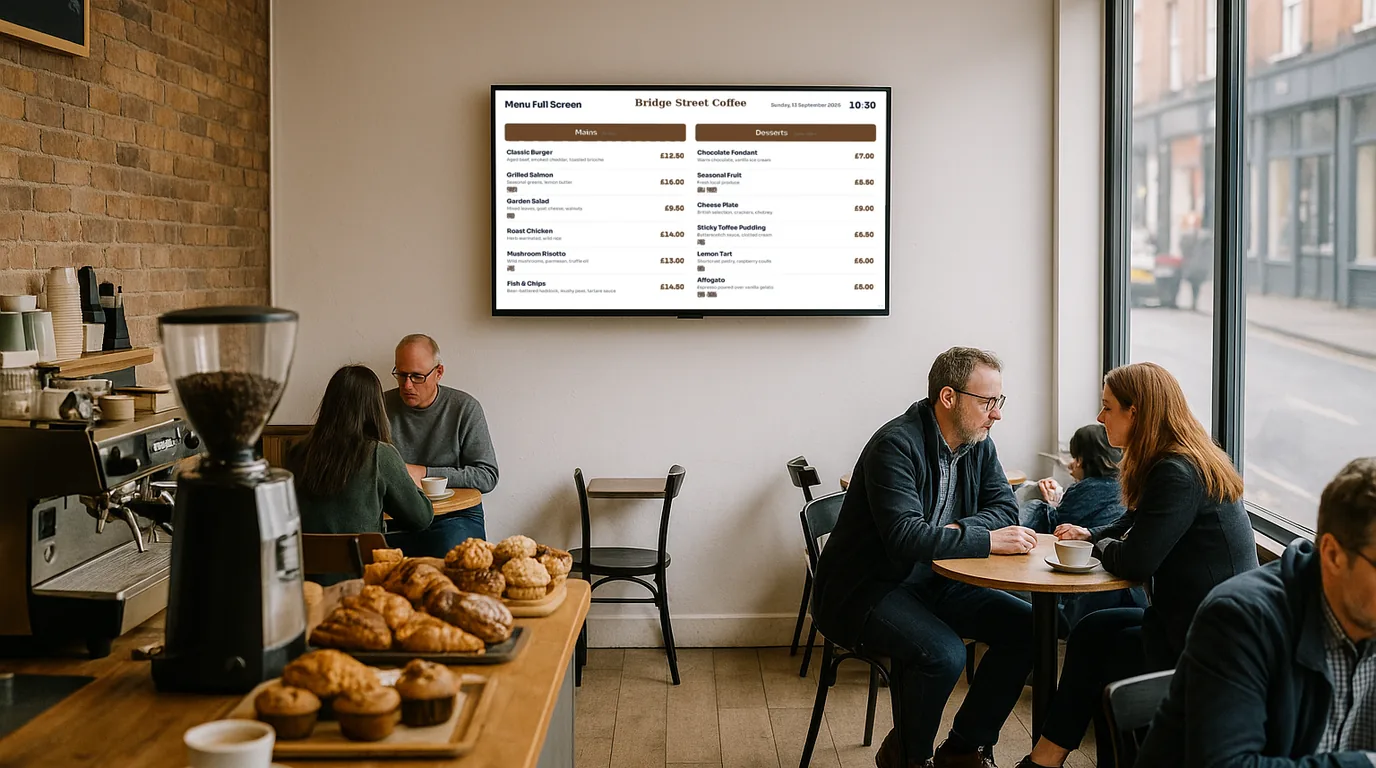
A café screen earns its place when it changes with the day. This list gives you ideas for each part of your trading day, from the first coffee to the last wipe-down, and a short routine that keeps the screen right without eating into your morning.
First, where the screens go
Most cafés need one or two screens. The first sits above or beside the counter, where the queue forms. Hang it high enough to clear the heads in the queue but low enough to read without craning. Then test it: stand at the back of your longest queue and read the smallest price. If you squint, the text is too small or the menu is too long.
A second screen, if you have one, faces the street from the window. Its job is different. It tells someone walking past what you sell and when you are open, in a few words they can take in without stopping. Keep both screens out of direct sun on the glass, or the picture washes out at the time you need it most.
Before you open
- Today's bakes. List what came out of the oven this morning. Five things you have beat fifteen you might have.
- Yesterday's sold-out items, back on. Anything you marked sold out last night needs switching back before the first customer arrives.
- A first-thing line for the window. "Open from 7:30, coffee to go" does more at 7:25 than your full menu.
Breakfast
- The breakfast menu and nothing else. A customer at 8am does not need to read the lunch salads. Show breakfast food and coffees, with prices.
- Coffee sizes and milks. Put the oat and soya options, and any extra charge, on screen. The question gets answered in the queue instead of at the till.
- The weather. A small forecast on the window screen gives commuters a reason to look, and a wet morning is the time to push hot food and porridge.
- Your loyalty offer. One line, plus a QR code if your scheme has a sign-up page.
Lunch
- A lunch menu that appears on its own. Swap breakfast for lunch at a fixed time, for example 11:30, so nobody has to remember.
- Soup of the day and the lunch special at the top. They change daily, so give them the spot the eye lands on first.
- Sold out, shown as sold out. When the last sausage roll goes, mark it. A dish with a sold-out label answers the question before anyone asks it.
- Dietary badges. V, VG and GF beside each item help the person ordering for a group decide before they reach the front.
- A table-ordering QR code, if you take orders at the table. For example, you could show "Scan to order, we'll bring it over" next to the code.
Afternoon
The queue thins and the people in front of the screen change: laptop workers, parents after the school run, friends catching up. The screen can talk to them in a different way.
- Cakes and treats. Bring the cake list forward and drop the lunch mains.
- Guest Wi-Fi. The network name and password in large text beside a QR code that joins the phone to the network. You stop writing it on napkins.
- Your reviews. Three or four of your best Google reviews, with a QR code that asks for a new one.
- What's on this week. An open mic night, a book club or a supper club. One event with a date and time does more than a crowded poster.
- A local advert. The florist next door or the roastery that supplies you may pay for a slot in the rotation. The screens that pay page explains how bookings work.
Closing
- Last orders. A short notice that appears 30 minutes before you close, for example "Kitchen closes at 3pm, coffee until 4pm".
- Tomorrow's hours on the window screen, plus any bank holiday change, for people who walk past after you shut.
- Screens dark after closing. Set display hours, so the screens go dark at closing time and wake before you open.
A daily routine that takes five minutes
| When | Job | Who |
|---|---|---|
| Before opening | Switch yesterday's sold-out items back on. Add today's bakes and soup. | Whoever opens |
| Doors open | Look at the window screen from the pavement. | Whoever opens |
| During service | Mark items sold out from a phone as they run out. | Whoever is on the till |
| After lunch | Check the afternoon list and take off anything finished. | Shift lead |
| Closing | Add tomorrow's special if you know it. Check tomorrow's hours. | Whoever closes |
| Once a week | Review prices, swap seasonal drinks, check the events list. | Owner or manager |
How NowBoard runs the café day
In NowBoard you type your menu once, as sections with items, prices and dietary badges (V, VG, GF, DF and N). A section can have Available from and Available to times, so a breakfast section shows only in the morning. On a Channel, a time-of-day slot swaps in a different Playlist for a set period, for example lunch from 11:30 to 14:30.
Each menu item has a Sold out switch. The person on the till flips it from the NowBoard Operator App on their phone, and the dish stays on the Board with a sold-out mark. Announcements take a start date, an end date and a daily Show from and Show until time, which covers last orders. Display hours put the Channel to sleep outside your opening hours and wake it on its own.
For the Boards, start from the Menu, Opening Times, QR Code, Weather and Advertising templates, out of 100+ on the Boards page. More ideas for your trade are on digital signage for cafés and in the wider guide to digital menu boards. The Free plan covers one TV, and paid plans start at £10 a month per TV, ex VAT (see pricing). To see a café menu on screen, book a demo.
See it on your own screens
We show you NowBoard with the Boards for your kind of place. Or sign up free.