
Calm spa screens: treatment menus, classes and quiet visuals
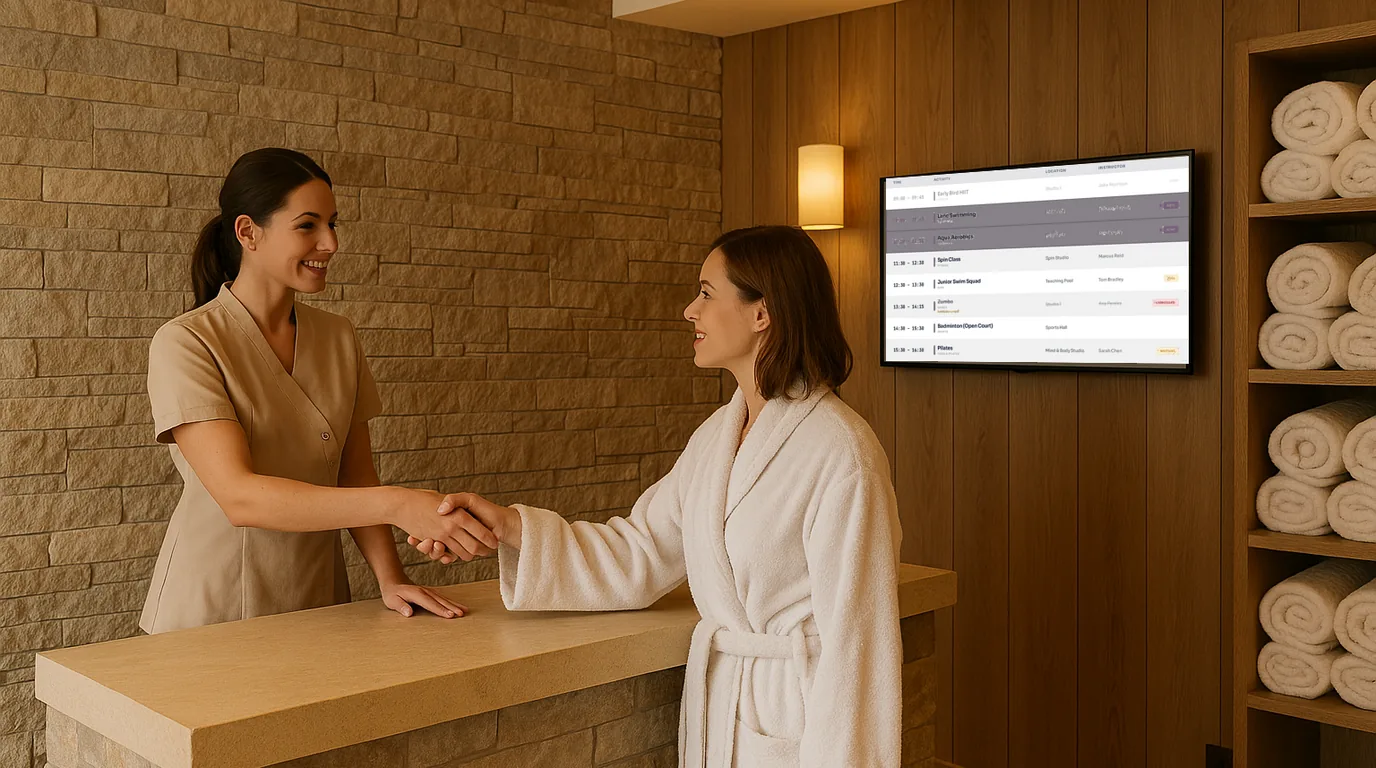
A spa screen has to inform guests without breaking the calm they came for. This guide covers where screens belong in a spa, how to set out a treatment menu and a class timetable, what to show between them, and how to time it all so the screen never feels like an advert.
Decide where screens belong
Guests plan their day in some parts of a spa and switch off in others. Put screens where guests plan, and keep them out of the places where guests rest.
- Reception: the treatment menu, today's classes, opening hours and what is still available today. This is the busiest screen.
- Outside the studio: the class timetable for that room, so a guest can check the next session without walking back to the desk.
- Changing room corridor: facilities guidance, quiet hours for the pool and steam room, and locker or towel information.
- Relaxation lounge: only if it shows slow, quiet visuals at low brightness, or nothing at all.
- Treatment rooms: no screens.
Set out the treatment menu
A printed treatment menu goes out of date as soon as a price changes or a therapist goes on leave. A screen menu should read like a good printed one: grouped, short and easy to scan.
- Group treatments into four or five sections: massage, facials, body, hands and feet, packages.
- Give each treatment a name, a duration and a price. One line of description at most.
- Show seasonal treatments in their own section and take the section down when the season ends.
- Mark a treatment as fully booked today instead of removing it, so guests can book it for another day.
- If your menu is long, split it across two Boards rather than shrinking the text.
Twilight offers, weekday packages or a breakfast menu in the spa café can show only at the hours they apply.
Show the class timetable
Yoga, pilates, aqua and meditation classes change more often than the treatment menu. An instructor is ill, a class fills up, a one-off session is added. Show today's classes with the time, the room and the instructor, and mark a class as cancelled or full the moment it happens. A guest who sees "Full" on the screen saves themselves a walk to the studio.
Choose quiet visuals
Between the menu and the timetable, a spa screen can show images of your own spaces: the pool at opening, a treatment room ready for a guest, the garden. Use your own photos rather than stock images, so guests recognise the places they are about to use.
- Use a slow fade or a gentle zoom between photos, never a cut or a slide.
- Show each photo for at least ten seconds.
- Pick dark, muted backgrounds and your brand colours over bright white.
- Turn the screen brightness down in the lounge and the corridor.
Get the timing right
A screen that changes every few seconds pulls the eye, which is the opposite of what a spa wants. Slow everything down.
- Give each Board 20 to 30 seconds. A guest in a robe has time.
- Keep the reception loop to three or four Boards: menu, classes, availability, one photo set.
- Change content by time of day: morning classes before noon, afternoon treatments and twilight offers later.
- Set display hours, so the screens go dark outside opening hours and during evening meditation sessions.
Do
- Use your own brand colours, fonts and photos.
- Show durations and prices on every treatment.
- Update the class timetable as soon as a class changes.
- Use slow transitions and long durations.
- Let screens sleep outside opening hours.
Avoid
- Screens in treatment rooms or facing loungers.
- Scrolling text, flashing offers and countdown timers.
- Sound of any kind from the screen.
- Old prices left on screen after the menu changes.
- Busy video loops in the relaxation lounge.
How NowBoard does it
NowBoard keeps your menu and timetable as content, separate from the design, so a price change goes to every screen that shows it.
- Treatment menu: build it in Menus, with sections, prices and short descriptions, and show it with the Menu template. A section can have "Available from" and "Available to" times, for example a twilight section from 17:00. The Sold out switch shows a treatment as unavailable while it stays on the menu.
- Classes: a Timetable holds repeating sessions with rooms and instructors. The Timetable and Room and Studio Schedules templates show it. Staff use Today in the NowBoard Operator App to cancel a class, mark it Full or Waitlist, or add a one-off.
- Quiet visuals: a Photo Album on a Photo Gallery Board, with a Fade or Ken Burns transition and the seconds per photo you choose.
- Timing: each Board in a Channel's Playlist has its own duration, and you pick a fade, slide or cut between them. Time-of-day slots swap in a different Playlist for a set period, and display hours let a Channel sleep and wake on its own.
- Styles: pick one of 10 Styles and set your logo and colours, so the screen matches your printed materials.
If a local beauty brand wants to reach your guests, you can sell an Ad Space on the reception screen and leave the lounge screen alone. NowBoard keeps a commission of 20% on Starter, less on higher plans.
The spas and wellness page shows the treatment menu Board, and digital menu boards covers menus in more detail. Plans start at £10 a month per TV, ex VAT, on the pricing page. Book a demo to see your own menu on a calm Board.
See it on your own screens
We show you NowBoard with the Boards for your kind of place. Or sign up free.