
Digital menu board checklist: before your menu goes on a TV
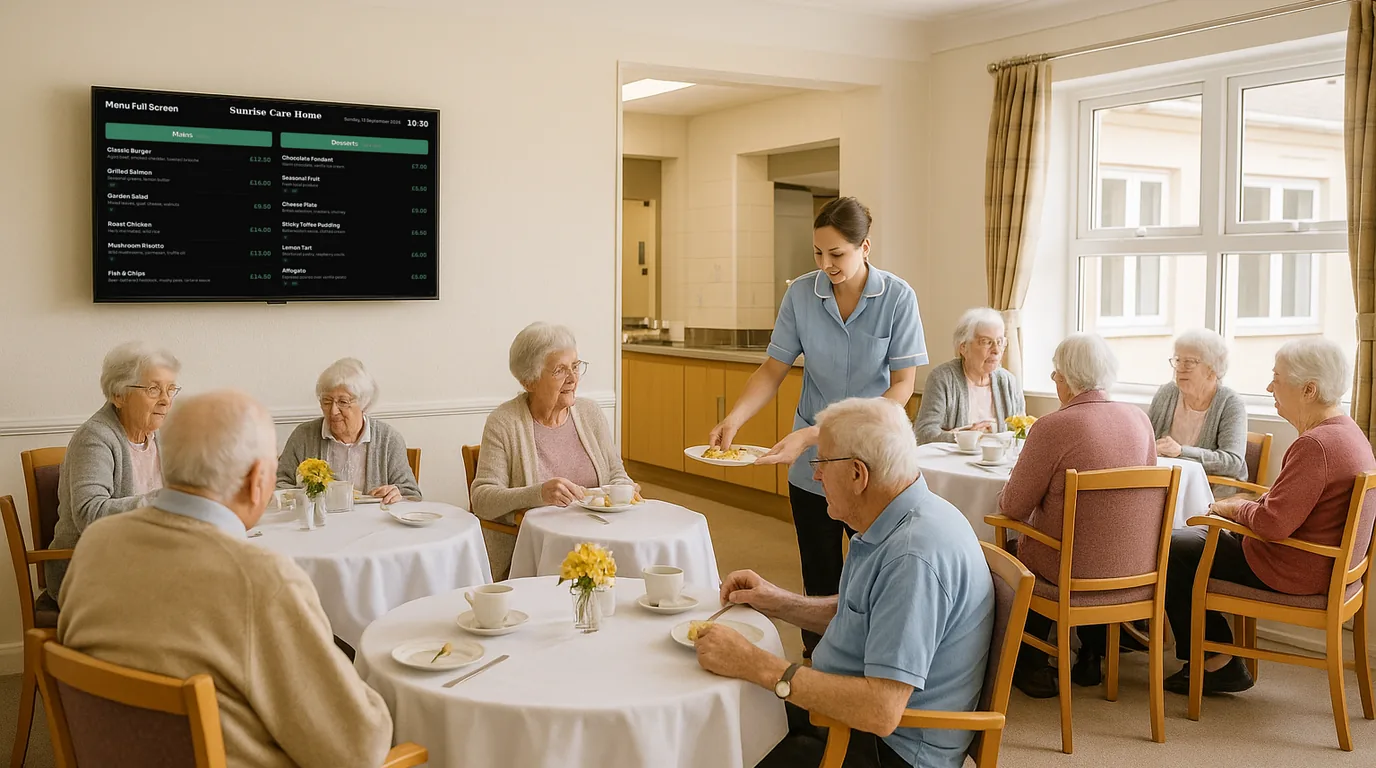
Before your menu goes on a TV, run through this checklist. It covers prices, dietary badges, readability, sold-out items and time-of-day menus, and it works for a café, a restaurant, a takeaway, a pub kitchen or a staff canteen. Tick each line before the screen goes live.
Prices
Get the numbers right
- Every price on screen matches the price on your till.
- Prices use one format throughout, for example £4.50 and never 4.5.
- Sizes are clear for drinks and sharing dishes (regular and large, half and pint).
- Extras that cost more, such as alternative milks or added toppings, show their charge.
- One person owns price changes, and the screen is on their checklist when the till changes.
The last line matters most. Price errors on a screen come from two lists that drift apart. Decide now who edits the menu when a supplier puts prices up, and make the screen part of that job.
Dietary badges and allergens
Make dietary choices quick
- Each item has the right badges, for example V, VG, GF, DF and N.
- A key on the Board explains each badge.
- A short line tells guests to ask staff about allergens.
- Your full allergen information stays available in the format you use today.
- Someone checks the badges when a recipe or a supplier changes.
Badges help guests find what they can eat. They do not replace your allergen records or your staff process, so keep both.
Readability
Can it be read from where people stand?
- You have read the smallest price from the back of the queue, or from the door.
- No section has more items than a person can scan in a few seconds. Eight to ten is plenty.
- Descriptions are short, or turned off on the screen version.
- Text contrasts with the background. Light text on a dark background suits most menu screens.
- The screen is out of direct sunlight and the bottom edge sits above head height.
- Photos, if any, are for a few signature dishes, not every line.
If the menu does not fit at a readable size, split it. Mains on one Board and drinks on another reads better than both on one Board at half the size. A portrait screen beside the counter suits a long, narrow list.
Sold out and daily changes
Plan for the day the fish does not arrive
- Staff know how to mark an item sold out from a phone.
- Sold-out items stay on screen with a mark, so guests see the dish has gone.
- Someone switches sold-out items back on before the next service.
- Specials have their own section, so a daily change does not touch the main menu.
- Seasonal items can be hidden off-season without being deleted.
Time-of-day menus
Show the menu for now
- Your services are written down with times, for example breakfast until 11:00 and lunch from 12:00 to 15:00.
- Each service has its own content, or its own sections.
- The changeover happens on a timer, with nobody touching the screen.
- The screens sleep after close and wake before opening.
- Bank holiday hours are in before the bank holiday.
The screen itself
Hardware and set-up
- The TV has a free HDMI input and a power socket nearby.
- The Wi-Fi signal is strong at the TV, or you can run a cable.
- The Player is behind the TV and out of reach of customers.
- You have a plan for the TV remote, so nobody changes the input by mistake.
The hardware page lists the Players and what each one needs.
Launch day
Before the first customer
- Two people have checked every price and badge on the screen against the till.
- You have marked one item sold out and back on again from a phone, to prove it works.
- You have watched the screen through one full changeover between menus.
- Staff can answer "who changes the screen?" without looking at each other.
How NowBoard covers the list
A NowBoard menu is a set of sections, each with items, prices, descriptions and dietary badges. You can import items from a CSV file with columns for section, name, price, description and dietary. Each item has an Available switch, which hides it, and a Sold out switch, which keeps it on screen with a sold-out mark. Staff change both from the NowBoard Operator App on their phone.
Menu sections can have Available from and Available to times, and time-of-day slots on a Channel swap in a different Playlist for a set period. Display hours put the Channel to sleep outside your opening hours. On a custom Board, the Menu block can show only some sections or dietary labels, limit the items per section, hide descriptions and hide items that are not available. Opening Times content holds your weekly hours and UK bank holidays.
Ready-made Menu Boards, plus Weekly and Daily Menus, are part of 100+ templates. Read more on digital menu boards and NowBoard for restaurants. The Free plan runs one TV; Starter is £10 a month per TV, ex VAT (all plans). To check your menu against this list with us, book a demo.
See it on your own screens
We show you NowBoard with the Boards for your kind of place. Or sign up free.