
Dementia day clocks: what makes one readable
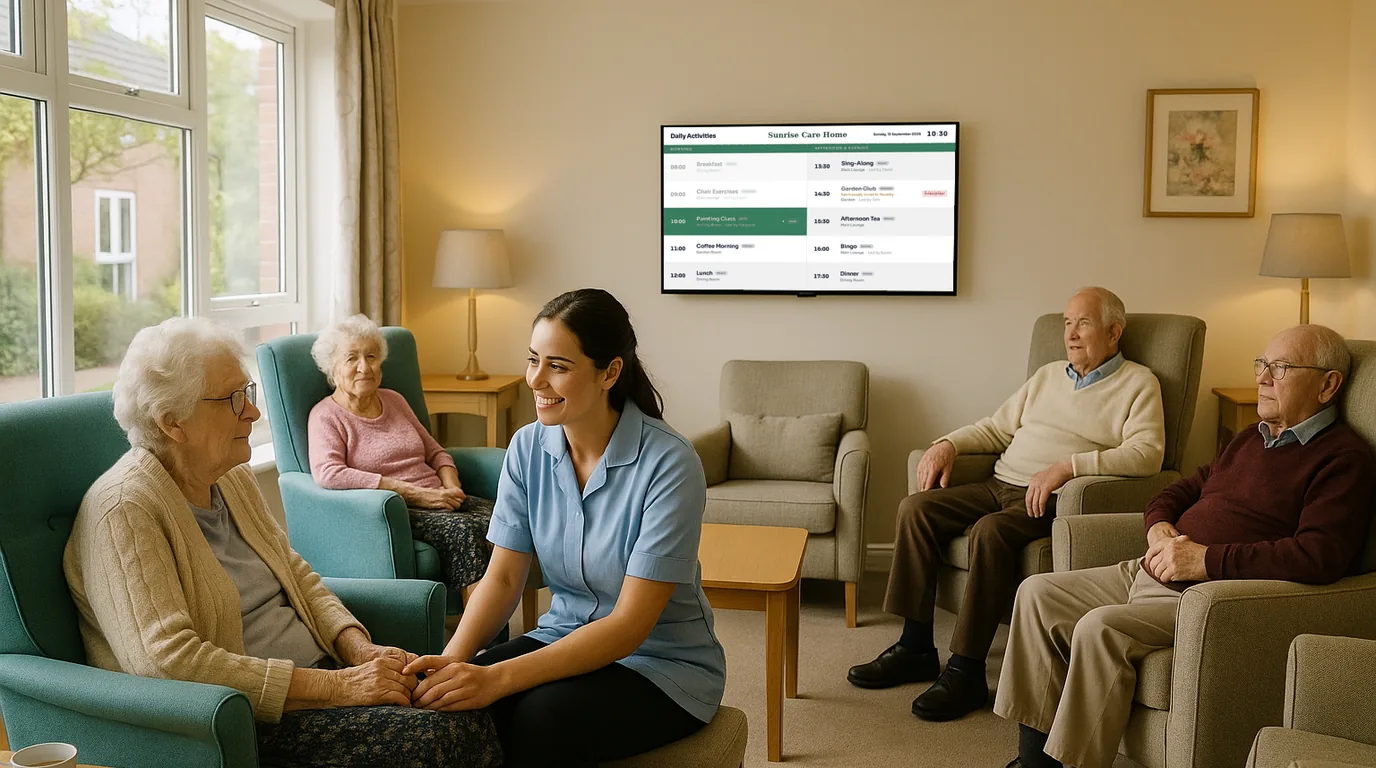
A day clock tells a person the day, the date and the time in words they can read from their chair. This guide covers what makes a day clock readable, where to put it, what to leave off it, and how to run one on a TV you already have.
The job of a day clock
A day clock answers the questions a person living with dementia may ask many times a day: what day is it, is it morning, have I had lunch yet. A wall calendar needs someone to tear off the page. A small clock shows the time but not the day. A day clock puts the day first, in large plain words.
It is a prompt, not a treatment. Talk to your dementia lead, the person and their family about what helps each resident, and treat the clock as one part of that.
Four things to show, in order of size
Rank the information by how often residents need it, and size it to match.
- The day of the week. The largest line on the screen. "Tuesday" in full, never "Tue".
- The part of the day. Morning, afternoon, evening or night, written as a word. A resident who cannot read a clock face can still read "afternoon".
- The date. "14 October 2026" in words, not "14/10/26". Numbers with slashes are easy to misread from across a room.
- The time. Use a 12-hour clock with "am" or "pm" if that is how your residents talk about time.
Stop there. The weather, the season and the next activity are useful, but put them on a different Board or a different screen.
Make it readable
Contrast
Use light text on a dark background, or dark text on a light one, with nothing in between. Avoid patterned or photo backgrounds. Pale grey on white looks smart on a website and disappears on a lounge wall. A dark background also gives off less light at night.
Type
Pick a plain typeface with no thin strokes or italics. Write in sentence case: "Tuesday", not "TUESDAY". Test it from the furthest chair in the room. If you cannot read the day without your glasses, make it bigger.
Plain words
Use the words residents use. "Tuesday afternoon" works. "Q4" or "Week 42" does not. Leave out the year on a secondary line only if the person you care for finds it confusing.
Nothing moving
Scrolling text, sliding transitions and animated backgrounds pull the eye away from the day and the time. A day clock should look the same from one minute to the next, apart from the time.
Placement in the home
- At seated eye level. Most residents read the clock from an armchair or a wheelchair. Mount the screen lower than you would in an office, with the centre about 1.1 to 1.2 metres from the floor in a lounge.
- Where people sit and wait. The main lounge, the dining room and the end of a corridor where residents walk. A clock behind the nurses' station helps staff, not residents.
- Out of the glare. Check the screen at the brightest time of day. Sun on the glass makes any clock unreadable.
- Away from mirrors and windows that reflect it and show two clocks.
Mistakes to avoid
- Putting the clock in a fast loop with ten other Boards, so a resident looks up and sees a menu.
- Showing a clock that is wrong. A clock that is an hour out after the clocks change does harm. Use one that sets itself.
- Letting the screen go dark at night in a corridor where residents walk at 3am.
- Running adverts or news tickers on the same screen.
- Choosing a style for the staff room look, not for the resident in the far chair.
A dedicated screen or a shared one
A screen that shows only the clock is the clearest choice for a lounge where residents sit for long periods. A shared screen in the dining room can rotate the clock with the menu and the day's activities, but give the clock the longest time on screen, and put it between every other Board so it is never far away.
At night, a dedicated corridor clock can stay on with a dark Style, so a resident who wakes can see the day and the time.
How NowBoard does it
NowBoard's Clock / Date template fills the screen with the time in large type, the day of the week and the full date. The screen takes its time from the internet, so you do not change batteries or reset it when the clocks go forward. Choose a Style with high contrast and large text, in landscape or portrait.
The clock Board does not spell out "morning", "afternoon" or "evening" yet. If a resident needs the part of the day in words, a standalone day clock does that today. On NowBoard, you can add time-of-day slots to the Channel and play a Board with the part of the day written on it in each slot, for example "Morning" from 06:00 to 12:00.
- For a dedicated clock screen, give the Channel a Playlist with only the clock Board in it.
- For a shared screen, put the clock between the menu and the day's activities. You set the seconds for each Board.
- Set the display hours to cover the night where residents walk, or let the dining room screen sleep after tea.
- Advertising stays off unless you switch it on, so no ad appears on a lounge screen by accident.
The dementia day clock page shows the clock Boards, and the care homes page shows the activity and menu Boards that sit next to it. The Free plan runs one TV, so you can test the clock in one lounge first. For more screens, see pricing, or book a demo and we will show you the clock on a real screen.
See it on your own screens
We show you NowBoard with the Boards for your kind of place. Or sign up free.