
How to sell advertising on your venue's screens
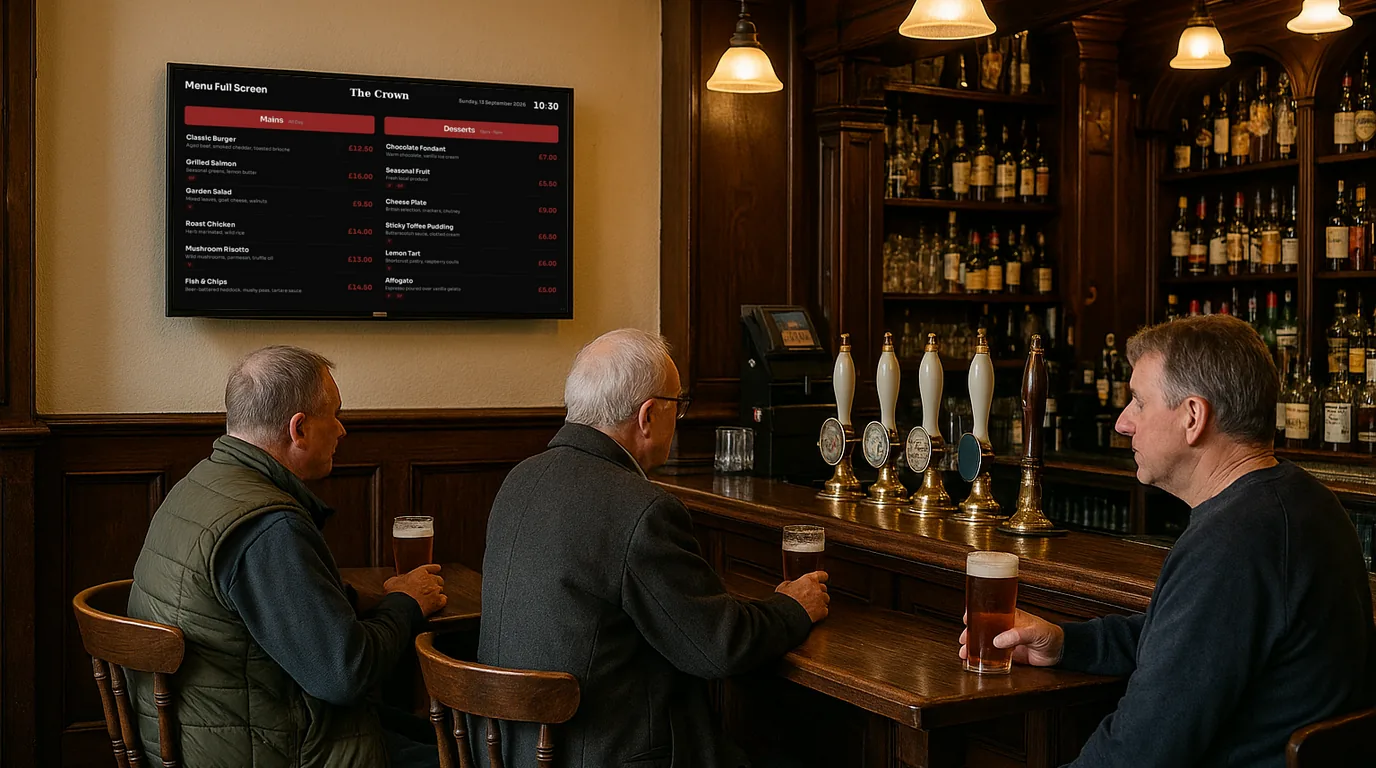
If your screens face customers all day, local businesses may pay to be on them. This how-to takes you from deciding which screens to sell, through finding advertisers and setting a price, to the booking and payment flow in NowBoard and the commission you pay.
Before you start
Selling a slot on your screen is selling attention. A local business pays for it when two things are true: enough of the right people see the screen, and they see it for long enough to read an advert. A café counter, a gym reception, a pub corridor and a waiting room all pass that test. A screen in a quiet staff room does not.
You stay in charge of what appears. You choose the screens, the slot length and the price, and you approve each advert before it plays.
Choose which screens carry adverts
List your screens and mark each one yes or no. Entrances, queues and waiting areas suit advertising. Screens where people come for one piece of information, such as the match, a timetable or an emergency notice, should stay clean. In a care home or a clinic, keep adverts to the entrance and out of the lounge or the consulting area.
Work out what you are selling
Write down three facts an advertiser will ask about: who your customers are, about how many come in each week, and your opening hours. Then decide the slot length, for example 10 or 15 seconds, and how many adverts the rotation can carry before your own content suffers. One or two adverts in a loop of five or six Boards keeps the screen useful to your customers.
Make a list of who to ask
Start with businesses that already know you, and whose customers look like yours:
- Your suppliers: the brewery, the roastery, the bakery that delivers to you.
- Your neighbours: the florist, the hairdresser, the estate agent on the same street.
- Services your customers need next: a taxi firm for a pub, a physio for a gym, a solicitor or chiropodist for families visiting a care home.
- Local events and clubs that want to fill places.
Talk to them in person first. A short conversation at the counter, followed by your booking link, works better than a cold email.
Set a price
There is no standard rate for a screen in a local business, so build your price from your own facts. Think about what the advertiser spends today to reach the same people: a flyer drop, a newspaper ad, a sponsored post. Price below that, so the decision is easy. Offer a daily rate for one-off events and a monthly rate for regulars, and make the monthly rate the better deal per day.
Start modest and review after the first few bookings. Raising a price for new bookings is easier than winning back an advertiser who felt overcharged. If you want a starting point, NowBoard can suggest a rate from your venue type, footfall and audience.
Create the Ad Space and add it to your Playlist
In NowBoard, create an Ad Space. Give it a name, choose the Channels it covers, set the slot duration, choose whether you accept images, video or both, and set a price per day and per month, ex VAT. Then open each Channel's Playlist and add an Ad Board slot where you want adverts to play. The Playlist header shows your ad share of the loop, so you can see how much screen time adverts take.
Add a house ad if you want to fill empty slots with your own promotion until someone books.
Share your booking page
Each Ad Space has its own public booking page. A venue page lists every Ad Space you have switched on, with a Book this slot button on each, and you can download its QR code. Send the link to the businesses on your list. For walk-in interest, put an Advertising Board (Advertise here) in the rotation with its QR code pointing at your venue page.
Approve, and let NowBoard collect payment
The advertiser picks dates, uploads an image or video and enters their details. NowBoard takes no payment at this stage. You review the booking in Ad campaigns and approve or reject it. When you approve, NowBoard emails the advertiser a payment link. The advert plays only after they pay, and you are paid out through Stripe. If you trust your regulars, you can switch on Auto-approve instead.
Report back and rebook
Ad campaigns shows how many times each advert has played. Near the end of a booking, send the advertiser that number and offer the next month. A regular monthly advertiser is worth more to you than several one-off bookings.
What NowBoard keeps
Advertising is on every NowBoard plan, including Free. NowBoard keeps a commission on each ad sale and you keep the rest. The commission depends on your plan:
| Plan | NowBoard commission |
|---|---|
| Free | 30% |
| Starter | 20% |
| Professional | 13% |
| Enterprise | 8% |
Plan prices per TV are on the pricing page. If advertising will be a big part of your income from the screens, compare the commission saving on a higher plan against its extra cost per TV.
In short
- Sell entrance, queue and waiting-area screens. Keep information screens clean.
- Ask suppliers and neighbours first, in person.
- Price below what the advertiser spends today, then review.
- You approve every advert, and it plays only after payment.
Read screens that pay for themselves for more on choosing advertisers, and the advertising page for the full booking flow. To walk through an Ad Space set-up with us, book a demo.
See it on your own screens
We show you NowBoard with the Boards for your kind of place. Or sign up free.