
How many nits does a shop window screen need?
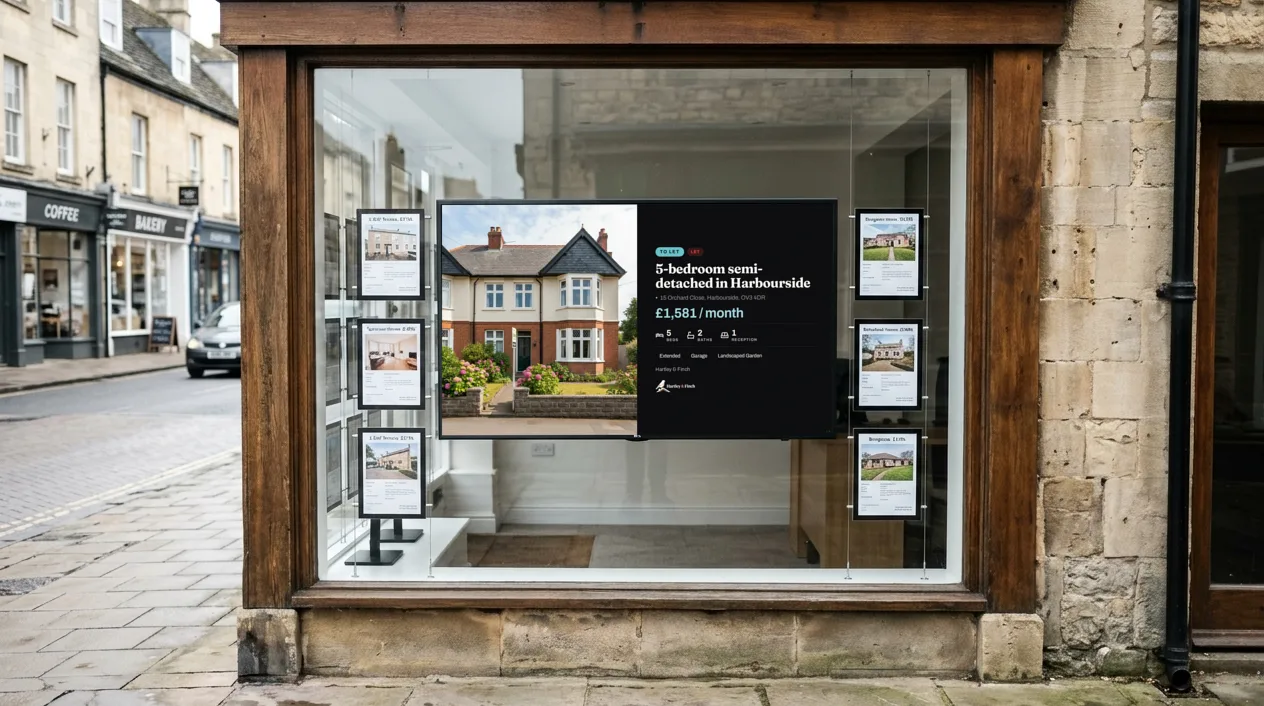
A digital window display has to beat daylight. A TV that looks bright in a living room can look grey and faint behind shop glass at noon. This guide explains why, what nits are, how bright a window screen needs to be, and what NowBoard needs to run on it.
Why a home TV looks washed out in a window
Two things work against a screen in a window. Daylight falls on the front of the screen, so the dark parts of the picture look grey. The glass also reflects the street, the sky and the cars back at the person who looks in. A home TV is made for a room with the curtains half closed, so it has no extra brightness to push through that glare.
The result is a screen that looks fine at 8pm and is hard to read at 2pm. The fix is not a bigger screen. It is a brighter one, or a better place for it.
What nits are
A nit is a unit of brightness: how much light a screen gives out from each part of its surface. More nits means a brighter picture. One candela per square metre (cd/m²) is the same as one nit, so a specification sheet can use either name.
Compare like with like. Signage specification sheets list a typical brightness. Some home TV makers do not publish a typical figure, or quote a peak figure instead, so a home TV figure does not always compare with a signage figure.
How bright: an indoor display against a window display
Here is an example from one manufacturer, with two 55-inch displays, one for indoors and one for windows:
- Indoor signage display: 350 nits typical brightness. Source: Samsung UK specification page, checked November 2026.
- Window display: 3,000 nits typical brightness, which Samsung says keeps the picture visible in direct sunlight. Source: Samsung UK specification page, checked November 2026.
So in this example the window display is more than eight times as bright as the indoor display of the same size. That gap is what lets a window screen stay readable when the sun is on the glass. Other makers sell window displays too. Read the typical brightness on the specification sheet of any screen you look at.
Which way does the window face?
In the UK, a window that faces south gets the most direct sun, and a window that faces west catches the low afternoon sun. A north-facing window, a deep shop front or an awning gives you more choice, and a normal TV can be enough there.
Visit the spot in the morning and again in the afternoon before you buy. A window that is in shade at 10am can be in full sun at 3pm. Stand on the far side of the pavement and look at the glass. If you see the sky in it, a normal TV will struggle.
Screens inside, opposite a window
A screen inside the shop that faces a window has a different problem. The daylight comes from behind the person who reads it, and shows up as reflections on the screen.
- Choose a screen with a matt finish. It spreads reflections where a glossy one shows them like a mirror.
- Move the screen to a side wall, so it does not face the glass.
- Tilt it down a little, so it reflects the floor and not the window.
A normal TV usually works well here, because it does not compete with direct sun.
Running costs and heat
A brighter screen uses more power. The same two specification pages list the power that each display uses when it is on:
- Indoor signage display: 154 W when on. Source: Samsung UK specification page, checked November 2026.
- Window display: 450 W when on. Source: Samsung UK specification page, checked November 2026.
Sun on the glass also heats a screen. The window display page lists dust protection and a feature to stop the screen overheating. Check the operating conditions on the specification sheet of any screen you plan to put in a window. To cut running costs, set display hours on the Channel, so the screen sleeps late at night and wakes before people walk past.
What NowBoard needs
NowBoard runs on any screen with an HDMI input, bright or not. Add a supported player: the NowBoard Player App on a Google Play Certified Android TV or Google TV device, the NowBoard Windows App on a Windows PC, Google Chrome on a computer, or in the UK a NowBoard Player. Each screen needs a Player Licence. Starter costs £10 a month per TV, ex VAT, and the Free plan covers one TV.
See hardware for every way to connect a screen, and choosing a TV for digital signage for size, mounting and power. For what to show once the screen is in, read the shop window how-to.
Questions about window display brightness
What is a good nits rating for a shop window?
For a window in direct sun, choose a display sold for windows and compare the typical brightness on its specification sheet. A window in shade, or a screen that faces into the shop, can use a normal TV.
Can I use a normal TV in a shop window?
Yes, if the window faces north, sits in shade or matters most in the evening. In direct sun a normal TV looks washed out, so a high-brightness window display is easier to read.
Does a brighter screen cost more to run?
Usually, yes. A brighter screen uses more power when it is on. Check the power figure on the specification sheet, and set display hours so the screen sleeps when nobody walks past.
See it on your own screens
We show you NowBoard with the Boards for your kind of place. Or sign up free.